How I mistakenly Crushed My Senior Year Project before Demo Day?
Greetings everyone, it was a really really difficult period for me to produce & share and interpret findings especially for ClosetMate Senior Year application’s mobile application security testing in advance. We took two consecutive days filled with 8.30 to 17.30 for demo day. Plus, lecture hours regularly and presentations as well. Therefore, I had only have a chance to create blog for the findings that I capture during Static & Dynamic Application Security Testing on Mobile Application Security Testing on senior project.
Begin with dynamic security testing findings at first then I’ll move on static findings respectively. Since they become more authentic compared to regular SAST findings.

Server-side Validation Bypass / Mass Assignment (Outfit Save)
These mobile findings complement the API, authentication, and AI-layer assessment of the same senior project in Conducting Security Testing on Senior Year Project: AI-Powered Wardrobe Platform.
ClosetMate’s core business logic relies on a cohesion analysis performed by the Gemini 2.5 flash on the clothing items selected by the user. The application produces a score between 0–10 and a reasoning as the result of this analysis, these values comes with an objective measure of the combination’s quality.

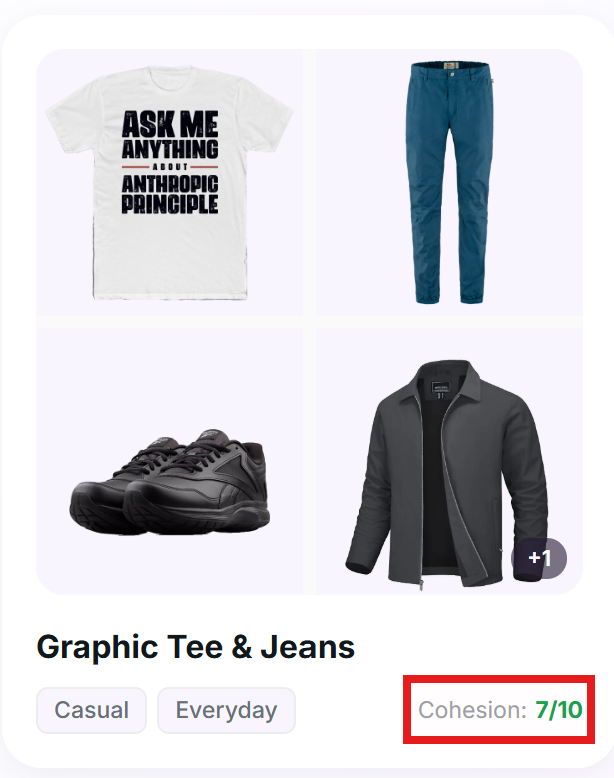
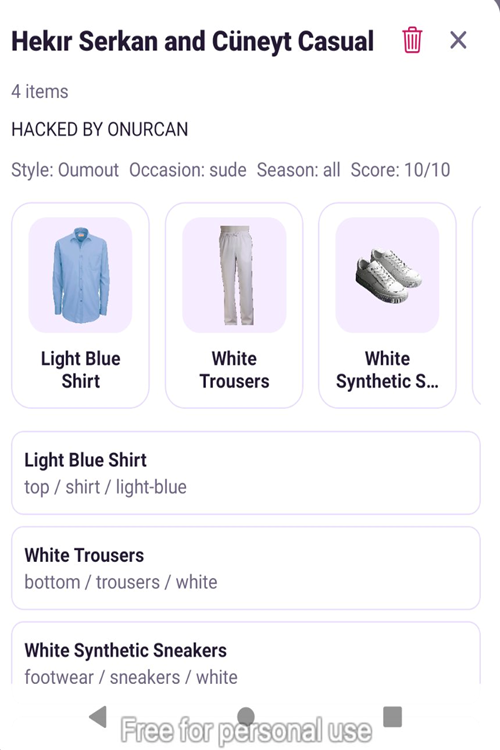
During my dynamic analysis, I identified that the /api/outfits/save endpoint writes the cohesion_score parameter and reasoning fields supplied by the client directly to the database without any server-side recomputation or validation resulted in Insufficient Server-Side Validation vulnerability.
I was able to submit a 10/10 score and any arbitrary reasoning text for any combination and the backend accepts the value as it is. In conclusion, the application’s frontend presents this manipulated data to users as if it had been produced by the AI.
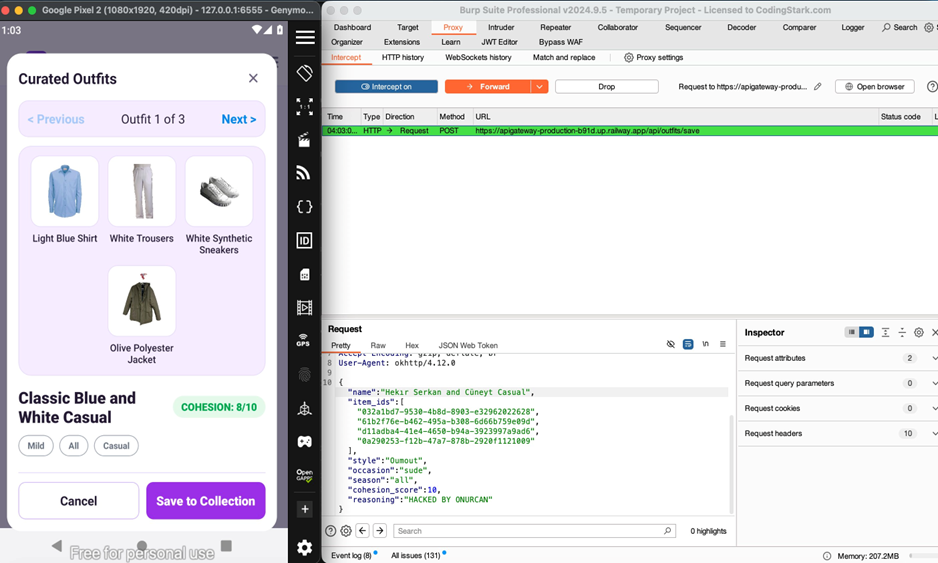
In order to demonstrate as crystal clear in below you can observe which parameters I tampered.
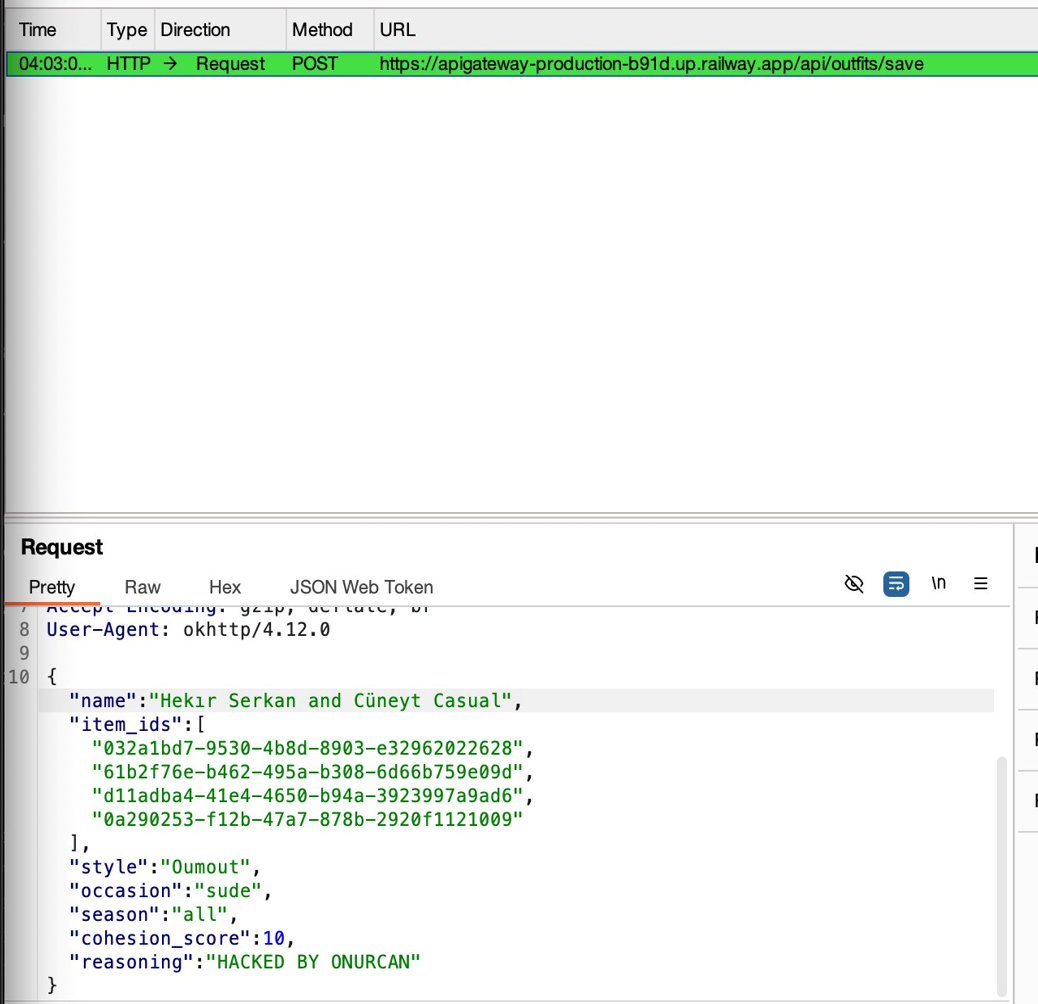

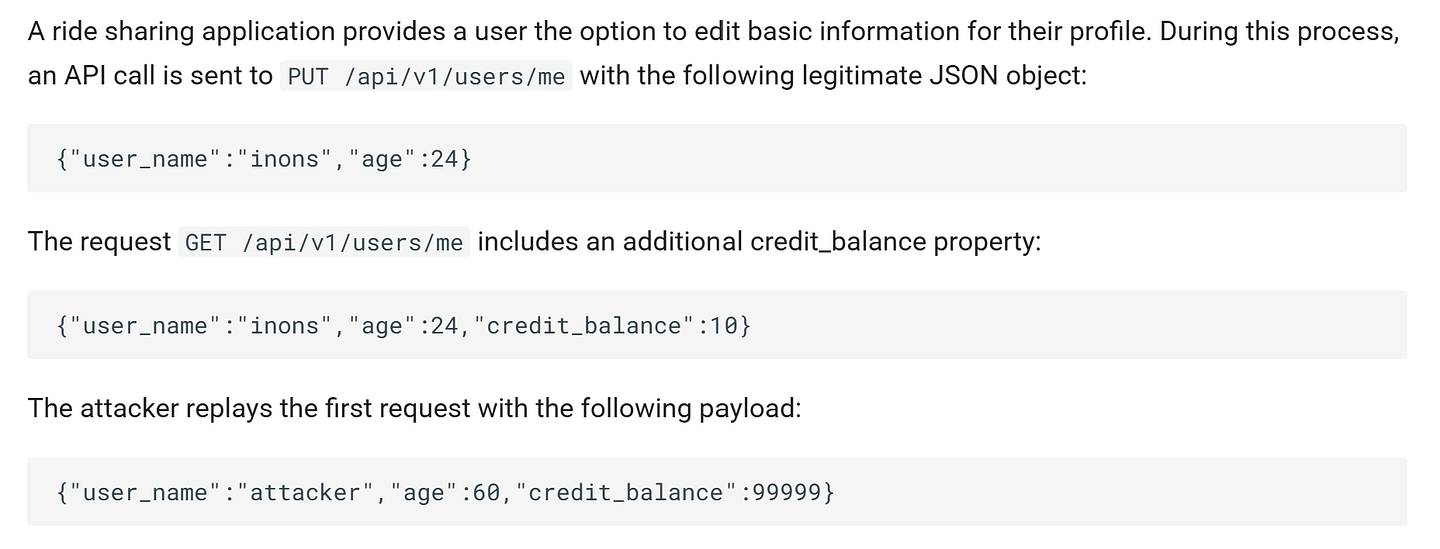
As a result, application logic & backend / Postgre relation was malfunctioned. According to OWASP API6:2019 - Mass Assignment:
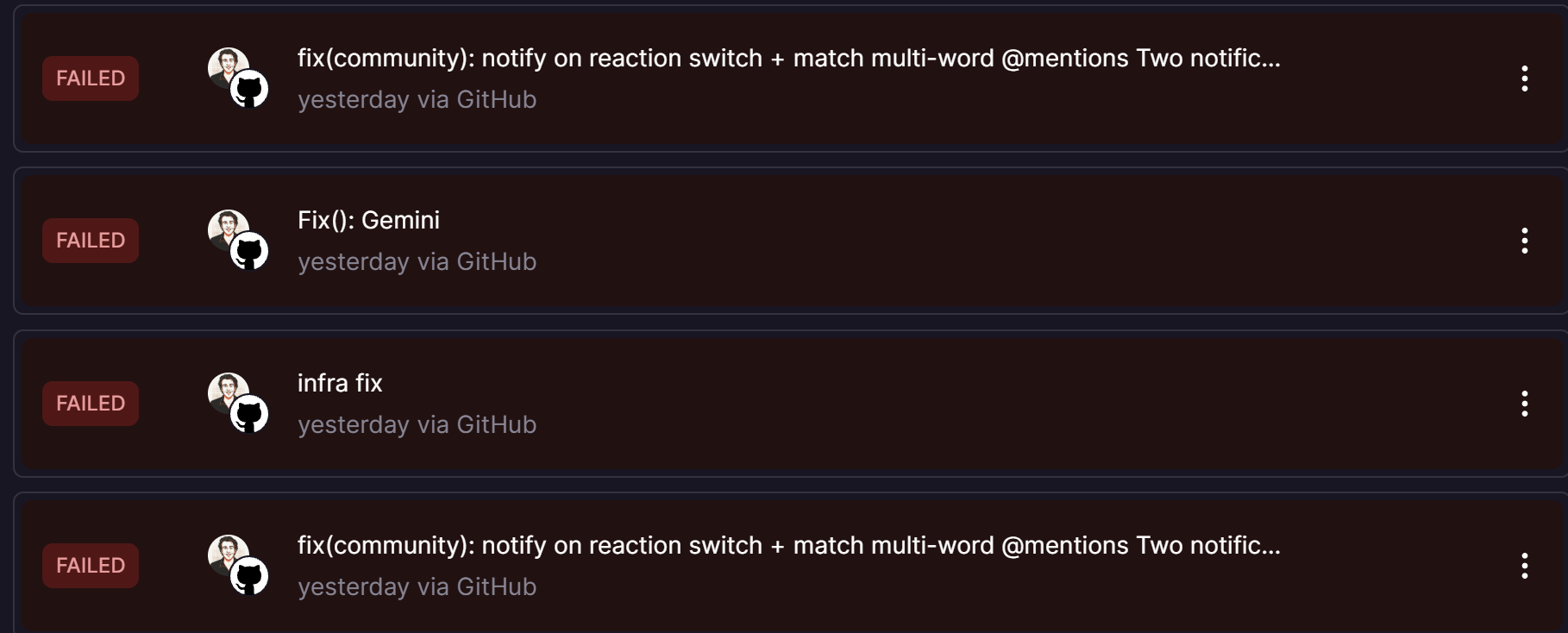
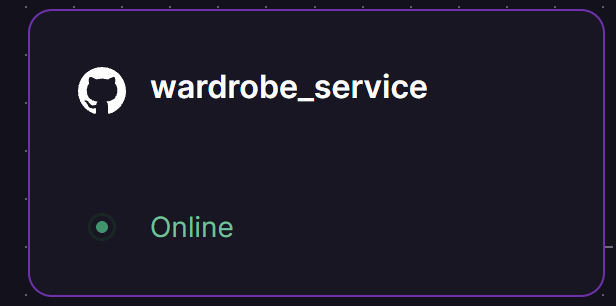
Moreover, I could not upload, generate outfit anymore because the items I added were not categorized or attached any tables in DB. Therefore, I constantly began to see errors before our senior project demo day. Meaning that I forced application to attach fields that never existed before ,so entire DB schema demolished resulted in crush of the application in both frontend and backend. Furthermore, at the advisor’s room the DB encountered pool crushing and I was not able to demonstrate application functional requirements to our advisor one day before our demo day.
Now I will continue with SAST findings through Jadx.

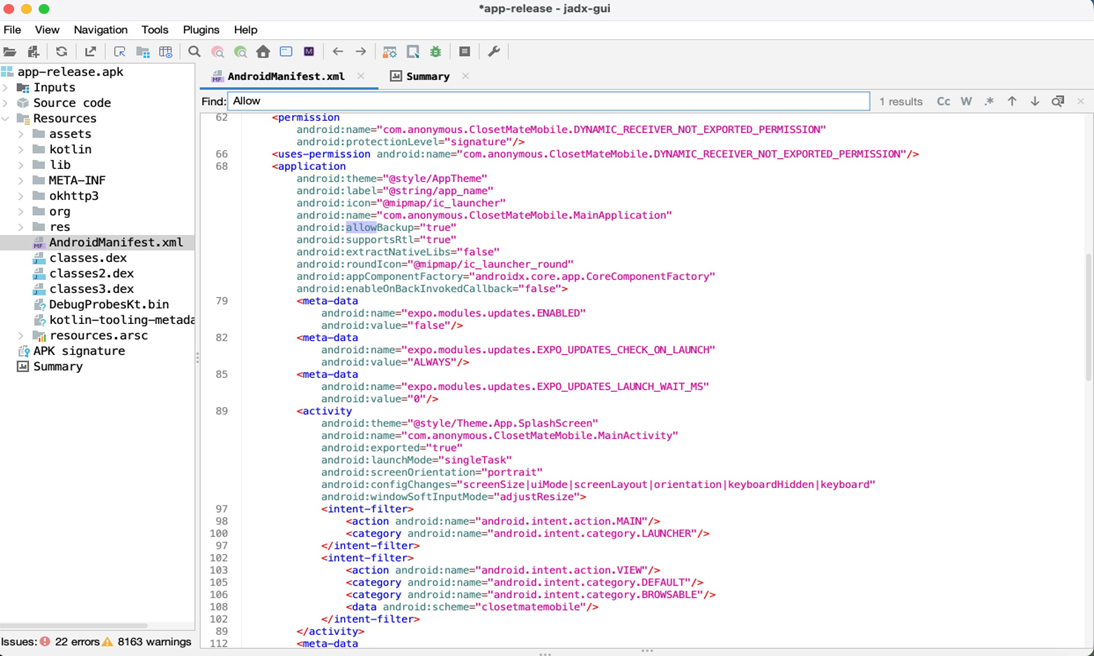
Application Data Backup Enabled (allowBackup=true)
In android manifest file android:allowBackup was true. Meaning that giving permissions to use backup command directly and extract confidential data on target application.
adb backup -f closetmate.ab -apk com.anonymous.ClosetMateMobile
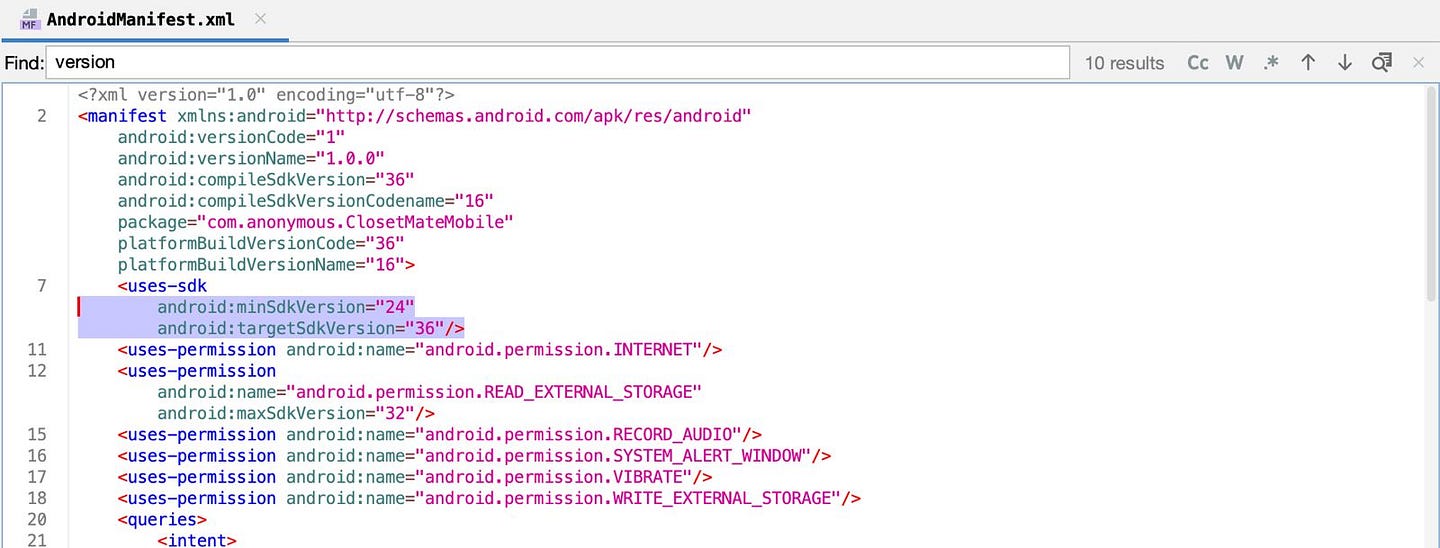
Legacy Android Version Support (minSdk=24, Android 7.0)
In such conditions, it is possible to use android devices with lower version that increase attack surface in both kernel level and easier to leverage the root access in device. Attackers can use multiple instrumentation tools like Frida, objection and Shamiko to avoid root detection ,but the application also did not have at all.
Missing Device Integrity / Root Detection
I did not catch any root detection implementation (RootBeer, SafetyNet, Play Integrity API, su binary scanning, test-keys check, etc.) was identified in the decompiled source.
I used RootDetector to check the device status:
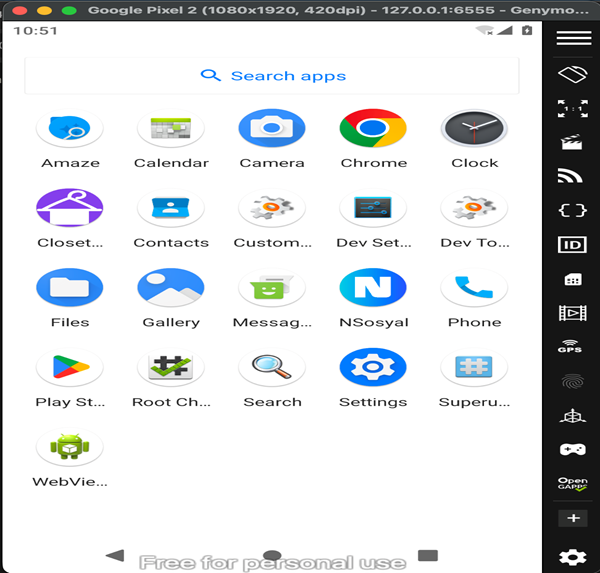
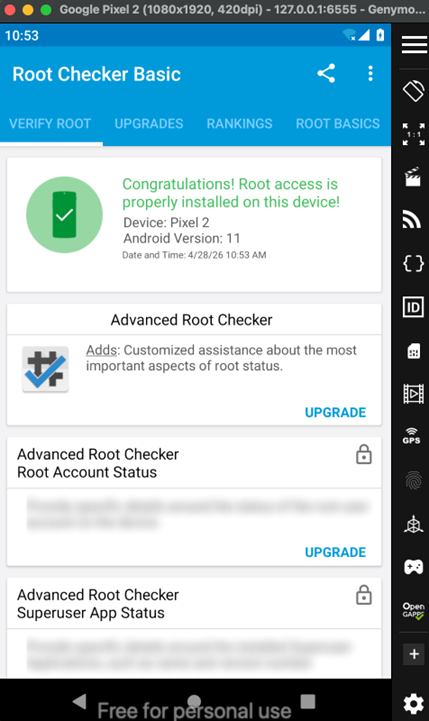
Application does not shutdown in any condition even Root access enabled device.
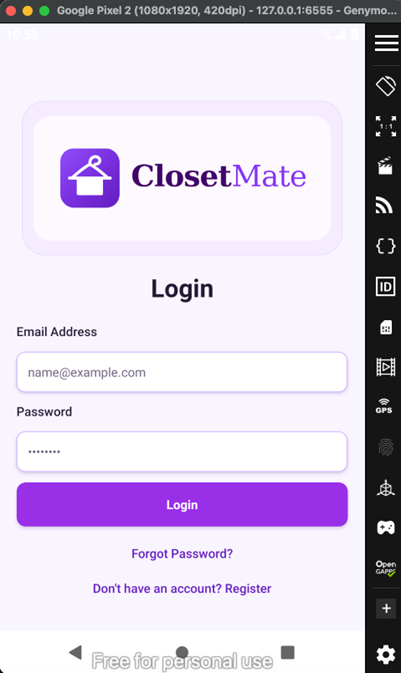
Simple root detection binary check:
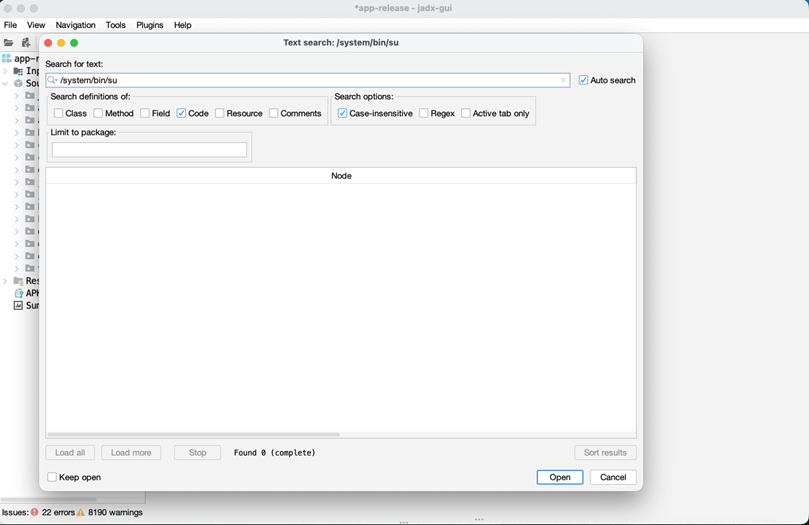
Source:
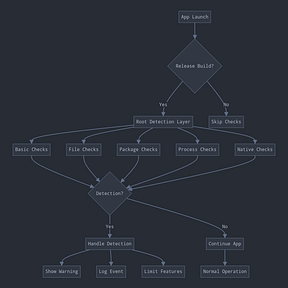
Missing Emulator / Virtual Environment Detection
The application does not implement any runtime checks to detect execution within an emulated or virtualized Android environment.
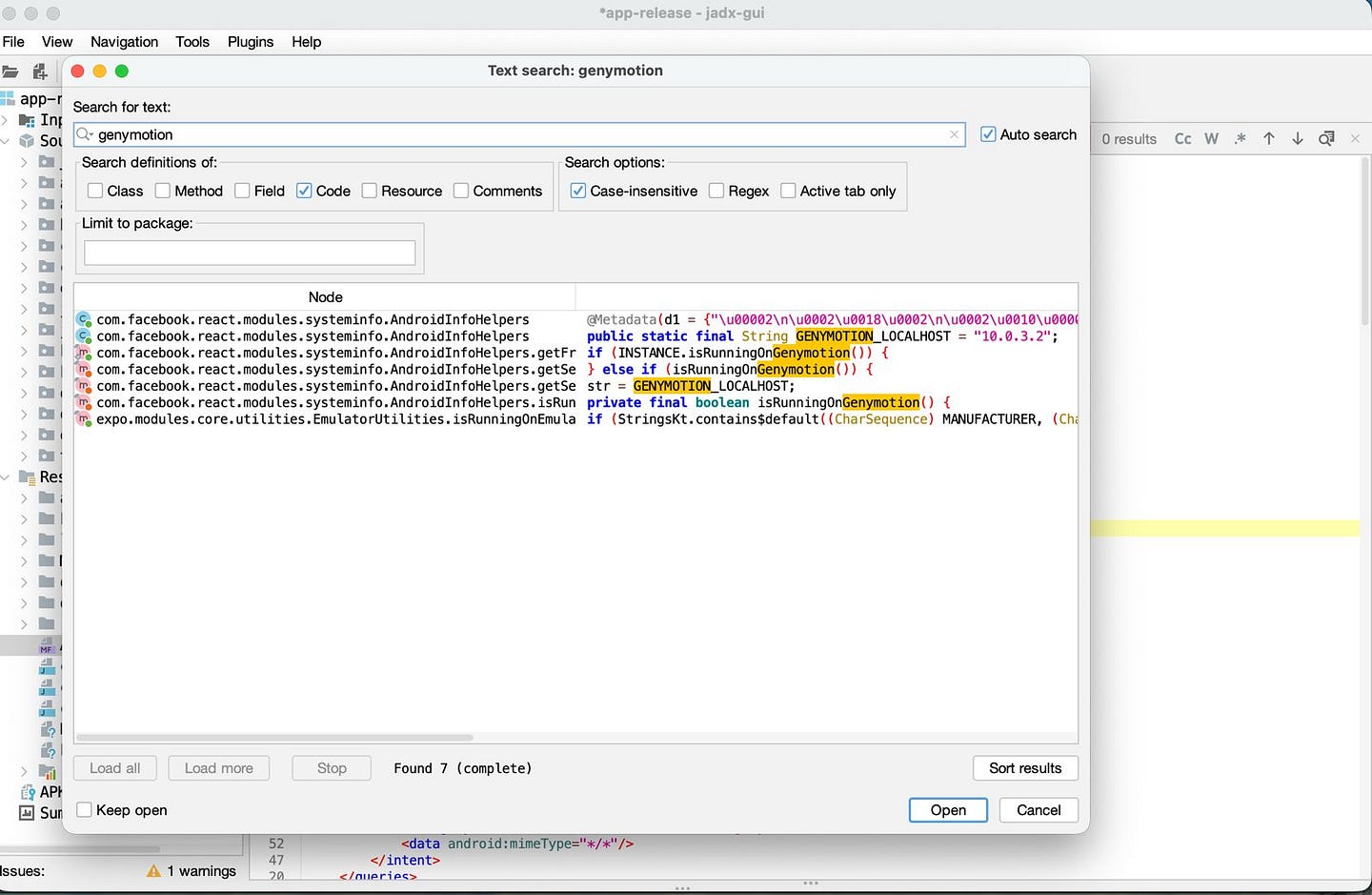

Enables to usage of such as dynamic instrumentation tools like Frida, Objection and BurpSuite as well. As a proof of concept of this vulnerability, you can directly open the application on simulated environments like BlueStacks, Genymotion, MuMu, Nox emulators.
Missing SSL/TLS Certificate Pinning
During my BurpSuite session, the application does not implement certificate pinning for its communication with backend services. I understood through by simply installing PortSwigger CA cert and intercept the traffic on application.